(+035) 527-1710-70
 NEWSLETTER


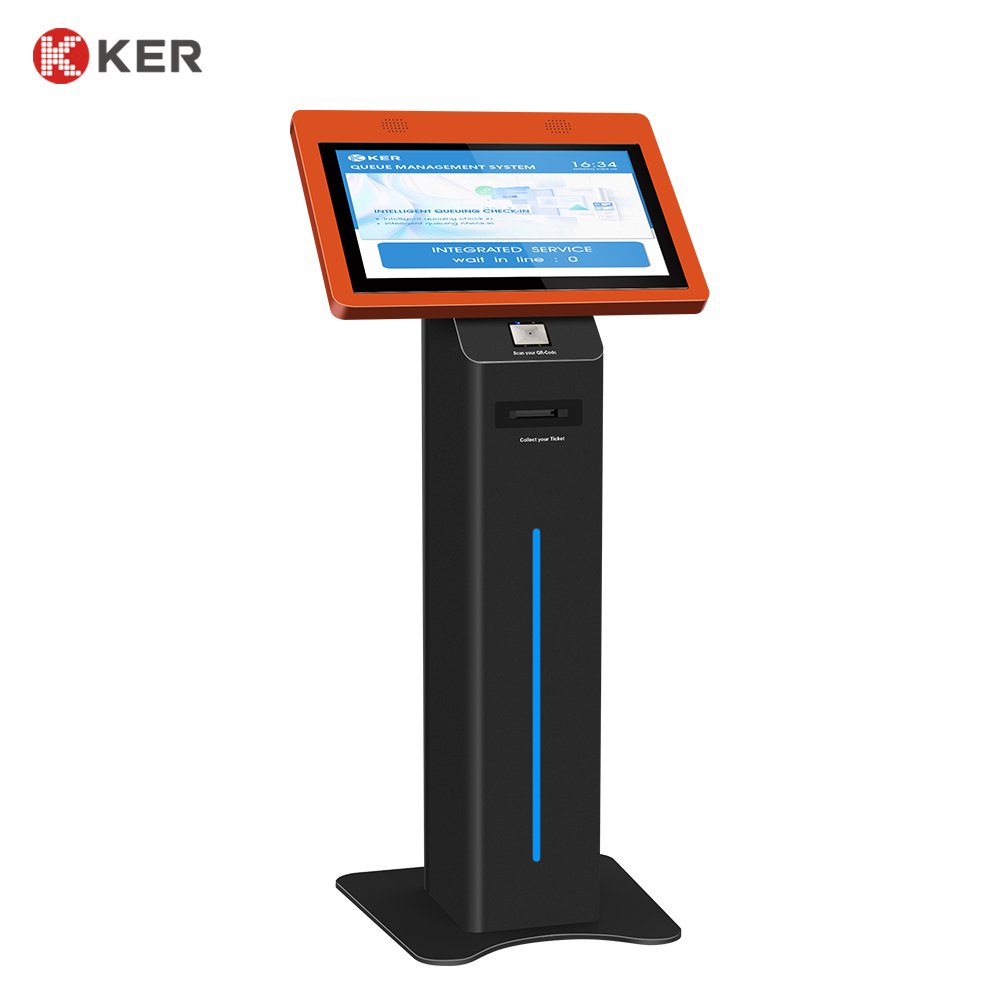
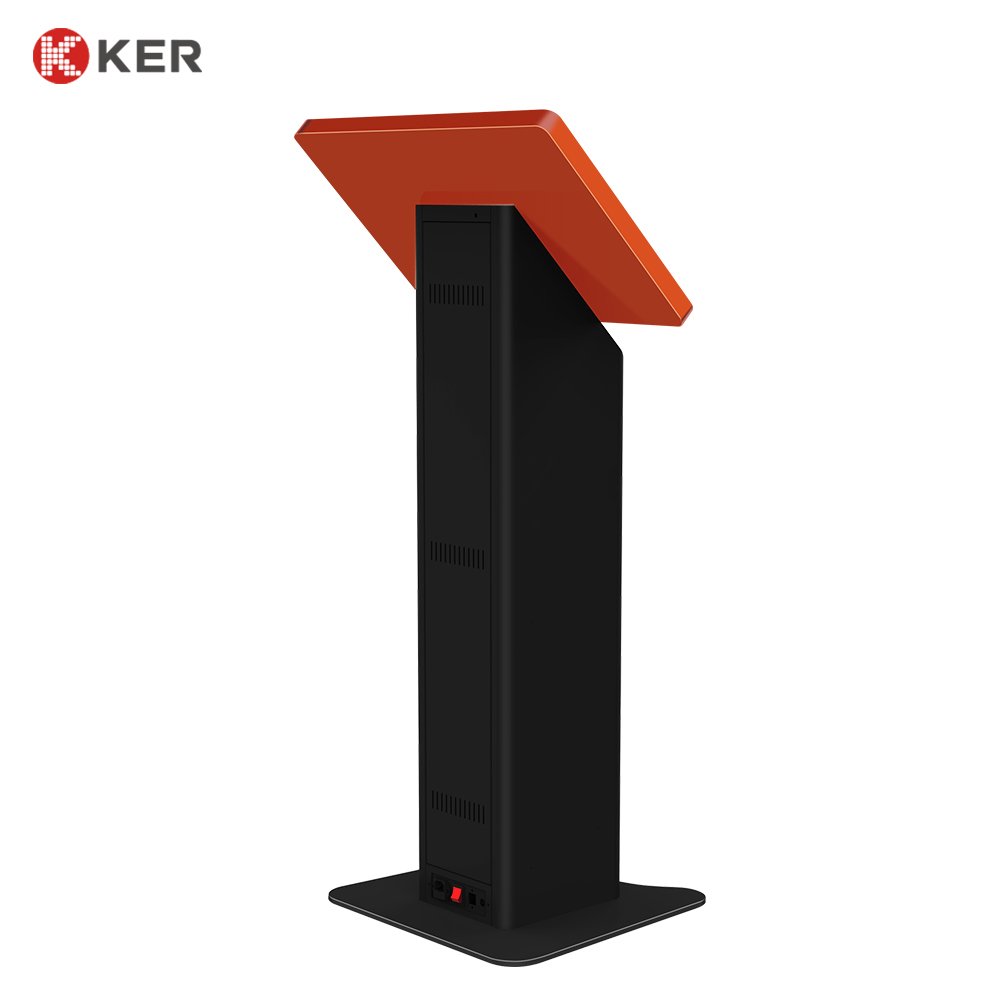
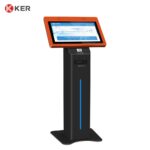
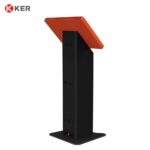
18.5-Inch Android Multifunction Self-Service Kiosk with Printing and Payment
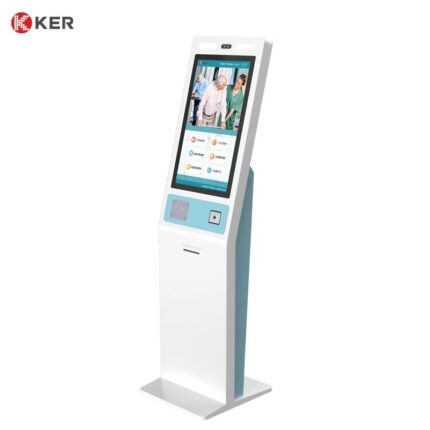
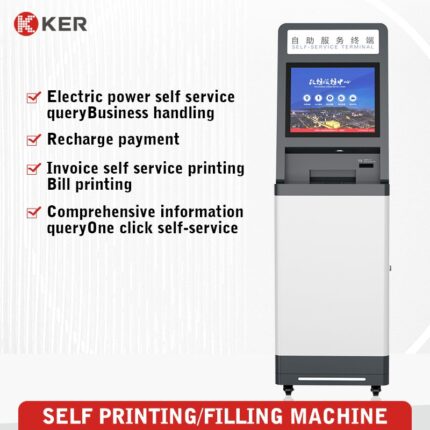
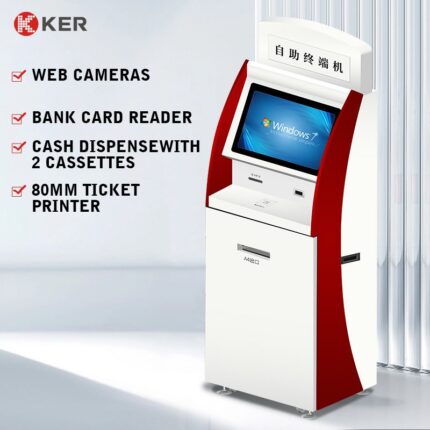
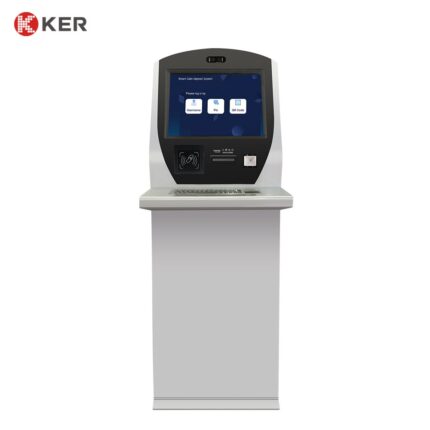
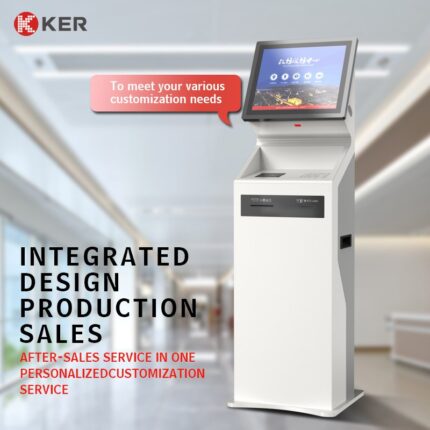
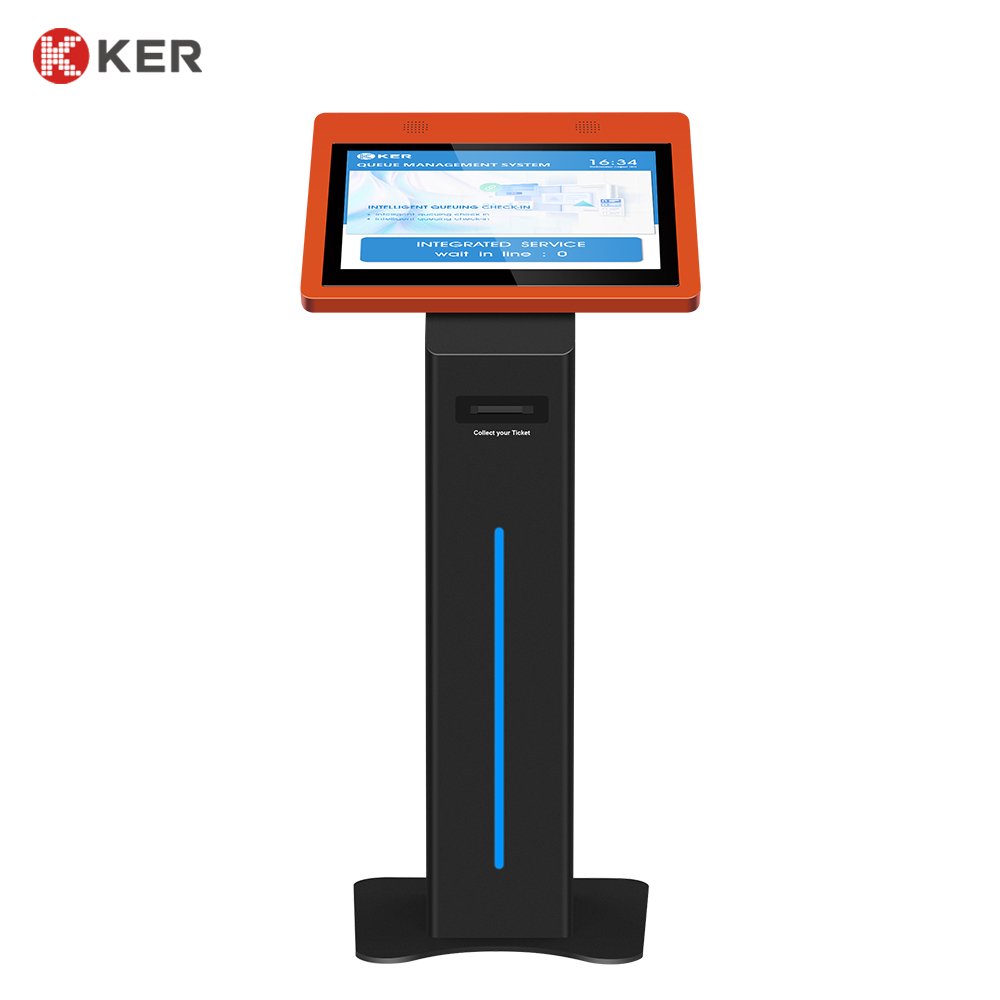
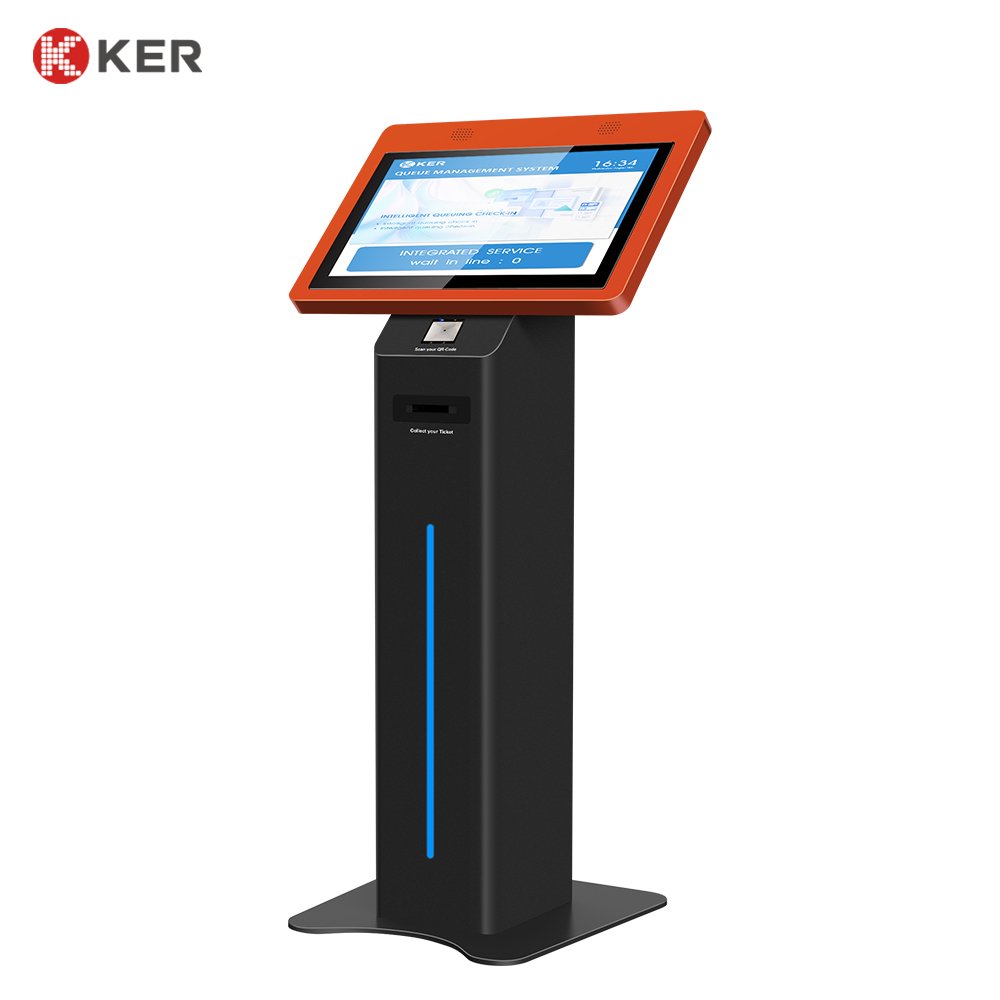
KER 18.5-Inch Android Multifunction Self-Service Kiosk is a compact commercial terminal designed for ticketing, payment, registration, information inquiry and other self-service applications.
The kiosk combines an 18.5-inch touchscreen with an Android computing platform and optional printing, scanning and payment modules.
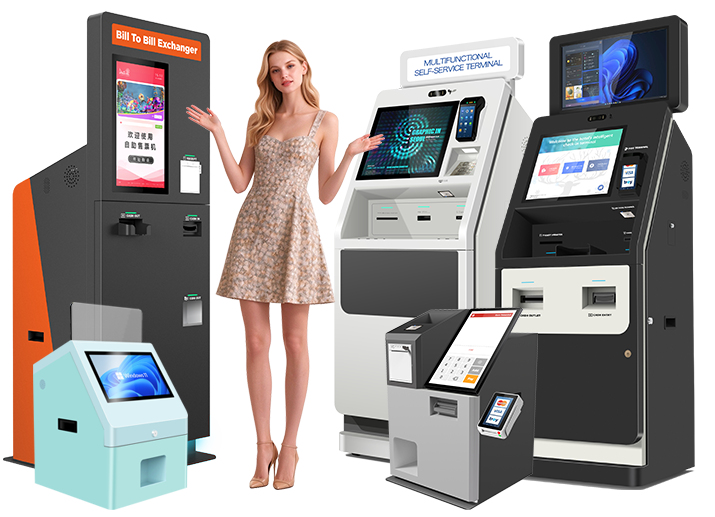
It can be configured for different workflows, including ticket purchase, ticket collection, QR verification, queue ticket printing, appointment check-in, payment confirmation and customer information services.
The Android platform provides a flexible environment for customized applications, while the modular hardware design allows KER to integrate printers, scanners, payment terminals, card readers and other peripherals according to project requirements. The current product page specifies an 18.5-inch display.
18.5-Inch Touchscreen
The 18.5-inch touchscreen provides a practical operating area for self-service applications.
Possible interface elements include:
- Service selection
- Ticket selection
- Product or service information
- QR scanning instructions
- Payment guidance
- Transaction confirmation
- Printing status
- Queue information
- Customer instructions
- Advertising content
The user interface can be customized according to the customer’s application and branding.
Android Smart Platform
The kiosk can be configured with an Android operating system for commercial self-service applications.
Possible uses include:
- Ticketing applications
- Registration systems
- Payment applications
- Queue management
- Information inquiry
- Membership services
- Event registration
- Digital content
- Customer service applications
The Android version and hardware configuration should be selected according to the customer’s application and connected peripherals.
Ticketing and Voucher Printing
The kiosk can integrate a thermal ticket or receipt printer for:
- Admission tickets
- Transportation tickets
- Queue tickets
- Appointment confirmations
- Payment receipts
- Pickup vouchers
- QR code tickets
- Transaction records
58mm or 80mm thermal printers can be selected depending on the paper format and printing volume.
QR Code and Barcode Scanning
An optional scanner can support:
- Online ticket verification
- Reservation lookup
- QR ticket collection
- Appointment check-in
- Membership identification
- Coupon redemption
- Mobile payment
- Order pickup
This allows customers to transfer information from mobile devices to the kiosk quickly.
Payment Integration
The kiosk can support different payment methods depending on the target market.
Optional methods include:
- Credit cards
- Debit cards
- Contactless NFC
- QR payment
- Mobile wallets
- External POS terminals
- Integrated payment terminals
Cash payment may also be integrated when the cabinet is configured with suitable banknote and coin modules.
Ticket Purchase and Self-Service Workflow
For ticketing applications, a typical workflow can be:
- Select language
- Select ticket or service
- Choose quantity
- Review order
- Complete payment
- Print ticket or receipt
- Display transaction confirmation
The workflow can be customized for:
- Attractions
- Museums
- Cinemas
- Transportation
- Events
- Amusement parks
- Entertainment venues
Ticket Collection
The kiosk can also be configured for online reservation collection.
A typical process may include:
- Scan the booking QR code
- Retrieve the order
- Confirm customer information
- Verify payment
- Print or dispense the ticket
This is useful for customers who complete purchases in advance.
Queue Management
When connected to a queue-management system, the terminal can provide:
- Service selection
- Appointment verification
- Queue number generation
- Queue ticket printing
- Priority-service selection
- Queue status inquiry
It can be used in:
- Hospitals
- Government offices
- Banks
- Telecom stores
- Service centers
Registration and Check-In
The terminal can also support:
- Visitor registration
- Event registration
- Appointment check-in
- Hotel service check-in
- Membership registration
- Customer information collection
Optional QR, ID and NFC readers can be added according to the application.
Information Services
The 18.5-inch touchscreen can display:
- Service information
- Product details
- Venue information
- Transportation schedules
- Event information
- Directions
- Public announcements
- Promotions
This allows the terminal to combine self-service transactions with information delivery.
Card and NFC Integration
Optional hardware includes:
- RFID reader
- NFC reader
- IC card reader
- Membership card reader
Possible uses:
- Membership identification
- Loyalty services
- Recharge
- Ticket verification
- Access verification
Optional Identification Modules
Depending on the project, the machine can integrate:
- ID card reader
- Passport scanner
- QR scanner
- Barcode scanner
- Camera
- RFID/NFC reader
This allows the same hardware platform to be adapted for different industries.
Software Integration
The Android platform can connect with third-party systems through supported interfaces such as:
- API
- SDK
- HTTP
- TCP/IP
- Serial communication
- Custom middleware
Possible systems include:
- Ticketing platforms
- Payment gateways
- Queue management systems
- Membership platforms
- POS
- Reservation systems
- Event management systems
- Government service platforms
Remote Device Management
Optional remote management functions may include:
- Device online status
- Printer status
- Scanner status
- Payment device status
- Error alerts
- Remote restart
- Software updates
- Application updates
- Content updates
- Usage statistics
This is useful for multi-location kiosk deployments.
Commercial Floor-Standing Enclosure
The kiosk uses a stable floor-standing commercial cabinet.
Possible features include:
- Lockable maintenance door
- Internal cable management
- Printer compartment
- Ventilation
- Floor anchoring
- Custom module openings
- Custom color
- Logo branding
The cabinet can be redesigned according to the selected peripherals.
| Item | Specification |
|---|---|
| Product Type | Android Multifunction Self-Service Kiosk |
| Main Functions | Ticketing, payment, printing and self-service transactions |
| Display Size | 18.5 inches |
| Installation | Floor Standing |
| Touchscreen | Projected Capacitive Touchscreen |
| Resolution | Full HD or customized |
| Operating System | Android 10 / 11 / 12 / 13 or customized |
| Processor | ARM Platform Optional |
| Memory | 4GB / 8GB / Customized |
| Storage | 32GB / 64GB / 128GB Optional |
| QR Scanner | Optional |
| Barcode Scanner | Optional |
| NFC / RFID Reader | Optional |
| ID Card Reader | Optional |
| Passport Scanner | Optional |
| Thermal Printer | 58mm / 80mm Optional |
| Ticket Printer | Optional |
| Payment Terminal | Card / NFC / QR Optional |
| Cash Payment | Optional |
| Camera | Optional |
| Speaker | Optional |
| Network | Ethernet / Wi-Fi / 4G Optional |
| Software Integration | API / SDK / Custom Android App |
| Remote Management | Optional |
| Cabinet | Powder-Coated Metal Enclosure |
| Branding | Logo / Color / UI Customization |
| OEM / ODM | Supported |