(+035) 527-1710-70
 NEWSLETTER


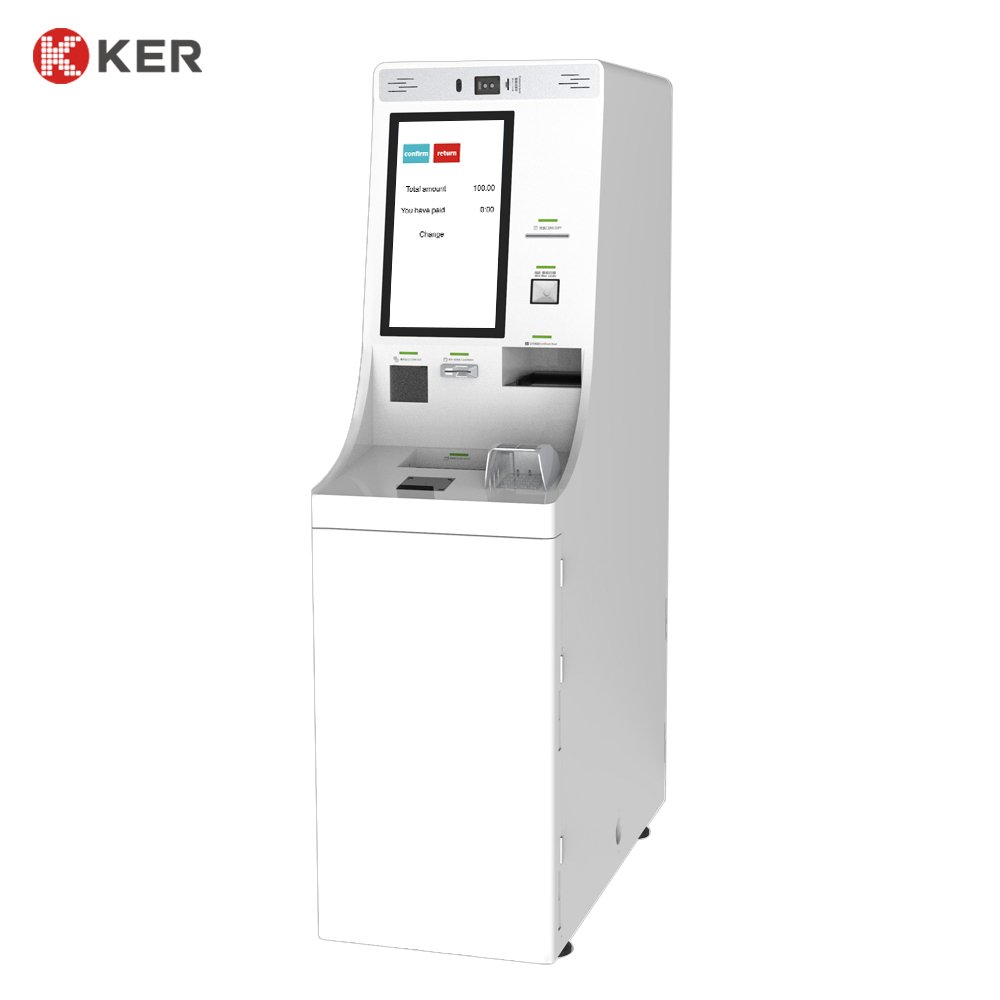
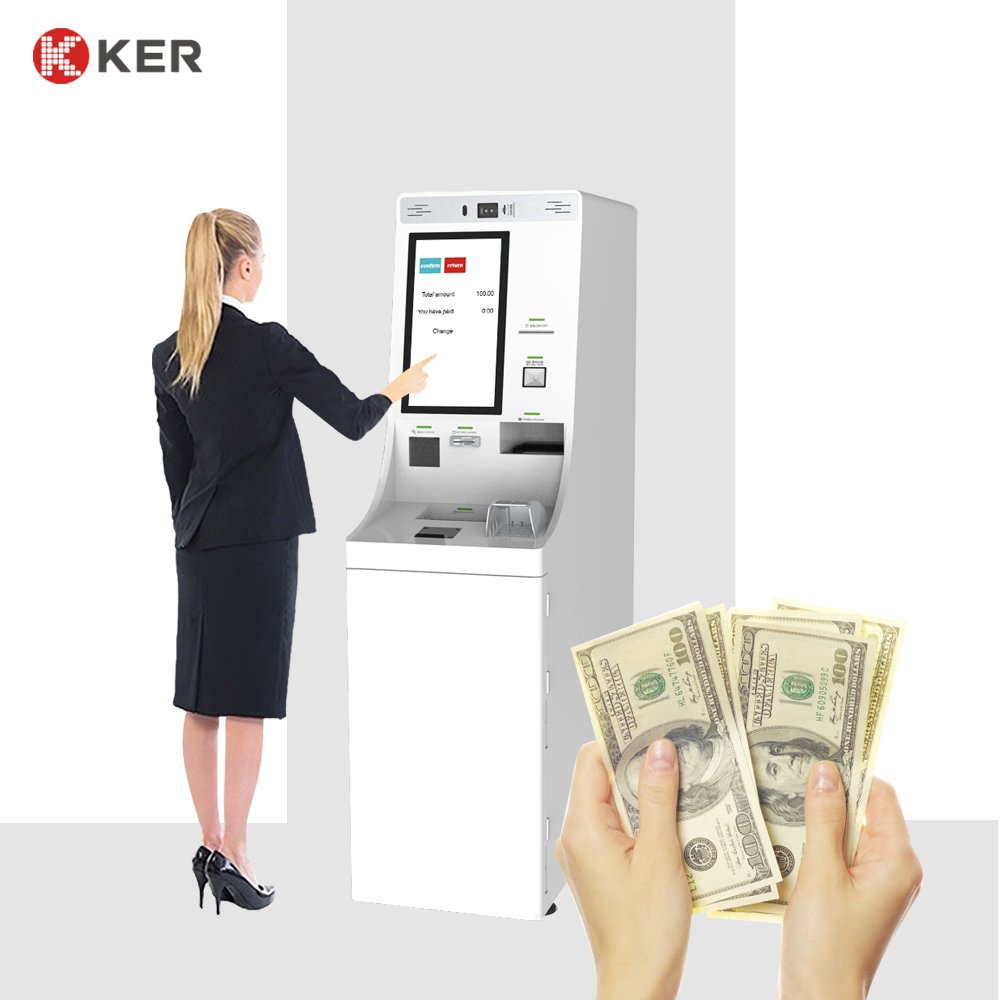
Self-Service Currency Exchange Kiosk
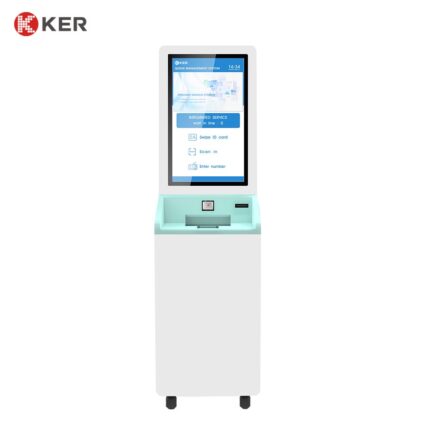
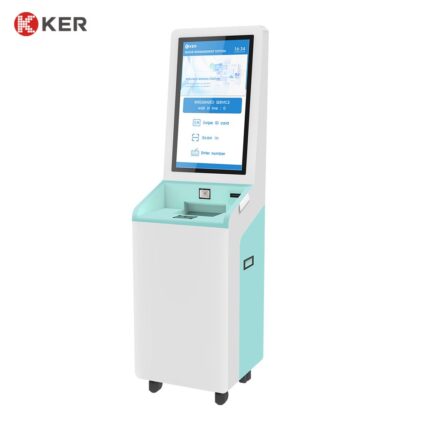
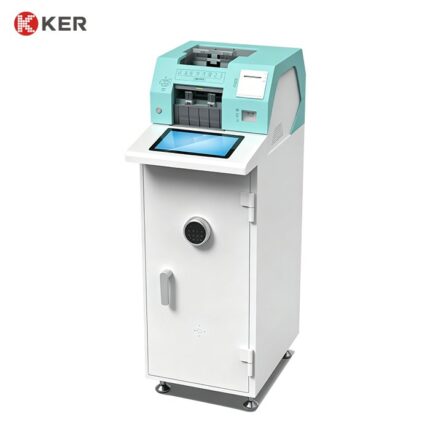
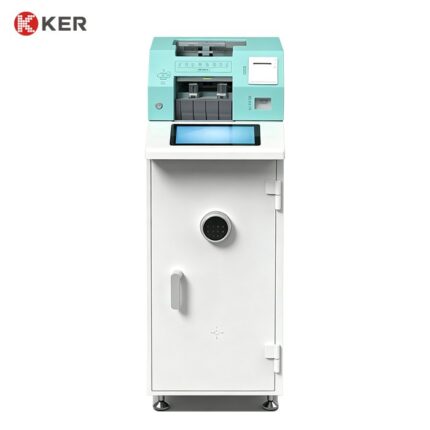
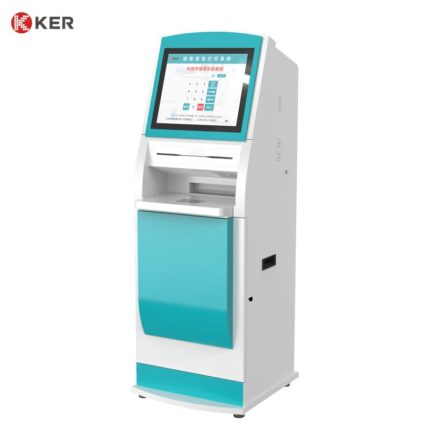
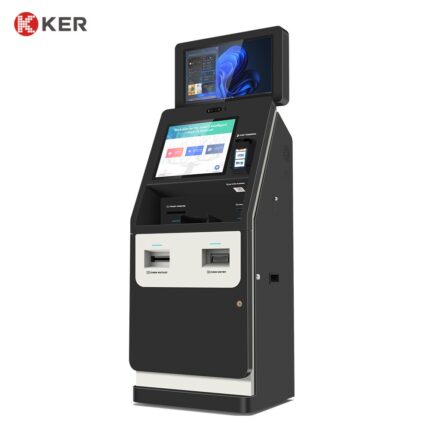
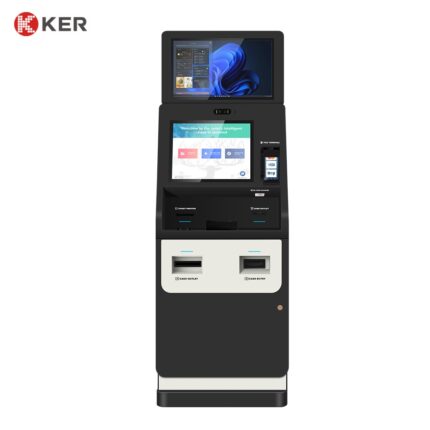
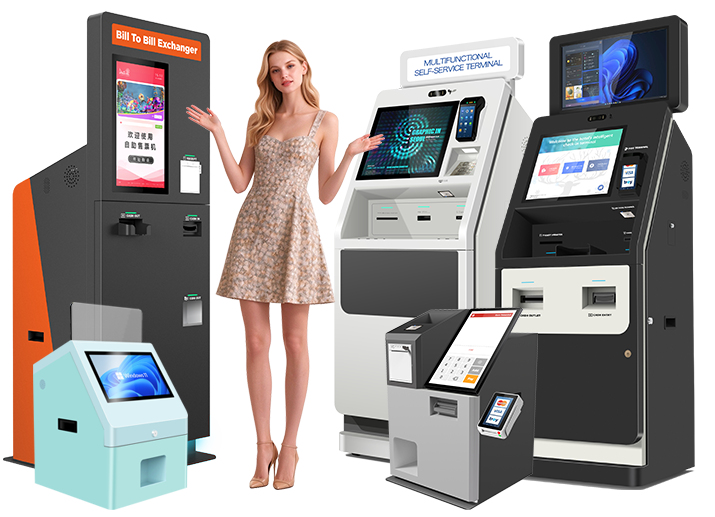
KER Self-Service Currency Exchange Kiosk is an automated foreign exchange terminal designed to provide convenient and unattended currency exchange services in airports, hotels, tourist centers, transportation hubs and financial service locations.
The kiosk allows customers to complete currency exchange transactions through a touchscreen interface without requiring direct assistance from a cashier.
The system can be configured with multi-currency banknote validators, cash recycling or dispensing modules, passport and ID scanners, payment devices, QR scanners and receipt printers according to the target market and transaction workflow.
Automated Currency Exchange
The kiosk can provide a self-service foreign exchange workflow:
Select Currency → Enter or Confirm Amount → Customer Verification → Insert Cash → Exchange Calculation → Dispense Currency → Print Receipt
The exact workflow can be customized according to the exchange software and local operating requirements.
Multi-Currency Support
The terminal can be configured for multiple currencies depending on the selected cash-handling modules.
Possible functions include:
- Foreign currency acceptance
- Foreign currency dispensing
- Exchange rate display
- Mixed banknote recognition
- Currency validation
- Transaction amount calculation
- Exchange confirmation
- Receipt generation
Supported currencies and denominations depend on the selected banknote validator, recycler or dispenser.
Cash Acceptance
Optional banknote modules can support:
- Multi-denomination banknote validation
- Banknote authentication
- Currency recognition
- Mixed-note input
- Cash counting
- Secure cash storage
Different cash modules can be selected for different currencies and transaction volumes.
Cash Recycling and Dispensing
Depending on the project, the kiosk can use:
- Banknote recycler
- Cash dispenser
- Cash box
- Coin module
- Change dispenser
A recycler can reuse deposited banknotes for future transactions, helping reduce cash replenishment requirements.
The actual capacity and supported denominations depend on the selected cash module.
Passport and ID Scanning
For travel and regulated financial applications, the kiosk can optionally integrate:
- Passport scanner
- MRZ reader
- National ID reader
- Barcode scanner
- QR scanner
- NFC/RFID reader
Possible functions include:
- Customer identification
- KYC workflow support
- Transaction verification
- Guest registration
The exact identification and compliance process should be defined according to local regulations and the operator’s software.
Touchscreen User Interface
The touchscreen can guide customers through the exchange process.
Possible screens include:
- Language selection
- Currency selection
- Exchange rate information
- Transaction amount
- Customer verification
- Payment instructions
- Cash insertion instructions
- Exchange confirmation
- Receipt options
- Error and assistance messages
The interface can be customized with the exchange operator’s branding and multilingual content.
QR and Digital Payment
Optional QR and payment modules can support:
- QR payment
- Mobile wallet payment
- Bank card payment
- NFC/contactless payment
- External POS terminals
This allows the terminal to support both cash-based and cashless exchange workflows where permitted.
Receipt Printing
The kiosk can integrate a thermal printer for:
- Exchange receipts
- Transaction confirmations
- Customer references
- Exchange-rate information
- Payment records
Possible printer configurations include:
- 58mm thermal printer
- 80mm thermal printer
The receipt format can be customized according to the operator’s requirements.
Customer Information and Exchange Rate Display
The touchscreen can display:
- Currency names
- Buy rate
- Sell rate
- Exchange amount
- Fees
- Total amount
- Transaction status
- Remaining cash availability
Exchange-rate data can be updated through the connected exchange-management system.
Airport Applications
The kiosk can be deployed in:
- Airport arrival halls
- Airport departure halls
- International terminal areas
- Passenger service zones
Typical functions include:
- Foreign currency exchange
- Passport verification
- Cash-to-cash exchange
- Receipt printing
- Multilingual customer guidance
Hotel Applications
Hotels can deploy the terminal in:
- Lobby
- Reception area
- Concierge area
- Guest service zones
Possible functions include:
- Currency exchange
- Guest identification
- Payment
- Receipt printing
- Travel information
Tourist and Transportation Locations
Suitable locations include:
- Tourist attractions
- Railway stations
- Bus terminals
- Cruise terminals
- Travel centers
- Shopping malls
These environments benefit from 24/7 self-service access.
Financial Service Applications
The kiosk can also be integrated into:
- Currency exchange offices
- Financial service centers
- Banks
- Payment service providers
For regulated financial applications, the software, transaction processing and compliance functions should be provided by the authorized operator or financial service provider.
Software Integration
The kiosk can integrate with external exchange-management and transaction systems through:
- API
- SDK
- HTTP
- TCP/IP
- Serial communication
- Custom middleware
Possible integrations include:
- Currency exchange software
- Payment gateways
- KYC platforms
- Banking systems
- Transaction management systems
- Hotel PMS
- Travel service platforms
- Remote management systems
Possible exchanged data includes:
- Currency rates
- Transaction amount
- Customer information
- Cash inventory
- Transaction status
- Receipt information
- Device status
Remote Management
Optional centralized management functions may include:
- Device online status
- Cash inventory
- Currency inventory
- Exchange-rate updates
- Transaction statistics
- Printer status
- Scanner status
- Error alerts
- Remote restart
- Software updates
This is useful for operators managing multiple exchange kiosks across airports, hotels or cities.
Security and Cash Protection
The cabinet can be designed for secure cash handling.
Possible features include:
- Lockable maintenance door
- Secure cash compartment
- Internal cashbox
- Door-open sensors
- Alarm interface
- CCTV camera integration
- Transaction logs
- Remote alerts
The final security architecture should be designed according to the operator’s risk and compliance requirements.
OEM / ODM Customization
KER can customize the kiosk according to the operator or system integrator’s project.
Customization options include:
- Screen size
- Portrait or landscape configuration
- Cash modules
- Supported currencies
- Passport scanner
- ID reader
- Payment terminal
- QR scanner
- Printer
- Camera
- Cabinet dimensions
- Cabinet color
- Branding
- Software interface
- Internal module layout
| Item | Specification |
|---|---|
| Product Type | Self-Service Currency Exchange Kiosk |
| Main Function | Foreign currency exchange |
| Display | Touchscreen |
| Installation | Floor Standing |
| Currency Support | Customized |
| Banknote Acceptor | Optional |
| Banknote Validator | Optional |
| Banknote Recycler | Optional |
| Cash Dispenser | Optional |
| Coin Module | Optional |
| Passport Scanner | Optional |
| ID Card Reader | Optional |
| MRZ Reader | Optional |
| QR Scanner | Optional |
| Card Payment Terminal | Optional |
| NFC Payment | Optional |
| Receipt Printer | 58mm / 80mm Optional |
| Camera | Optional |
| Network | Ethernet / Wi-Fi / 4G |
| Operating System | Windows / Android / Linux Optional |
| Software Integration | API / SDK / Custom Interface |
| Exchange Rate Integration | Supported |
| Remote Management | Optional |
| Security Lock | Supported |
| Cabinet | Metal Enclosure |
| Branding | Logo / Color / Custom Design |
| OEM / ODM | Supported |