(+035) 527-1710-70
 NEWSLETTER








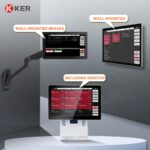

Touchscreen Kitchen Display System (KDS) for Restaurants
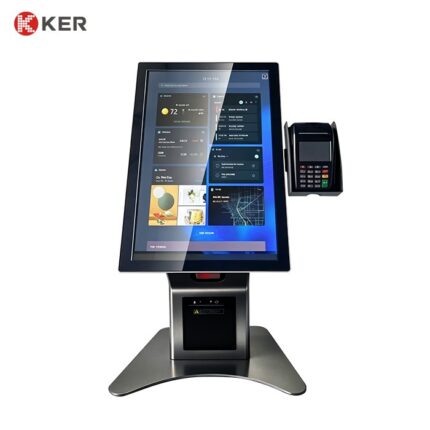
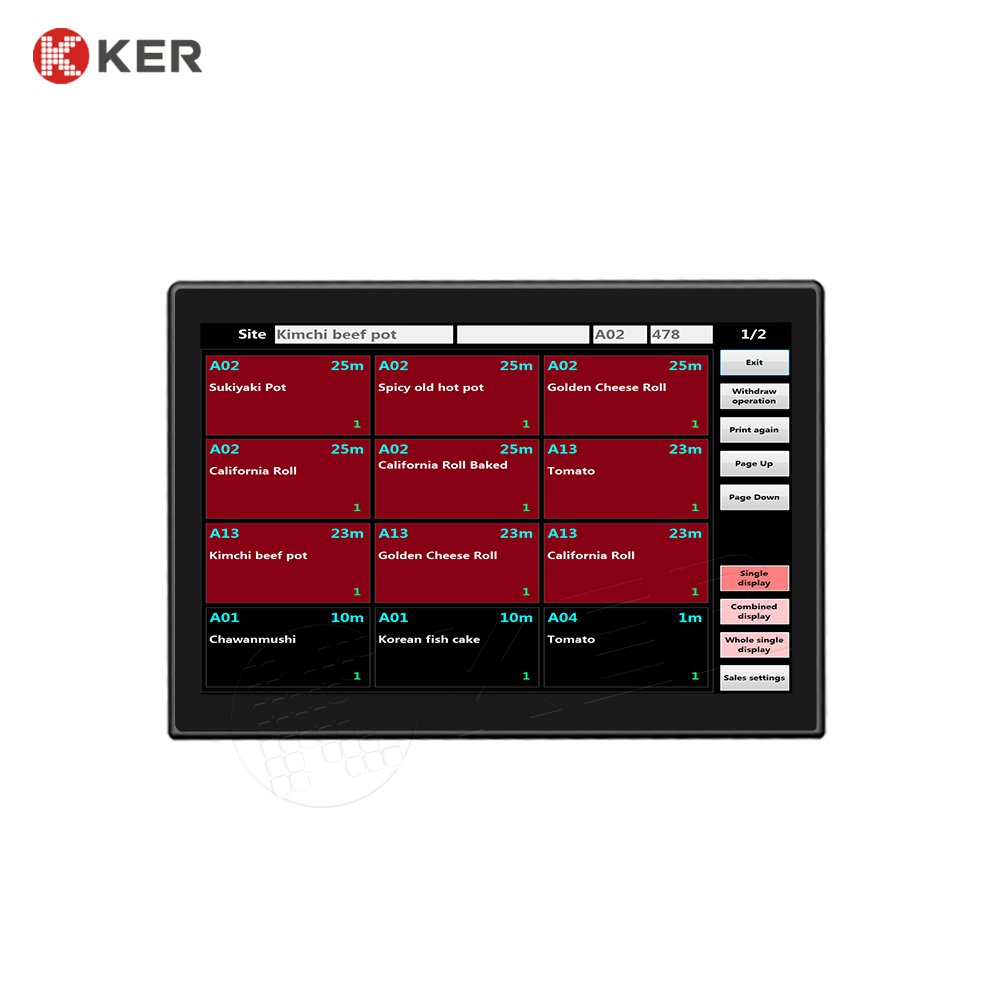
KER Touchscreen Kitchen Display System (KDS) is a commercial restaurant display terminal designed to improve kitchen order visibility, preparation workflow and communication between the front of house and kitchen.
Instead of relying on printed kitchen tickets, the KDS displays incoming orders electronically on a touchscreen, allowing kitchen staff to review, prioritize and update order status directly from the screen.
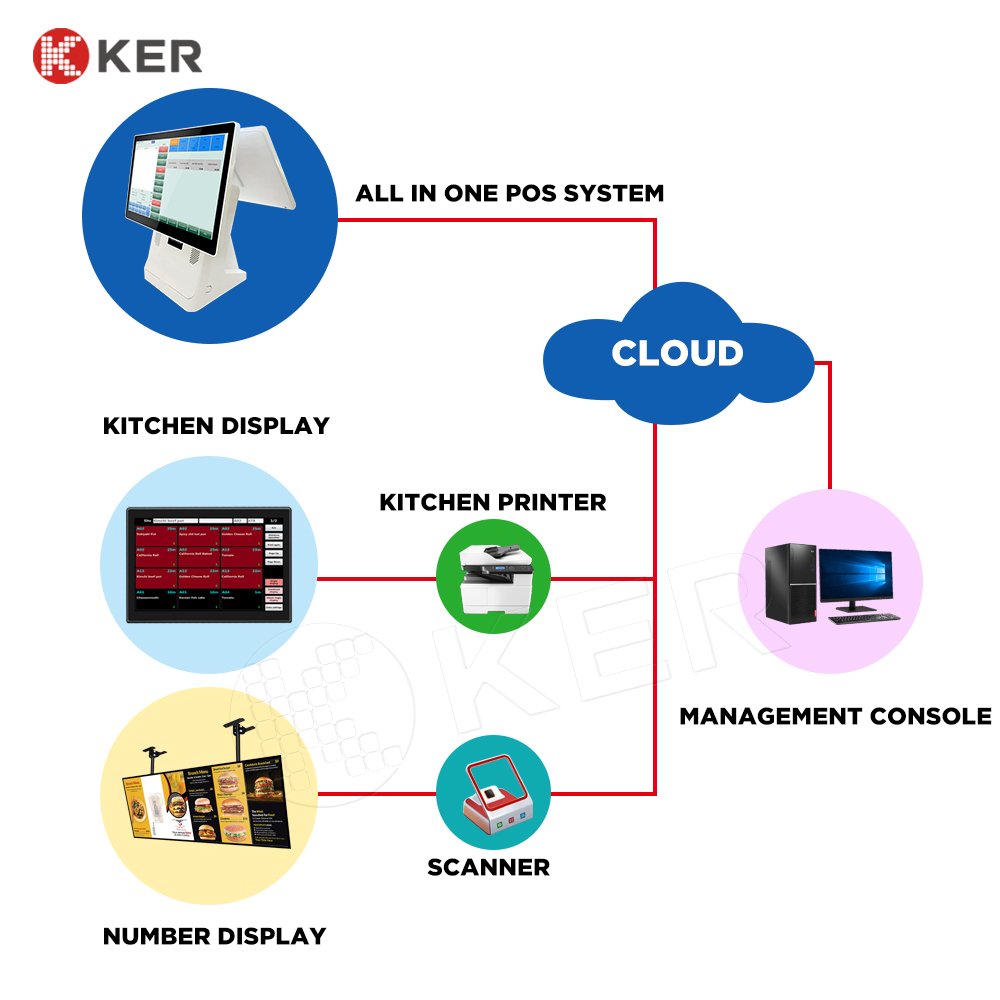
The system can be connected to restaurant POS systems, self-ordering kiosks, waiter ordering systems and other restaurant management platforms.
Real-Time Kitchen Order Display
The KDS can display incoming orders as soon as they are received from the connected ordering or POS system.
Order information may include:
- Order number
- Table number
- Customer name
- Order time
- Ordered items
- Item modifiers
- Quantity
- Special instructions
- Payment status
- Order status
This provides kitchen staff with a clear overview of active orders.
Kitchen Order Workflow
The KDS can support a configurable order workflow such as:
New Order → Preparing → Ready → Completed
Kitchen staff can update the status directly on the touchscreen.
Depending on the software, additional statuses may include:
- Received
- Accepted
- Cooking
- Waiting
- Ready for Pickup
- Served
- Cancelled
The workflow can be adapted to the restaurant’s operating process.
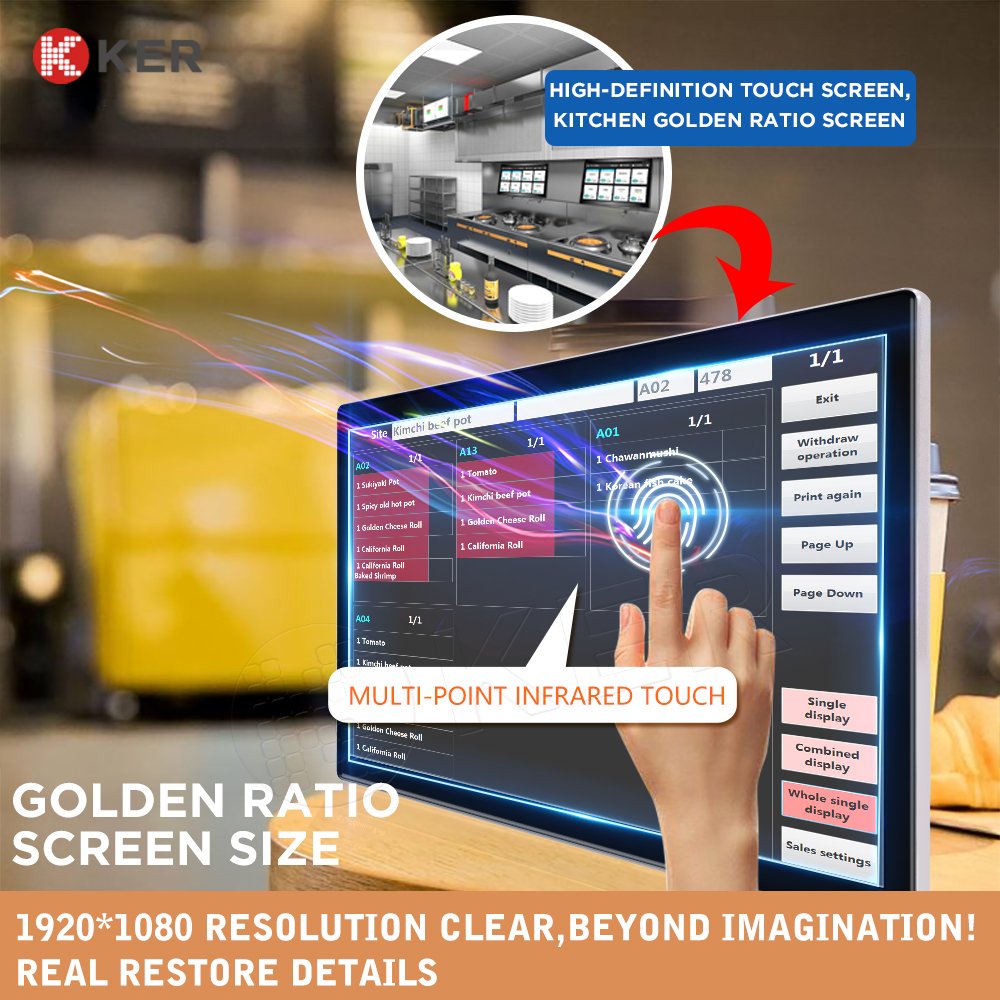
Touchscreen Operation
The touchscreen provides an intuitive interface for kitchen staff.
Typical functions include:
- Open order
- View order details
- Mark item as prepared
- Change order status
- Prioritize an order
- Recall completed orders
- Search order history
- View kitchen instructions
The UI can be customized for different restaurants and kitchen layouts.
Multi-Station Kitchen Management
For larger restaurants, the KDS can support multiple kitchen stations.
Examples:
- Hot kitchen
- Cold kitchen
- Grill station
- Beverage station
- Dessert station
- Pickup counter
Orders can be routed to the appropriate station based on the restaurant’s POS or kitchen management rules.
This helps prevent irrelevant orders from appearing on every kitchen screen.
Order Prioritization
The system can help kitchen staff identify urgent or delayed orders.
Possible functions include:
- Order aging timer
- Preparation time display
- Priority marking
- Delayed-order alerts
- Color/status indicators
- Rush-order handling
This helps kitchen teams manage high-volume periods more efficiently.
POS Integration
The KDS can connect to restaurant POS systems through available interfaces.
Possible exchanged information includes:
- Order details
- Table number
- Menu items
- Modifiers
- Order status
- Payment status
- Cancellation status
The actual integration method depends on the POS platform and available API or SDK documentation.
Self-Ordering Kiosk Integration
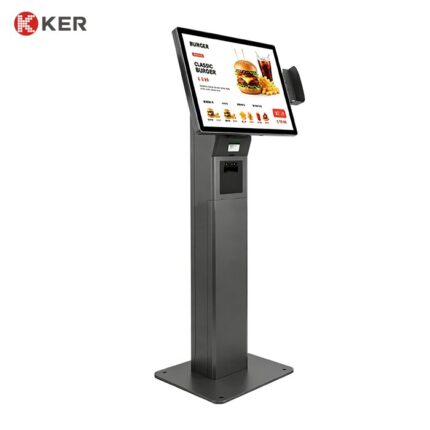
The KDS can also receive orders from restaurant self-ordering kiosks.
Typical workflow:
Self-Ordering Kiosk → POS / Ordering System → KDS → Kitchen Preparation
This creates a complete digital ordering workflow without requiring manual order entry at the kitchen.
Mobile and Online Ordering Integration
Depending on the restaurant software platform, the KDS can also receive orders from:
- Mobile ordering
- Restaurant website
- Online ordering platforms
- QR table ordering
- Delivery management systems
This allows orders from multiple channels to reach the kitchen through one interface.
Kitchen Display for Different Food-Service Businesses
The system can be adapted to:
- Fast-food restaurants
- Cafes
- Bakeries
- Food courts
- Cloud kitchens
- Quick-service restaurants
- Hotels
- Bars and restaurants
- Catering operations
Digital Menu Display
If the hardware is configured for customer-facing use, the display can also support digital menu content.
Possible content includes:
- Menu items
- Prices
- Food images
- Promotions
- Combo meals
- Seasonal offers
- Nutritional information
- Restaurant announcements
However, for your website I would keep Digital Menu Display as a secondary capability. The main product should still be KDS.
Restaurant Management Integration
The system can integrate with broader restaurant management platforms.
Possible systems include:
- POS
- Restaurant ERP
- Ordering platforms
- Self-ordering kiosks
- Table ordering systems
- Inventory systems
- Kitchen management platforms
- Delivery systems
Possible interfaces include:
- API
- SDK
- HTTP
- TCP/IP
- WebSocket
- Database integration
- Custom middleware
The final integration depends on the customer’s software platform.
Remote Management
For restaurants with multiple branches, optional management functions can include:
- Device online status
- Remote restart
- Software updates
- Configuration management
- Content updates
- Error alerts
- Device logs
This can help operators manage multiple KDS terminals across different locations.
Commercial Kitchen Hardware Design
The display can be configured for professional food-service environments.
Possible features include:
- Touchscreen operation
- VESA mounting
- Wall mounting
- Counter mounting
- Floor or pole mounting
- Protective front design
- Easy-clean enclosure
- Cable management
The mounting configuration should be selected according to the kitchen environment.
Optional Peripheral Configuration
Depending on the project, the terminal can integrate:
- Speaker
- Barcode scanner
- RFID/NFC
- Customer display
- Printer
- Camera
- Network modules
- Industrial PC
Most restaurant KDS deployments will not require all of these modules.
| Item | Specification |
|---|---|
| Product Type | Touchscreen Kitchen Display System |
| Application | Restaurant / Cafe / Food Court / Cloud Kitchen |
| Display Size | Customized |
| Touchscreen | Projected Capacitive Touchscreen |
| Resolution | Full HD / 4K Optional |
| Processor | Intel / ARM Optional |
| Memory | 4GB / 8GB / Customized |
| Storage | 64GB / 128GB / Customized |
| Operating System | Windows / Android / Linux Optional |
| Network | Ethernet / Wi-Fi Optional |
| POS Integration | Supported |
| Kiosk Integration | Supported |
| Restaurant Management Integration | API / SDK / Custom |
| Mounting | Wall / Counter / VESA Optional |
| Speaker | Optional |
| Barcode Scanner | Optional |
| Remote Management | Optional |
| Cabinet | Commercial Enclosure |
| Branding | Logo / Color / UI Customization |
| OEM / ODM | Supported |