(+035) 527-1710-70
 NEWSLETTER


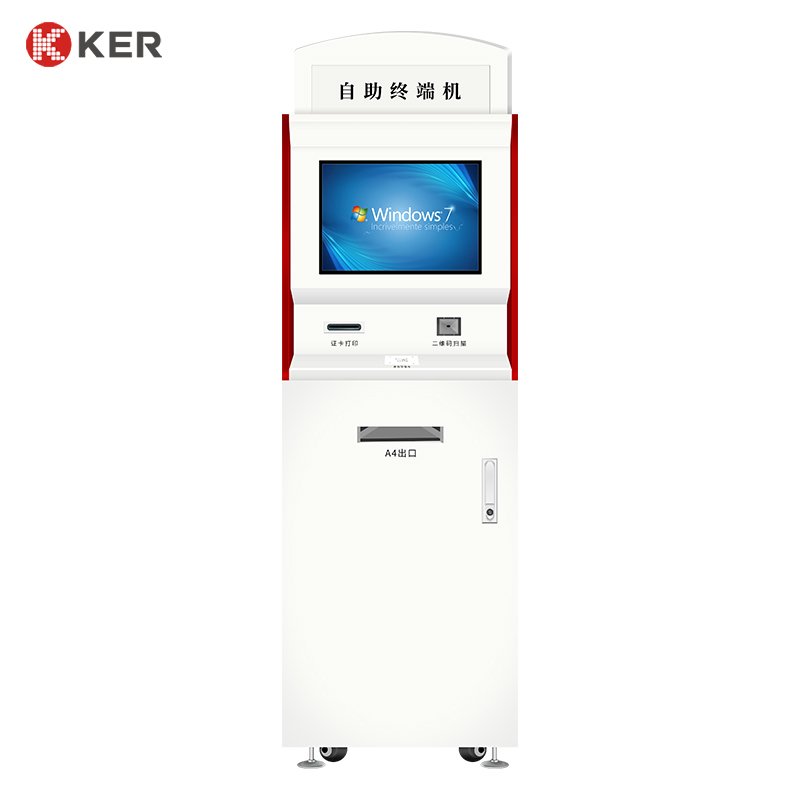

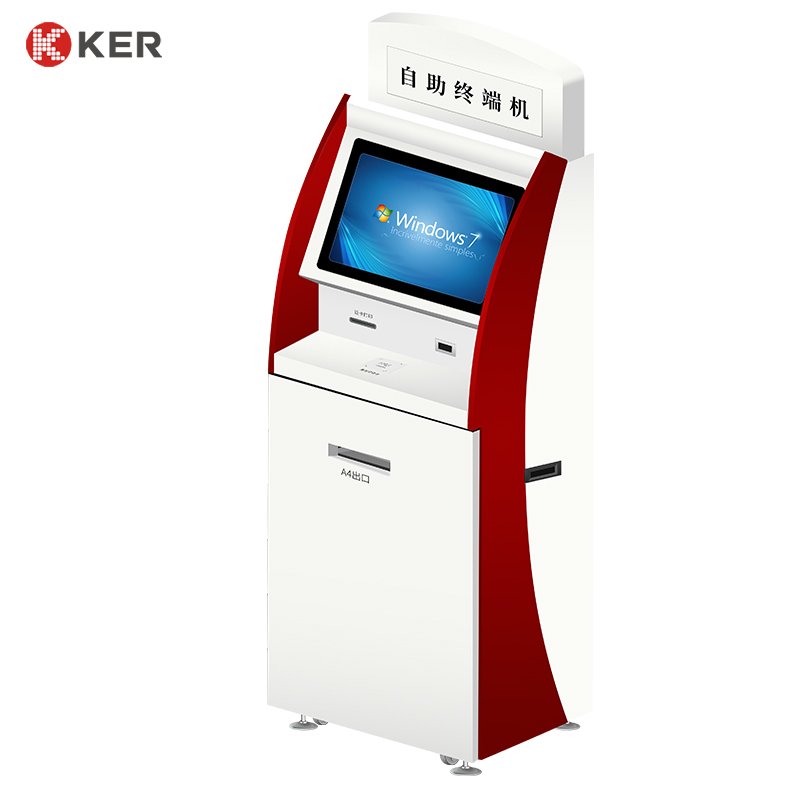
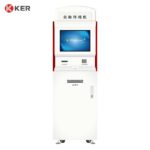


19-Inch Banking & Financial Self-Service Terminal
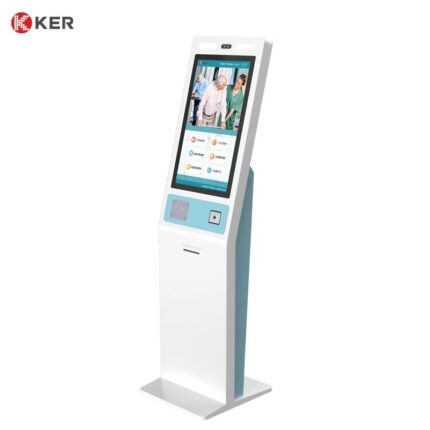
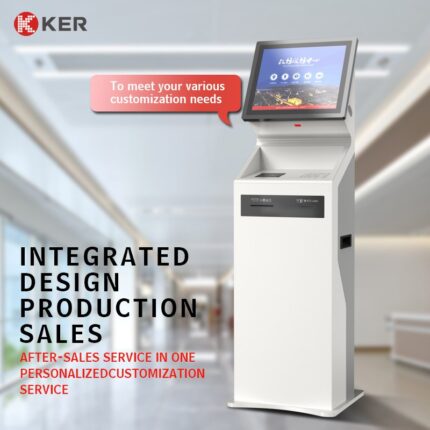
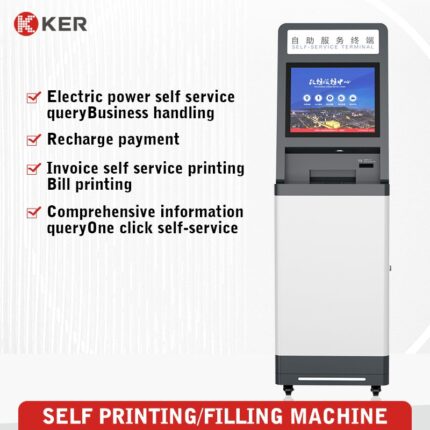
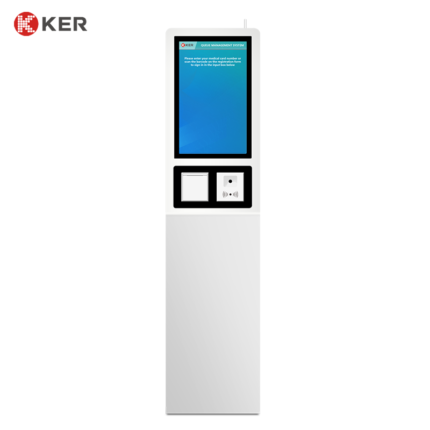
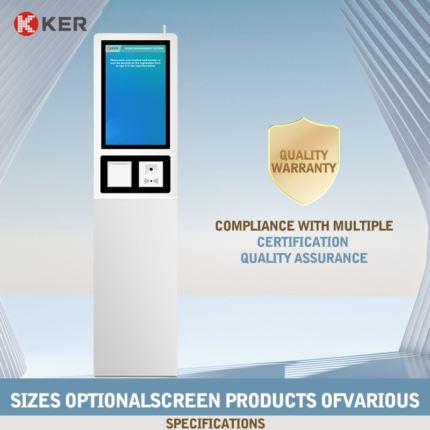
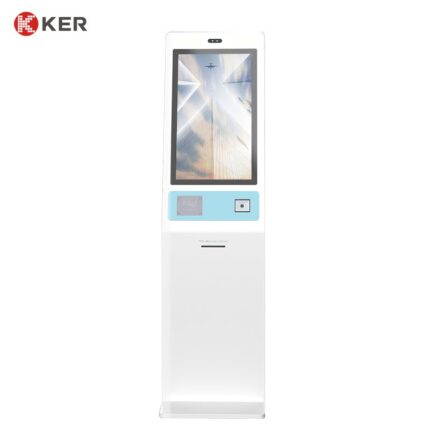
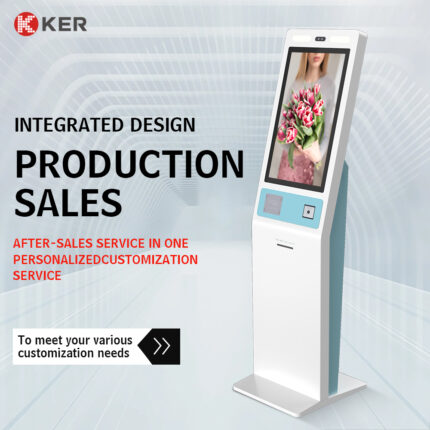
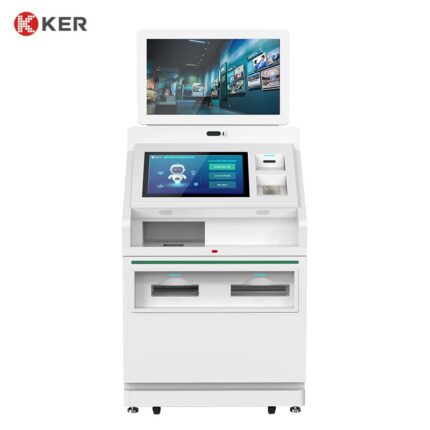
KER 19-Inch Banking & Financial Self-Service Terminal is a modular self-service kiosk platform designed for banks, financial institutions, payment service providers and organizations that require secure customer-facing financial services.
The terminal combines a 19-inch touchscreen with configurable cash-handling, payment, identification, scanning and printing modules.
Depending on the project, it can support cash deposit, bill payment, account inquiry, document verification, check or document scanning, receipt printing and other customer-service workflows.
The hardware platform can be adapted to the customer’s banking or payment software through API, SDK, middleware or other supported interfaces.
The current product page specifies a 19-inch display.
19-Inch Touchscreen Interface
The 19-inch touchscreen provides a practical interface for financial transactions and customer services.
Possible functions include:
- Service selection
- Account inquiry
- Deposit instructions
- Payment instructions
- Customer identification
- Transaction confirmation
- Document scanning instructions
- Receipt collection
- Error messages
- Customer guidance
The UI can be customized according to the bank or financial institution’s branding and workflow.
Cash Deposit
When configured with a compatible cash-handling module, the kiosk can support automated banknote deposit workflows.
A typical process may include:
- Customer identification
- Select deposit service
- Enter or select account
- Insert banknotes
- Cash validation and counting
- Display transaction amount
- Confirm deposit
- Store cash securely
- Print transaction receipt
Supported denominations and currencies depend on the selected cash module.
Cash Payment
The terminal can also be configured for unattended bill or service payment.
Possible applications include:
- Utility bills
- Telecom payments
- Insurance payments
- Loan payments
- Service fees
- Account top-ups
- Other authorized transactions
Payment methods may include cash, bank card, NFC or QR code depending on project configuration.
Check or Document Scanning
如果这个产品里的 check reader 确实是支票读取器,这里建议写成:
Check Scanning / Deposit Document Verification
Optional devices may support:
- Check reading
- MICR reading
- Document image capture
- OCR
- Receipt scanning
- Barcode reading
Possible applications:
- Check deposit
- Document verification
- Financial document submission
- Customer record updates
这一项建议你们工程确认后再公开写死。
如果实际不是支票扫描,而是普通文件扫描,则应该把这一段改成:
Document Scanning and Verification
不要使用 check reader,否则海外客户很容易直接理解成 bank check scanner / MICR reader。
Card and NFC Payment
Optional payment modules include:
- Credit card terminal
- Debit card terminal
- NFC/contactless reader
- RFID reader
- IC card reader
Possible functions:
- Customer identification
- Payment
- Account authentication
- Membership or stored-value access
QR Code Scanning
Optional QR/barcode scanners can support:
- Mobile payment
- Account identification
- Transaction lookup
- Payment authorization
- Customer verification
- Document retrieval
- Voucher or reference-code scanning
This can provide a convenient connection between mobile banking or payment platforms and the kiosk.
Receipt Printing
An integrated thermal printer can print:
- Deposit receipts
- Payment receipts
- Transaction references
- Account summaries
- Service confirmations
- Customer instructions
Possible printer options:
- 58mm
- 80mm
For larger documents, the cabinet can be redesigned for an A4/B5 printer.
Customer Identification
Optional identification hardware may include:
- Bank card reader
- RFID/NFC reader
- ID card reader
- Passport scanner
- QR scanner
- Barcode scanner
- Camera
The exact identification method should follow the financial institution’s approved customer-verification process.
Banking Software Integration
The terminal can connect with external financial systems through:
- API
- SDK
- HTTP
- TCP/IP
- Serial communication
- Custom middleware
Possible systems include:
- Core banking platforms
- Payment gateways
- ATM or transaction switching systems
- Cash-management platforms
- Account-management systems
- CRM
- ERP
- Customer-service systems
Possible exchanged information may include:
- Customer ID
- Account information
- Transaction amount
- Payment status
- Deposit status
- Cash inventory
- Receipt information
- Error and audit records
The final integration depends on the customer’s software architecture and available interfaces.
Cash Handling and Security
Depending on the selected modules, the kiosk can include:
- Banknote validator
- Banknote acceptor
- Cash box
- Banknote recycler
- Coin acceptor
- Coin hopper
- Secure cash compartment
Security options may include:
- Lockable maintenance doors
- Cash-compartment locks
- Door sensors
- Alarm interfaces
- CCTV/camera integration
- Transaction logs
- Remote alerts
The final security architecture should be defined according to the financial institution’s requirements.
Remote Monitoring
An optional management platform can provide:
- Device online status
- Cash inventory
- Banknote module status
- Printer status
- Scanner status
- Payment device status
- Error alerts
- Transaction statistics
- Remote restart
- Software updates
- Maintenance records
This is useful for bank branches, payment networks and distributed self-service deployments.
Commercial Cabinet Design
The 19-inch terminal can be customized for different financial environments.
Possible features include:
- Powder-coated metal enclosure
- Lockable service doors
- Secure cash compartment
- Hidden cable management
- Ventilation
- Floor fixing
- Customized payment-module opening
- Scanner opening
- Printer outlet
- Banknote/cash outlet
| Item | Specification |
|---|---|
| Product Type | Banking & Financial Self-Service Terminal |
| Display Size | 19 Inches |
| Installation | Floor Standing / Customized |
| Touchscreen | Projected Capacitive Touchscreen |
| Processor | Intel / ARM Optional |
| Memory | 4GB / 8GB / Customized |
| Storage | 64GB / 128GB / Customized |
| Operating System | Windows / Android / Linux Optional |
| Banknote Acceptor | Optional |
| Cash Deposit Module | Optional |
| Banknote Recycler | Optional |
| Coin Acceptor | Optional |
| Coin Hopper | Optional |
| Check Reader / MICR | Optional, if required |
| Document Scanner | Optional |
| QR Scanner | Optional |
| Barcode Scanner | Optional |
| Card Reader | Optional |
| NFC / RFID | Optional |
| Receipt Printer | 58mm / 80mm Optional |
| A4/B5 Printer | Optional |
| Payment Terminal | Card / NFC / QR Optional |
| Camera | Optional |
| Network | Ethernet / Wi-Fi / 4G Optional |
| Software Integration | API / SDK / Custom Interface |
| Remote Management | Optional |
| Security Lock | Optional |
| Cabinet | Commercial Metal Enclosure |
| Branding | Logo / Color / UI Customization |
| OEM / ODM | Supported |