(+035) 527-1710-70
 NEWSLETTER



21.5-Inch Self-Service Queue Management Kiosk
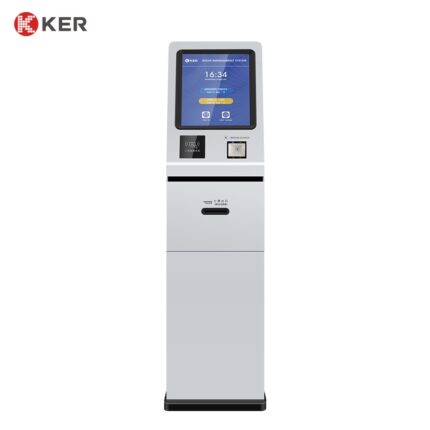
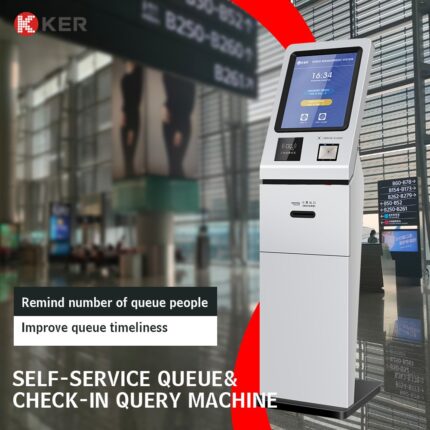
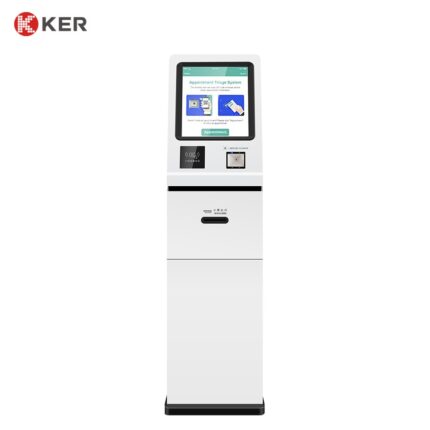
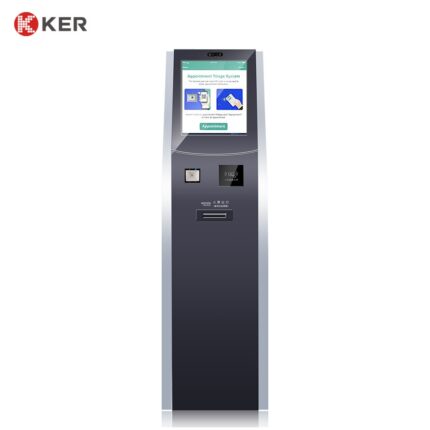
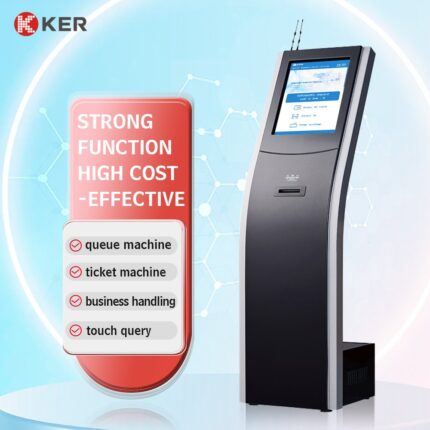
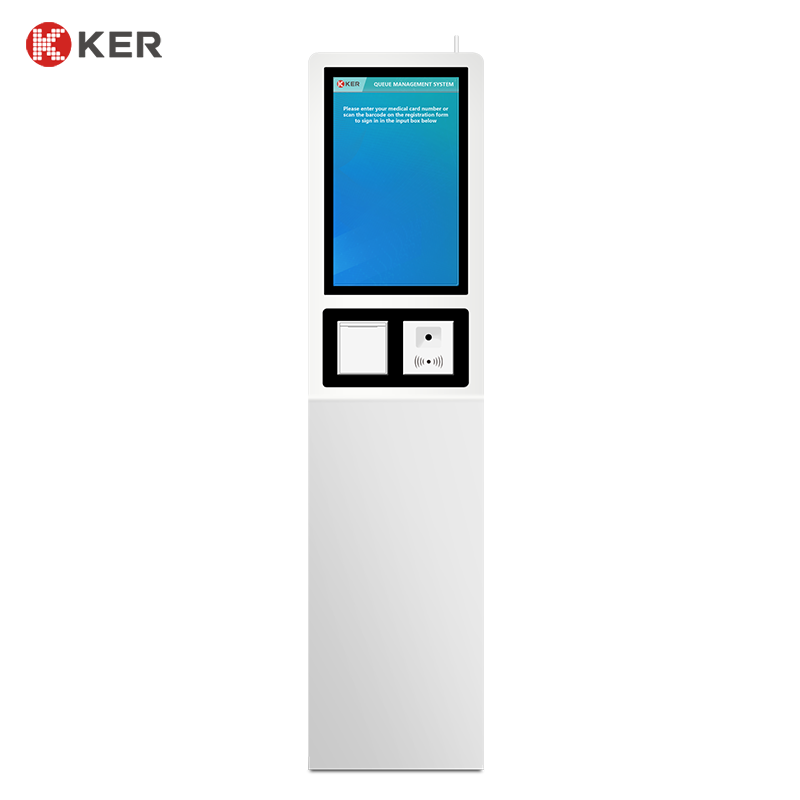
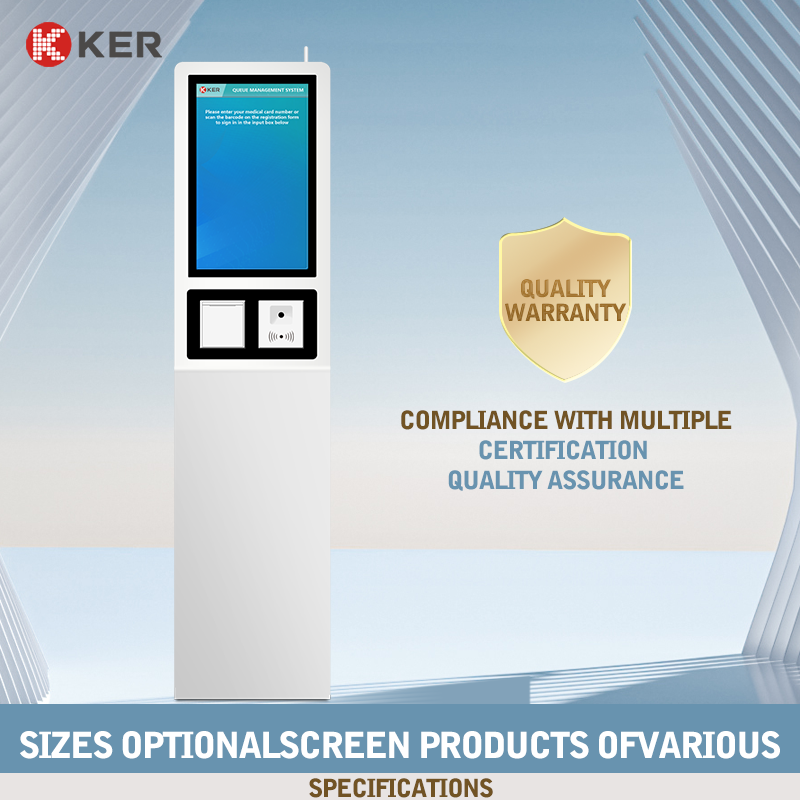
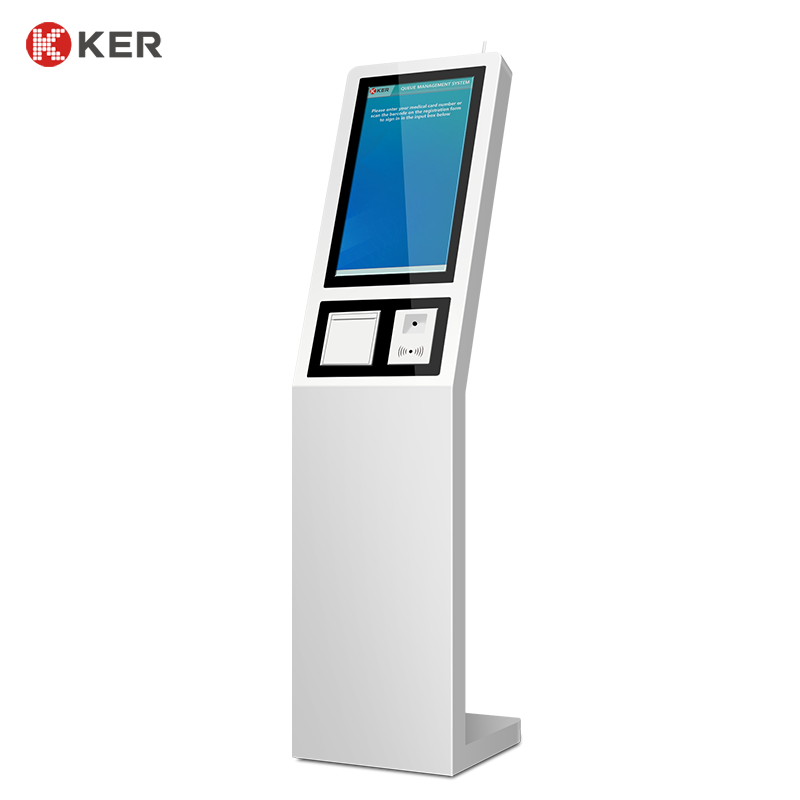
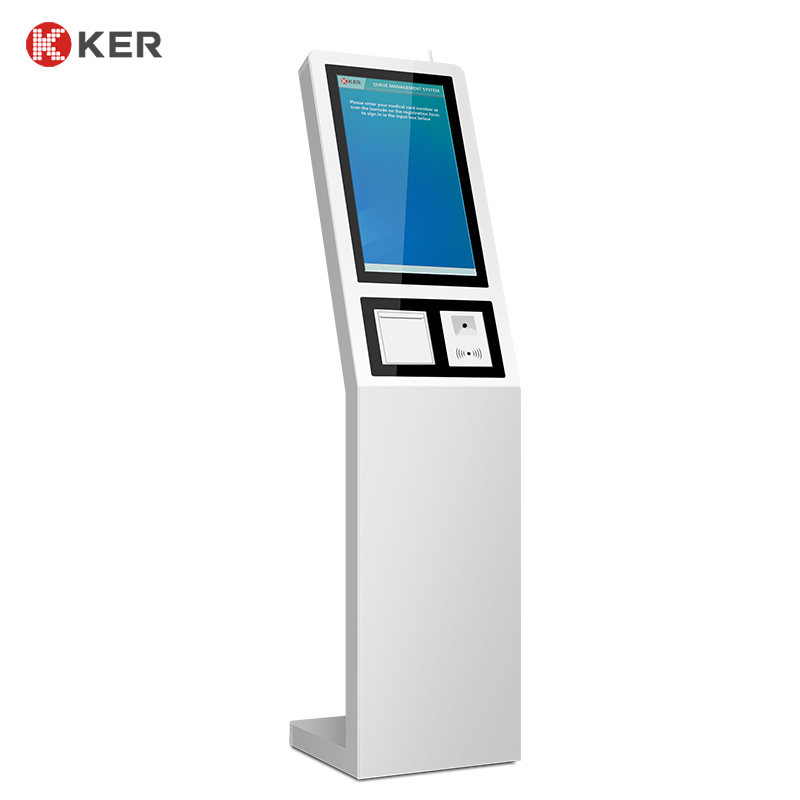
KER 21.5-Inch Self-Service Queue Management Kiosk is a customer-facing terminal designed to automate service selection, queue registration and ticket printing in high-traffic service environments.
The kiosk combines a 21.5-inch touchscreen with optional QR/barcode scanning, card readers and thermal ticket printing. Customers can select the required service, verify an appointment or customer identity, receive a queue number and continue to the appropriate service area without first visiting a staffed reception counter.
The terminal is particularly suitable for banks, hospitals, government offices, telecom stores, utility companies and other organizations that use electronic queue management systems. The current product page specifies a 21.5-inch display.
21.5-Inch Touchscreen Interface
The 21.5-inch touchscreen provides a large and easy-to-understand interface for public environments.
The screen can display:
- Language selection
- Service categories
- Department selection
- Appointment verification
- Customer instructions
- Queue information
- Estimated waiting information
- Payment information
- Printing instructions
- Promotional content
The interface can be customized according to the customer’s queue-management software and brand guidelines.
Self-Service Queue Registration
A typical workflow can include:
- Select a language
- Select the required service
- Verify appointment or customer information
- Register for the queue
- Generate a queue number
- Print the queue ticket
- Display service instructions
This reduces repetitive queue-registration work for front-desk staff and helps improve customer flow.
Queue Ticket Printing
The kiosk can integrate a thermal printer for fast ticket output.
Possible printed information includes:
- Queue number
- Service category
- Department
- Date and time
- Appointment information
- Estimated waiting information
- QR code
- Customer guidance
A 58mm or 80mm thermal printer can be selected according to project requirements.
QR and Barcode Scanning
An optional scanner can support:
- Appointment QR codes
- Reservation verification
- Customer identification
- Electronic queue registration
- Membership identification
- Service-order lookup
- Mobile check-in
- Voucher verification
This allows customers to start the process on a mobile device and complete check-in at the kiosk.
Card and NFC Identification
Optional readers may include:
- RFID reader
- NFC reader
- IC card reader
- Medical card reader
- Membership card reader
Possible applications include:
- Customer identification
- Bank customer verification
- Patient check-in
- Membership identification
- Account lookup
- Appointment verification
Appointment Check-In
When connected with an appointment system, the kiosk can allow customers to confirm scheduled visits.
Possible information includes:
- Appointment number
- Customer name
- Appointment time
- Department
- Service type
- Doctor or service counter
- Appointment status
After verification, the system can automatically add the customer to the appropriate queue.
Bank Queue Management
Banking is one of the key applications for this type of terminal.
Possible functions include:
- Select banking service
- Deposit/withdrawal service
- Account service
- Loan consultation
- Foreign exchange service
- Corporate service
- Appointment check-in
- Queue ticket printing
The kiosk can connect to the bank’s queue management platform so customers are routed to the appropriate service counter.
Hospital Queue Management
The same platform can support hospital workflows such as:
- Department selection
- Doctor selection
- Appointment check-in
- Medical card identification
- Queue registration
- Queue ticket printing
- Patient guidance
This makes the machine suitable for outpatient halls and high-traffic departments.
Government Service Queue
Possible government applications include:
- Service selection
- Appointment verification
- Citizen identification
- Queue number generation
- Document-service guidance
- Ticket printing
The system can be integrated with public-service appointment or queue-management platforms.
Telecom and Utility Services
The terminal can support:
- Customer service selection
- Account verification
- Appointment check-in
- Queue registration
- Payment
- Receipt or queue ticket printing
Optional Payment Function
If the service requires payment, the kiosk can integrate:
- Credit/debit card
- NFC contactless payment
- QR payment
- Mobile wallet
- External POS terminal
Cash payment can also be integrated where required, although larger cash modules require additional cabinet space.
Information Inquiry
Although the main function is queue management, the touchscreen can also display:
- Service information
- Department information
- Required documents
- Opening hours
- Queue status
- Customer instructions
- Building directions
- Public notices
This makes the kiosk both a queue terminal and an information point.
Queue Management System Integration
The kiosk can connect with external queue management software through:
- API
- SDK
- HTTP
- TCP/IP
- Serial communication
- Custom middleware
Possible functions include:
- Service category synchronization
- Queue number generation
- Appointment verification
- Queue status updates
- Counter assignment
- Customer calling
- Queue statistics
- Transaction logs
The final integration scope depends on the customer’s queue management platform and available technical documentation.
Remote Device Management
For multi-branch deployments, optional remote management can monitor:
- Device online status
- Printer status
- Paper-low warning
- Scanner status
- Card reader status
- Payment-terminal status
- Error alerts
- Queue transaction statistics
- Remote restart
- Software updates
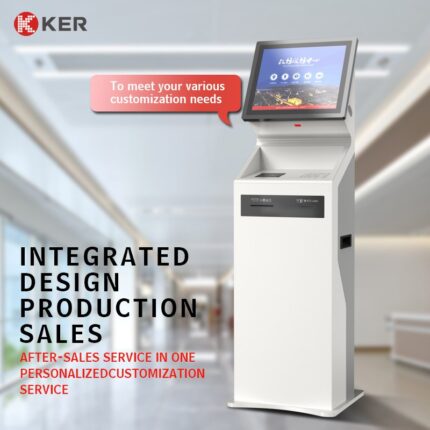
Commercial Floor-Standing Design
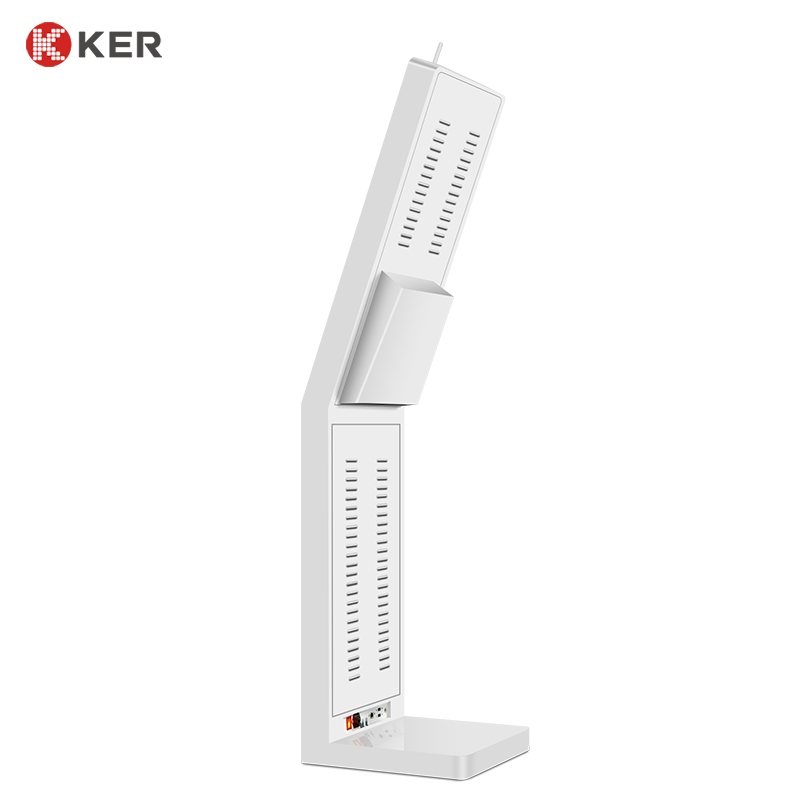
The kiosk can use a stable metal enclosure suitable for indoor public environments.
Possible features include:
- Lockable maintenance door
- Printer access compartment
- Hidden cable management
- Ventilation
- Floor anchoring
- Custom module openings
- Custom colors
- Logo branding
| Item | Specification |
|---|---|
| Product Type | Self-Service Queue Management Kiosk |
| Main Functions | Service selection, queue registration and ticket printing |
| Display Size | 21.5 Inches |
| Installation | Floor Standing |
| Touchscreen | Projected Capacitive Touchscreen |
| Resolution | Full HD or Customized |
| Processor | Intel / ARM Optional |
| Memory | 4GB / 8GB / Customized |
| Storage | 64GB / 128GB / Customized |
| Operating System | Windows / Android / Linux Optional |
| Thermal Printer | 58mm / 80mm Optional |
| QR Scanner | Optional |
| Barcode Scanner | Optional |
| RFID / NFC Reader | Optional |
| IC / Medical Card Reader | Optional |
| ID Card Reader | Optional |
| Payment Terminal | Card / NFC / QR Optional |
| Cash Payment | Optional |
| Camera | Optional |
| Speaker | Optional |
| Network | Ethernet / Wi-Fi / 4G Optional |
| Queue System Integration | API / SDK / Custom Interface |
| Remote Management | Optional |
| Cabinet | Powder-Coated Metal Enclosure |
| Security | Lockable Maintenance Door |
| Branding | Logo / Color / UI Customization |
| OEM / ODM | Supported |