(+035) 527-1710-70
 NEWSLETTER


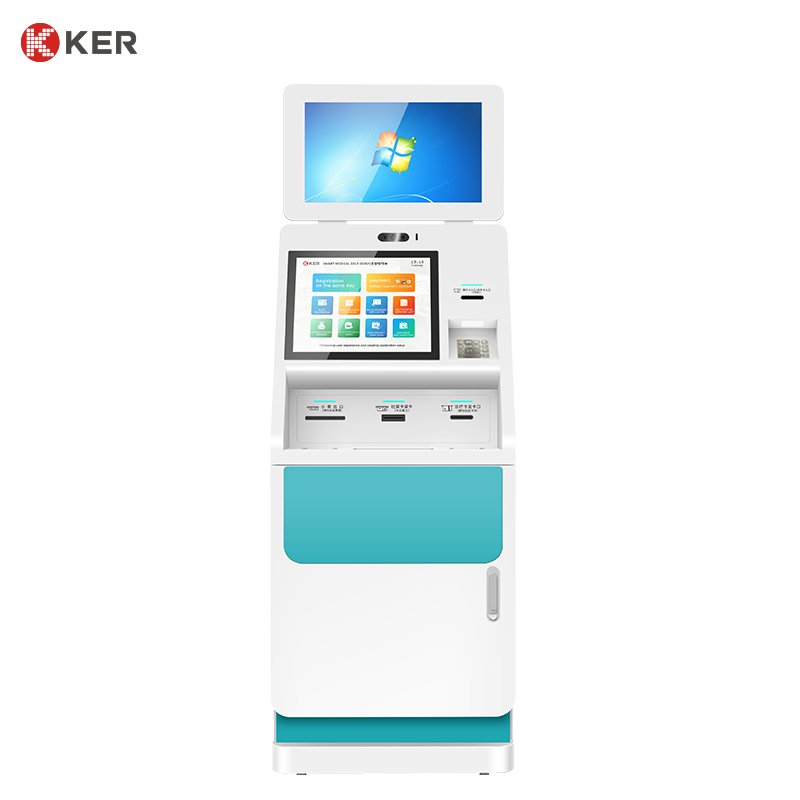
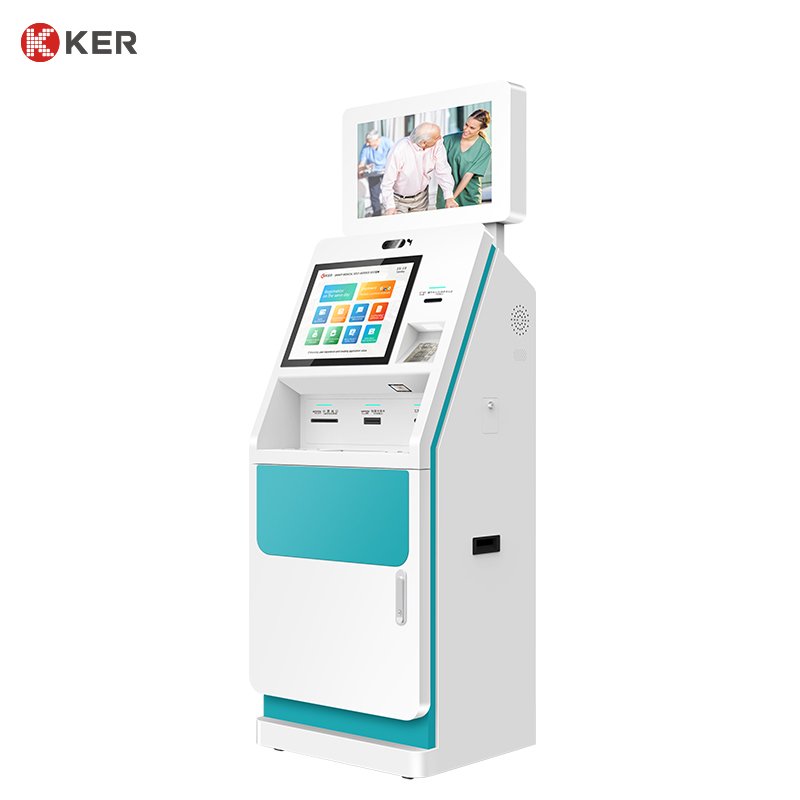
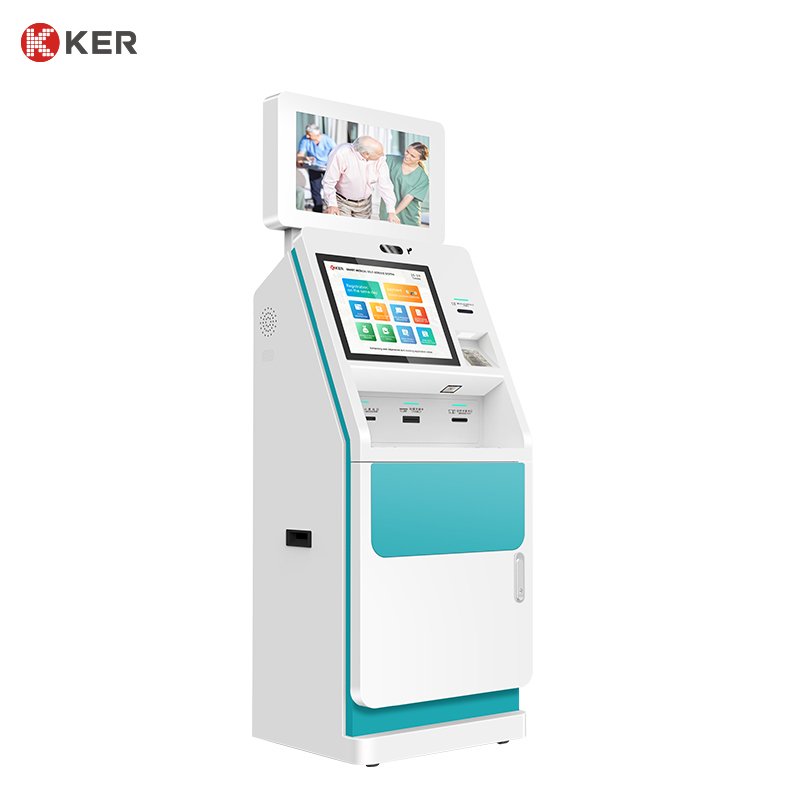
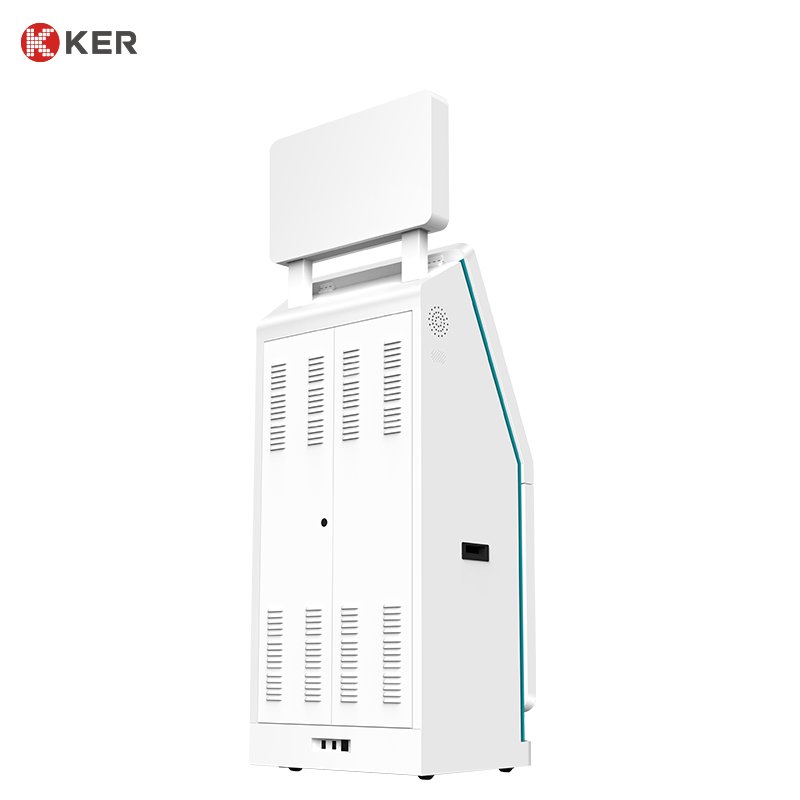
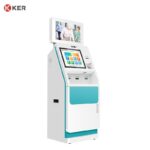
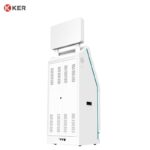
Hospital Self-Service Information and Registration Kiosk
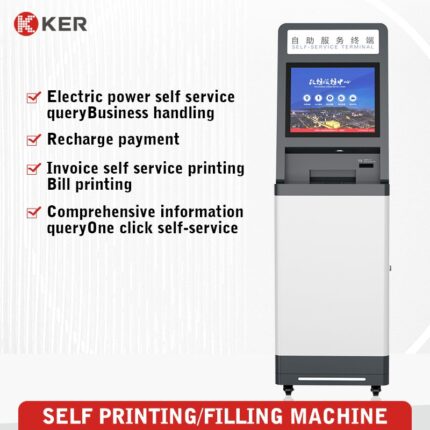
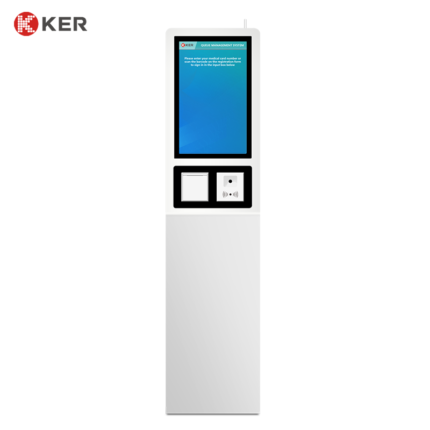
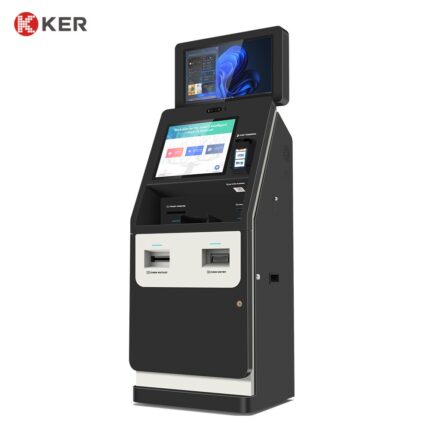
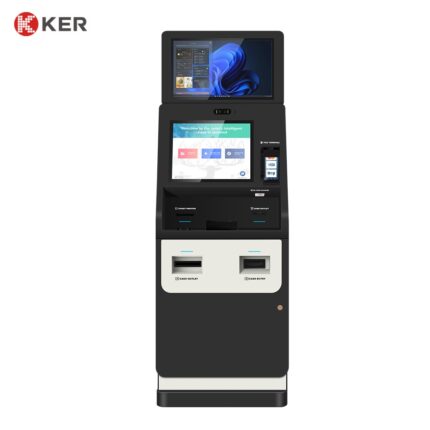
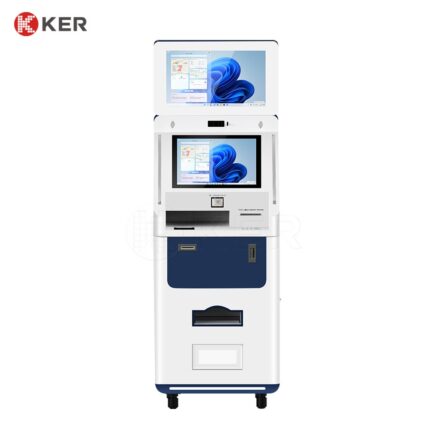
KER Hospital Self-Service Information and Registration Kiosk is a multifunctional patient service terminal designed for hospitals, clinics, medical examination centers and other healthcare facilities.
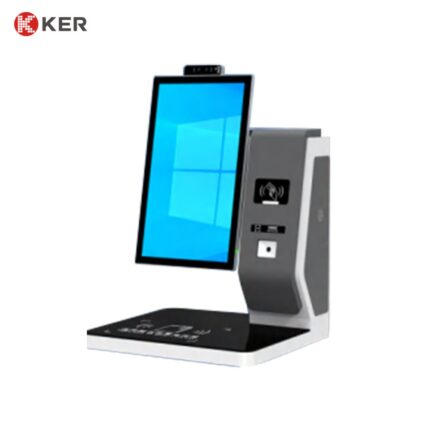
The kiosk combines an interactive touchscreen with optional QR, NFC and card-reading modules, thermal printing and other peripherals to provide a convenient self-service access point for patients and visitors.
Patients can use the kiosk to check appointment information, identify themselves, access hospital services, retrieve information, obtain queue tickets and complete other routine procedures without depending entirely on staffed counters.
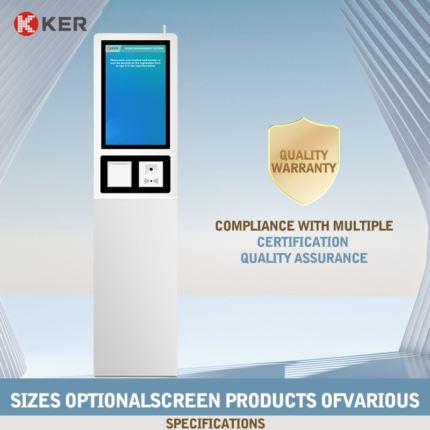
The product is available in 19-inch and 21.5-inch screen configurations, with hardware modules, operating system, cabinet structure and software interfaces customizable according to the hospital project.(kertouch.com)
Patient Information Inquiry
The kiosk can provide patients with access to important hospital information.
Possible functions include:
- Department information
- Doctor schedules
- Clinic locations
- Appointment details
- Service hours
- Examination instructions
- Queue information
- Hospital maps
- Pharmacy and laboratory locations
- Hospital announcements
- Patient guidance
This allows the terminal to function as both an information point and an interactive service station.
Appointment Verification and Check-In
When connected with the hospital appointment system, the kiosk can support:
- Select language
- Scan a booking QR code
- Read a medical or NFC card
- Retrieve the appointment
- Confirm patient information
- Complete check-in
- Generate a queue number if required
- Print a confirmation or queue ticket
The exact workflow depends on the hospital’s appointment and registration platform.
QR Code Scanning
The integrated QR scanner can support:
- Appointment QR codes
- Mobile registration
- Electronic vouchers
- Queue check-in
- Patient account lookup
- Payment verification
- Service-order lookup
- Digital information retrieval
QR scanning helps reduce manual data entry and makes the self-service process faster.
NFC and RFID Identification
Optional NFC/RFID readers can support:
- Medical cards
- Hospital membership cards
- NFC credentials
- Patient identification
- Staff identification
- Membership accounts
The actual card technology should be selected according to the hospital’s existing card system.
Receipt and Queue Ticket Printing
An optional thermal printer can print:
- Queue numbers
- Appointment confirmations
- Registration receipts
- Service tickets
- Payment receipts
- Information slips
- Transaction references
58mm or 80mm thermal printers can be integrated according to the required paper size and printing volume.
Patient Registration Services
With appropriate software integration, the kiosk can support:
- New patient registration
- Returning patient identification
- Appointment registration
- Department selection
- Doctor selection
- Registration confirmation
- Visit information inquiry
- Queue number generation
The actual registration workflow should be connected to the hospital’s authorized registration system.
Queue Management
The kiosk can be integrated with a hospital queue management system to support:
- Appointment check-in
- Walk-in registration
- Department selection
- Queue ticket generation
- Priority service selection
- Current queue status
- Waiting information
This is particularly useful in outpatient halls and high-traffic departments.
Medical Card and ID Recognition
Depending on the project, the kiosk can be configured with:
- Medical card reader
- IC card reader
- NFC/RFID reader
- National ID reader
- Passport scanner
- Barcode scanner
- QR scanner
- Camera
The final identification hardware depends on the target country and hospital’s patient-management system.
Optional Payment Integration
The terminal can be expanded to include payment functions where required.
Possible payment methods include:
- Credit and debit cards
- Contactless NFC payment
- QR payment
- Mobile wallets
- Medical account payment
- Hospital prepaid accounts
Cash payment can be integrated through a customized enclosure when required.
Hospital System Integration
The kiosk can connect with third-party medical software through API, SDK, middleware or other supported interfaces.
Possible systems include:
- HIS — Hospital Information System
- Appointment Management System
- Patient Registration System
- Queue Management System
- EMR — Electronic Medical Record
- Billing System
- LIS
- RIS
- PACS
Possible exchanged information includes:
- Patient identity
- Appointment records
- Registration status
- Department information
- Doctor information
- Queue number
- Payment status
- Service status
The final integration scope depends on the hospital platform and available interface documentation.
Multilingual User Interface
The touchscreen interface can support multiple languages for hospitals serving international patients.
Possible UI functions include:
- Language selection
- Large touch buttons
- Step-by-step instructions
- Visual guidance
- Patient confirmation
- Printing instructions
- Error notifications
- Staff assistance prompts
The interface can be customized with the hospital logo, colors and branding.
Hospital Navigation and Wayfinding
The large touchscreen can also provide digital wayfinding.
Possible content includes:
- Hospital floor maps
- Department locations
- Laboratory location
- Pharmacy location
- Registration counters
- Payment counters
- Examination areas
- Elevator information
This makes the terminal more useful than a single-purpose registration kiosk.
Remote Device Management
An optional management platform may support:
- Device online status
- Printer status
- Paper-low warning
- QR/NFC reader status
- Peripheral fault alerts
- Software updates
- Remote restart
- Usage statistics
- Error logs
- Content updates
This is useful for hospitals deploying multiple terminals across different departments or buildings.
Patient Privacy and Data Protection
Possible privacy functions include:
- Automatic session timeout
- Screen clearing
- Restricted patient-data display
- Secure communication
- User authentication
- Operation logs
- Temporary data deletion
The hospital and software provider should define the final privacy and data-retention policy based on local medical-data requirements.
| Item | Specification |
|---|---|
| Product Type | Hospital Self-Service Information & Registration Kiosk |
| Main Functions | Information inquiry, registration, QR/NFC identification, queue and ticket printing |
| Screen Size | 19″ / 21.5″ |
| Installation | Floor Standing |
| Touchscreen | Projected Capacitive Touchscreen |
| Resolution | Full HD or customized |
| Processor | Intel / ARM Optional |
| Memory | 4GB / 8GB / Customized |
| Storage | 64GB / 128GB / Customized |
| Operating System | Windows / Android / Linux Optional |
| QR Scanner | Optional / Integrated according to configuration |
| NFC / RFID Reader | Optional |
| Medical Card Reader | Optional |
| ID Card Reader | Optional |
| Barcode Scanner | Optional |
| Thermal Printer | 58mm / 80mm Optional |
| Payment Terminal | Optional |
| Camera | Optional |
| Network | Ethernet / Wi-Fi / 4G Optional |
| System Integration | HIS / Appointment / Registration / Queue / API / SDK |
| Remote Management | Optional |
| Cabinet | Powder-Coated Metal Enclosure |
| Security | Lockable Maintenance Door |
| Language | Multilingual Optional |
| Branding | Logo / Color / UI Customization |
| OEM / ODM | Supported |