(+035) 527-1710-70
 NEWSLETTER


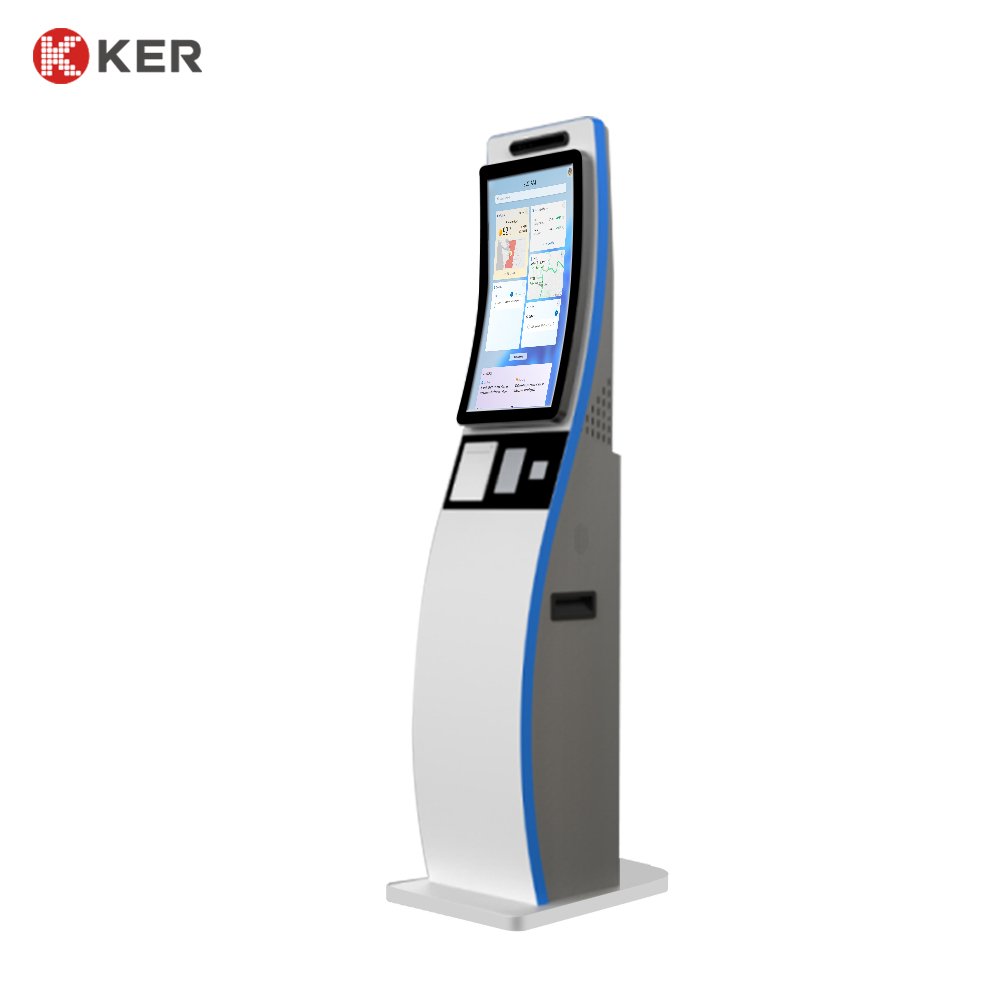
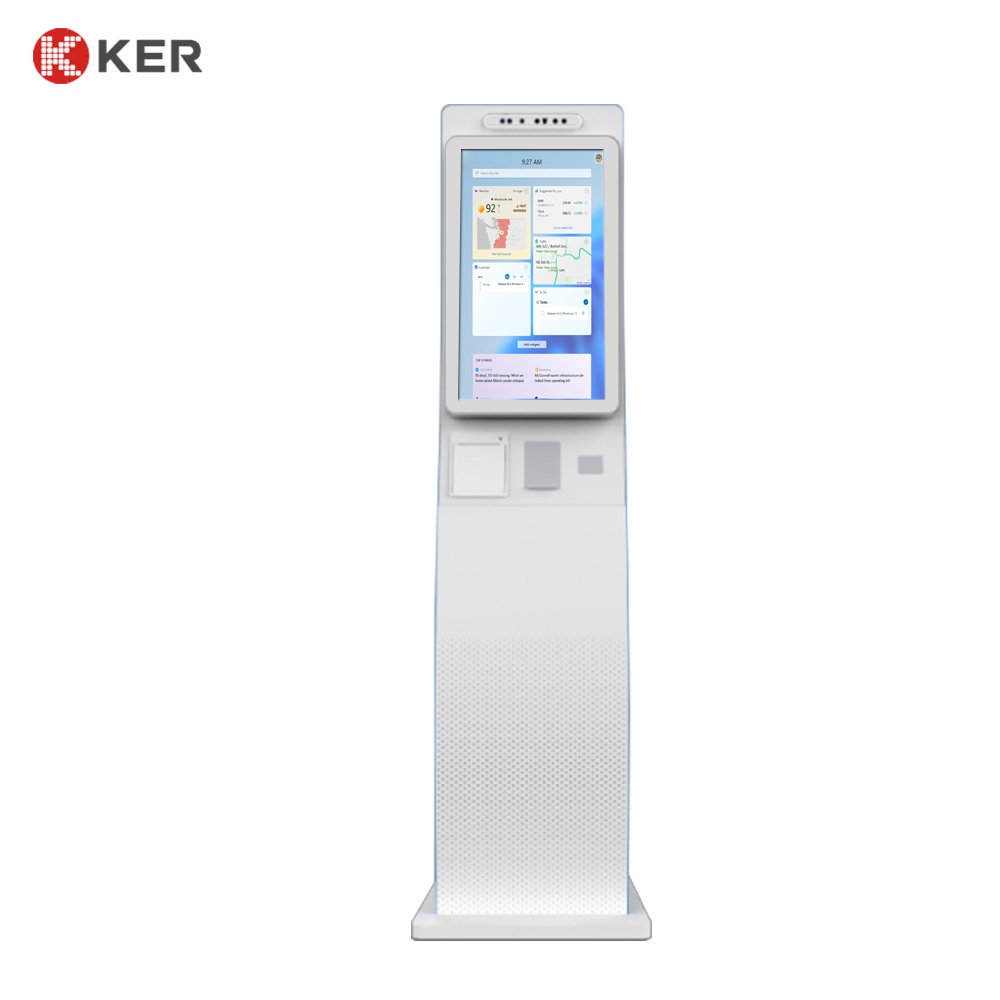
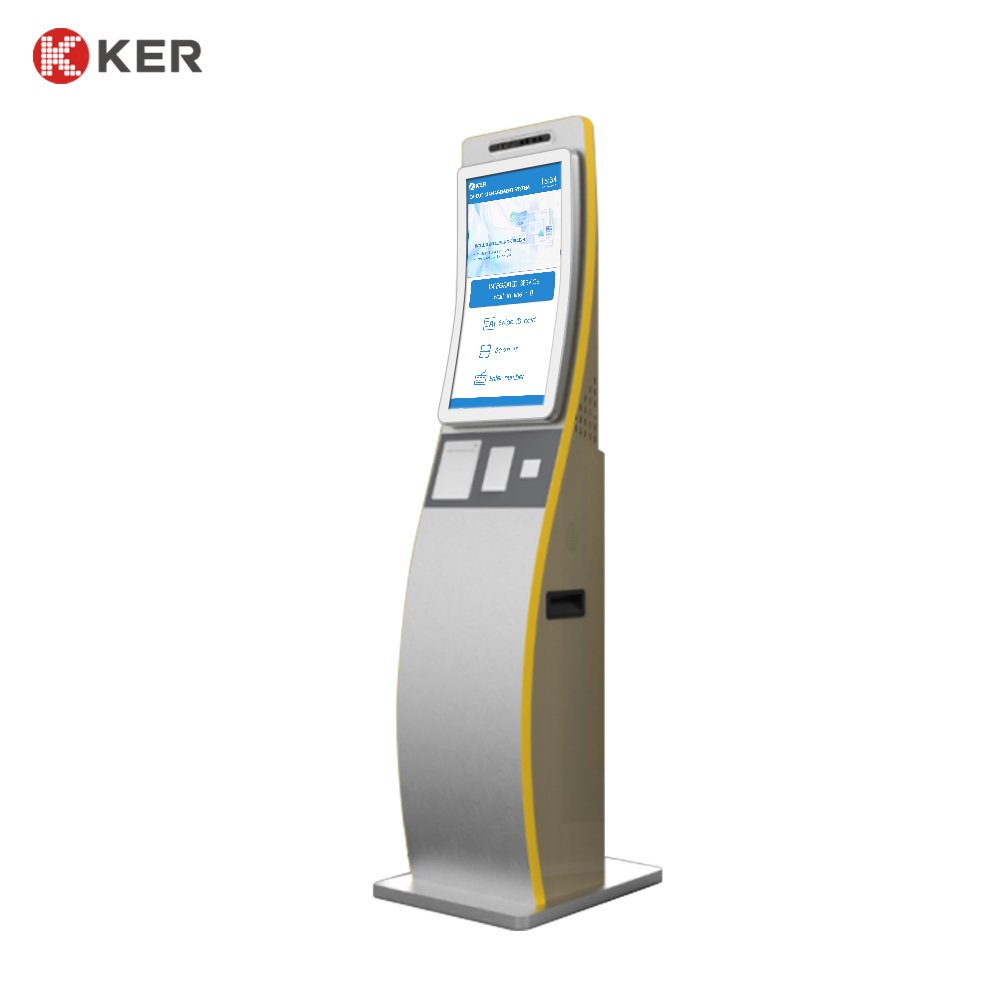




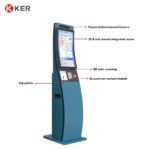
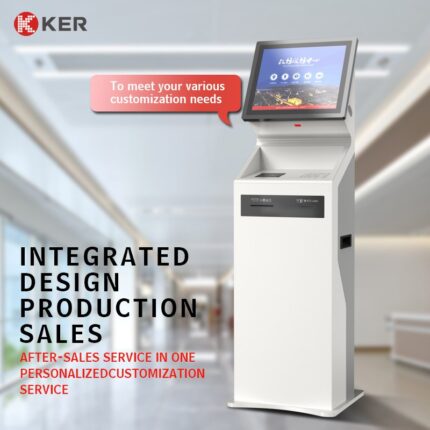
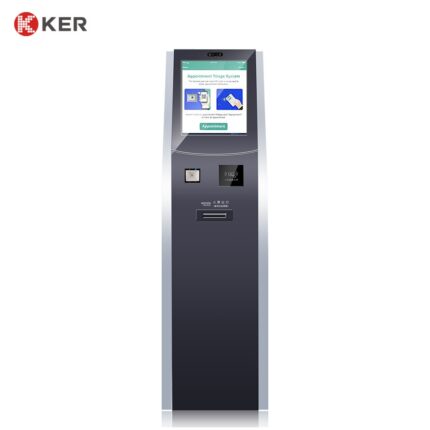
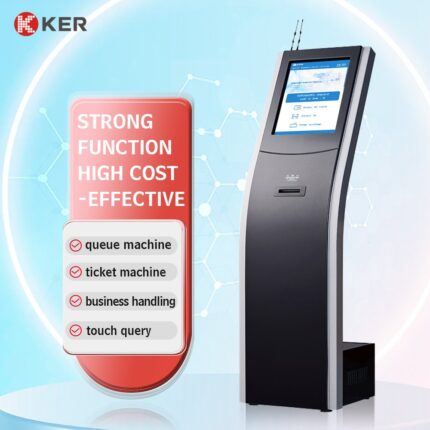
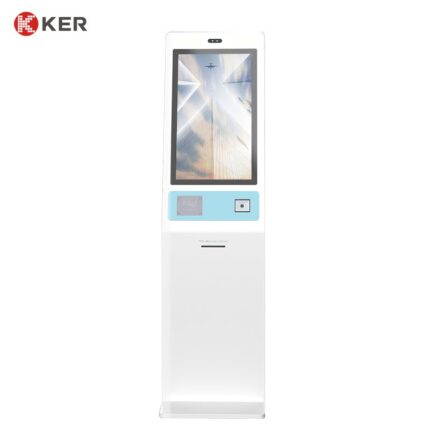
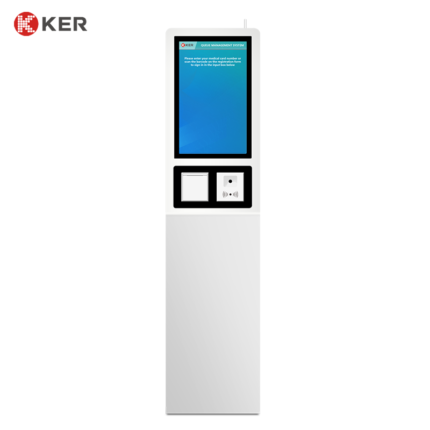
23.6-Inch Multifunction Self-Service Kiosk
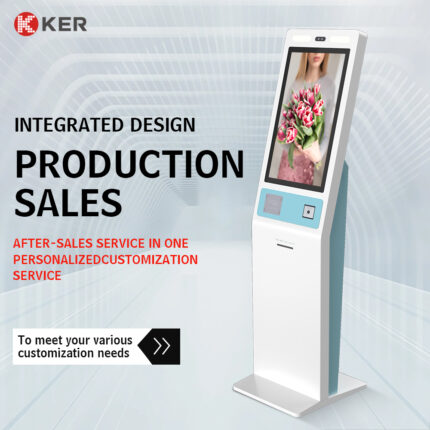
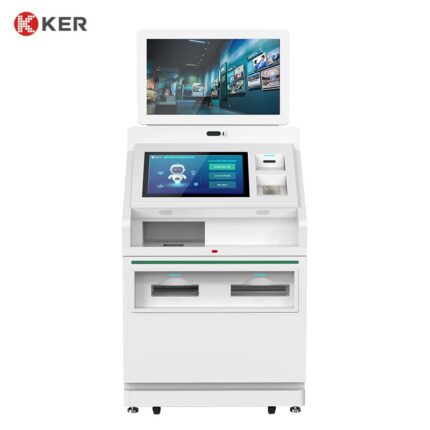
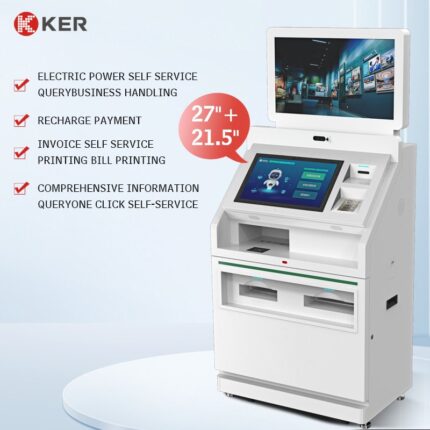
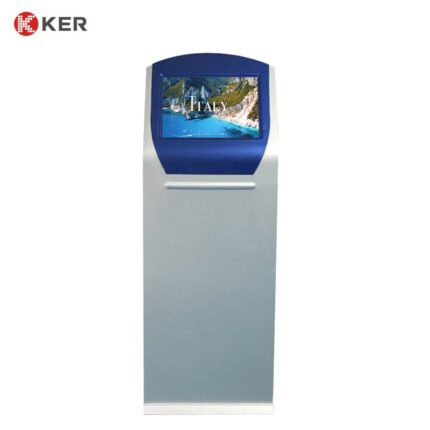
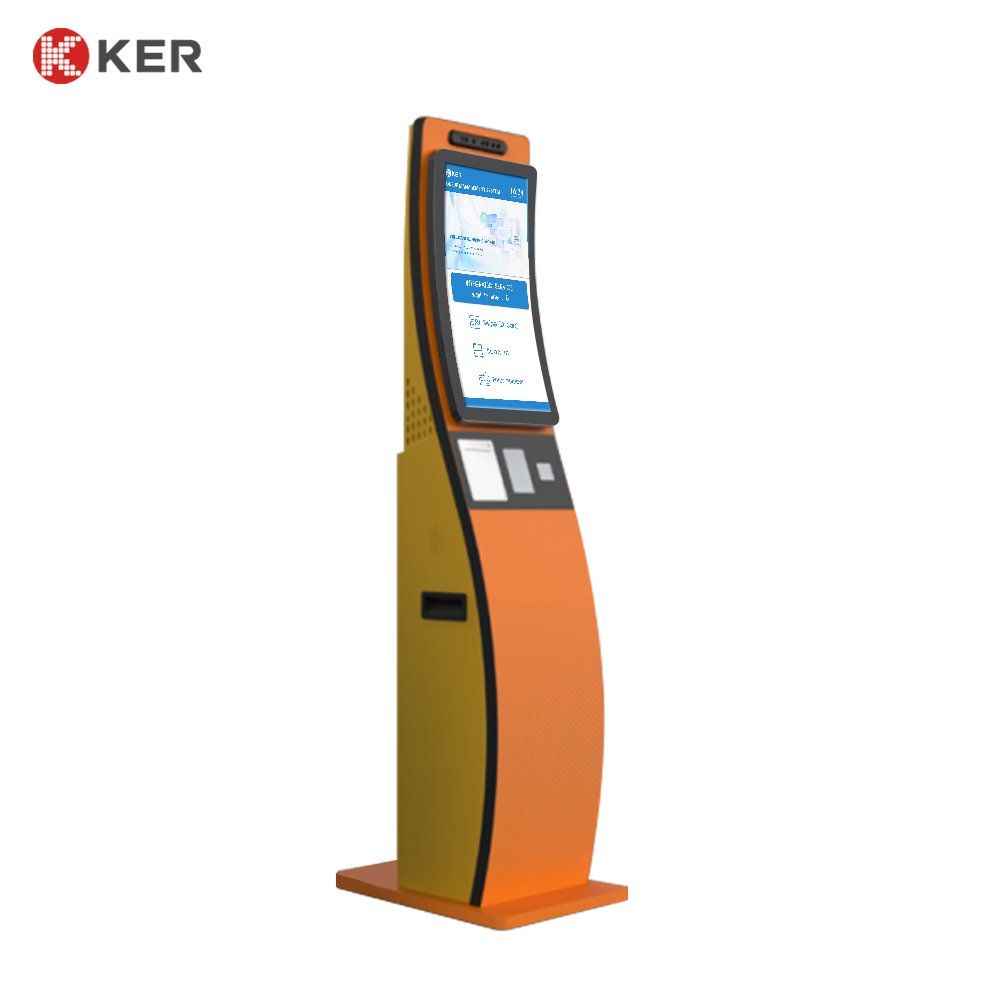
KER 23.6-Inch Multifunction Self-Service Kiosk is a versatile floor-standing terminal designed for businesses and organizations that require a flexible self-service hardware platform.
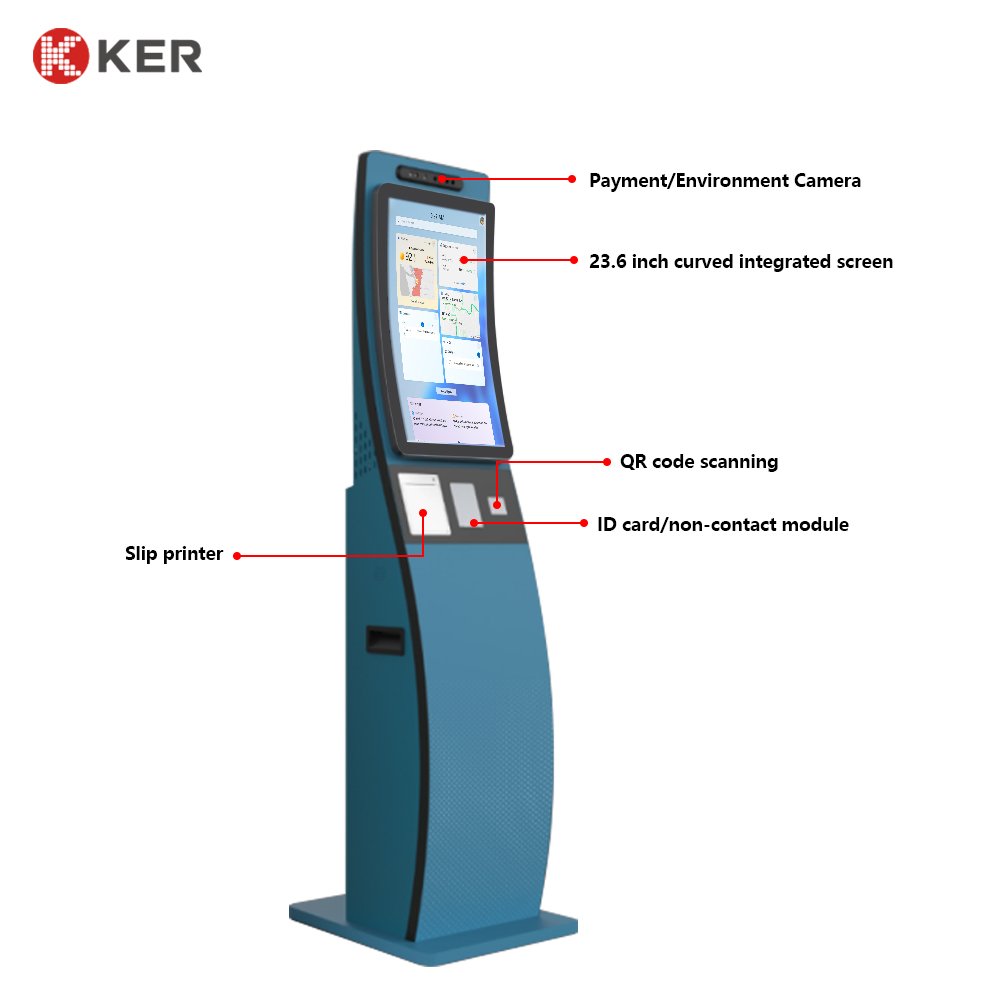
The kiosk integrates a large touchscreen display, QR/barcode scanner and thermal receipt printer, providing the essential hardware required for many common self-service workflows.
Unlike single-purpose kiosks, this model can be adapted to different industries through customized software and optional peripherals. Depending on the connected system, it can be configured for customer registration, ticket collection, queue management, appointment check-in, payment confirmation, information inquiry, visitor services and other applications.
The enclosure, computer configuration, scanner, printer, software interface and additional modules can be customized according to project requirements.
23.6-Inch Interactive Touchscreen
The large touchscreen provides a clear and convenient operating interface for public self-service applications.
It can display:
- Language selection
- Service categories
- Customer information
- QR scanning instructions
- Appointment or reservation details
- Transaction information
- Payment status
- Queue information
- Printing instructions
- Advertising and promotional content
- Error and assistance messages
The user interface can be customized according to the customer’s brand and workflow.
QR Code and Barcode Scanning
The integrated scanner can support a wide range of identification and verification functions.
Typical applications include:
- Appointment QR code scanning
- Reservation verification
- Electronic ticket collection
- Membership identification
- Customer account lookup
- Voucher redemption
- Pickup-code verification
- Mobile payment codes
- Visitor invitation codes
- Service-order lookup
The scanner model can be selected according to code type, scanning distance and installation requirements.
Receipt and Ticket Printing
The kiosk can integrate a thermal printer for different types of printed output.
Possible documents include:
- Queue numbers
- Payment receipts
- Transaction confirmations
- Appointment vouchers
- Pickup tickets
- Service tickets
- QR code tickets
- Visitor passes
- Promotional coupons
- Customer instructions
58mm or 80mm thermal printers can be selected according to the required paper width and transaction volume.
Flexible Self-Service Workflow
A typical workflow may include:
- Select a language
- Choose a service
- Enter information or scan a QR code
- Retrieve corresponding data
- Confirm the service or transaction
- Complete additional steps if required
- Print a receipt, ticket or confirmation
- Return automatically to the home screen
The workflow is software-driven and can be customized for different industries.
Registration and Check-In
The kiosk can be configured for:
- Customer registration
- Appointment check-in
- Visitor check-in
- Event registration
- Hotel or facility check-in
- Membership registration
- Service confirmation
Optional identification modules can be added where required.
Queue Management
When connected with a queue management system, the kiosk can support:
- Service category selection
- Appointment verification
- Queue number generation
- Priority queue selection
- QR code verification
- Queue ticket printing
Suitable for:
- Hospitals
- Banks
- Government offices
- Telecom stores
- Service centers
Ticketing and Voucher Collection
The kiosk can support:
- Ticket purchase confirmation
- Online booking verification
- QR ticket collection
- Voucher printing
- Event registration
- Attraction entry tickets
- Transportation ticket collection
A payment terminal can be added if direct payment is required.
Information Inquiry
The touchscreen can also provide:
- Service information
- Product information
- Appointment details
- Account information
- Facility navigation
- Membership status
- Ticket status
- Public information
This allows the same kiosk to combine transaction functions with information services.
Optional Payment Integration
Payment functions can be added according to the project.
Optional methods include:
- Credit and debit cards
- Contactless NFC payment
- QR payment
- Mobile wallets
- External or embedded POS terminals
Cash acceptance can also be integrated, but larger banknote or coin modules may require structural modification.
Optional Identification Devices
Depending on the application, the kiosk can integrate:
- RFID reader
- NFC reader
- IC card reader
- ID card reader
- Passport scanner
- Magnetic card reader
- Camera
- Fingerprint device
- Signature pad
Customers can select only the devices required for the actual workflow.
Third-Party Software Integration
The kiosk can connect with customer software through:
- API
- SDK
- HTTP
- TCP/IP
- Serial communication
- Database interface
- Custom middleware
Possible systems include:
- Queue management system
- Ticketing platform
- Appointment system
- Visitor management system
- POS system
- ERP platform
- Membership system
- Payment platform
- Healthcare system
- Government service platform
The integration scope depends on the customer’s software and available technical documentation.
Remote Device Management
An optional management platform can support:
- Device online status
- Printer paper status
- Scanner status
- Peripheral fault alerts
- Transaction records
- Usage statistics
- Error logs
- Remote restart
- Software updates
- Interface-content updates
- Advertising-content management
This is useful for multi-location deployments.
Commercial Floor-Standing Design
The kiosk uses a stable floor-standing metal enclosure suitable for public environments.
Available design features include:
- Lockable maintenance door
- Hidden internal wiring
- Printer access compartment
- Ventilation and cooling
- Floor fixing
- Custom module openings
- Customized colors
- Logo branding
- Internal cable management
The enclosure can be modified according to the selected peripherals.
| Item | Specification |
|---|---|
| Product Type | Multifunction Self-Service Kiosk |
| Main Functions | QR scanning, information inquiry and receipt/ticket printing |
| Display Size | 23.6 inches |
| Installation | Floor standing |
| Touchscreen | Projected Capacitive Touchscreen |
| Resolution | Up to 1920 × 1080 |
| Processor | Intel / ARM Optional |
| Memory | 4GB / 8GB / Customized |
| Storage | 64GB / 128GB / 256GB Optional |
| Operating System | Windows / Android / Linux Optional |
| QR Scanner | Standard |
| Barcode Scanner | Supported |
| Receipt Printer | 58mm / 80mm Thermal Printer |
| Ticket Printing | Supported according to printer configuration |
| Card Reader | RFID / NFC / IC Optional |
| Identification | ID / Passport / Camera Optional |
| Payment | Card / NFC / QR Optional |
| Network | Ethernet / Wi-Fi / 4G Optional |
| Audio | Speaker Optional |
| Software Integration | API / SDK / Custom Interface |
| Remote Management | Optional |
| Enclosure | Powder-Coated Metal Cabinet |
| Security | Lockable Maintenance Door |
| Floor Fixing | Optional |
| Language | Multilingual Software Supported |
| Branding | Logo / Color / UI Customization |
| OEM / ODM | Supported |