(+035) 527-1710-70
 NEWSLETTER


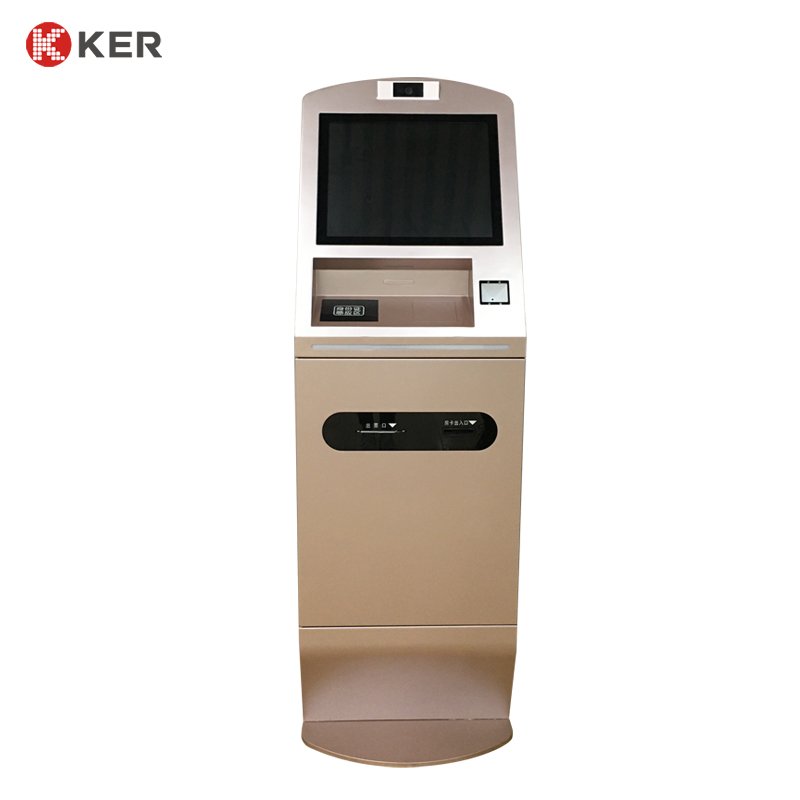
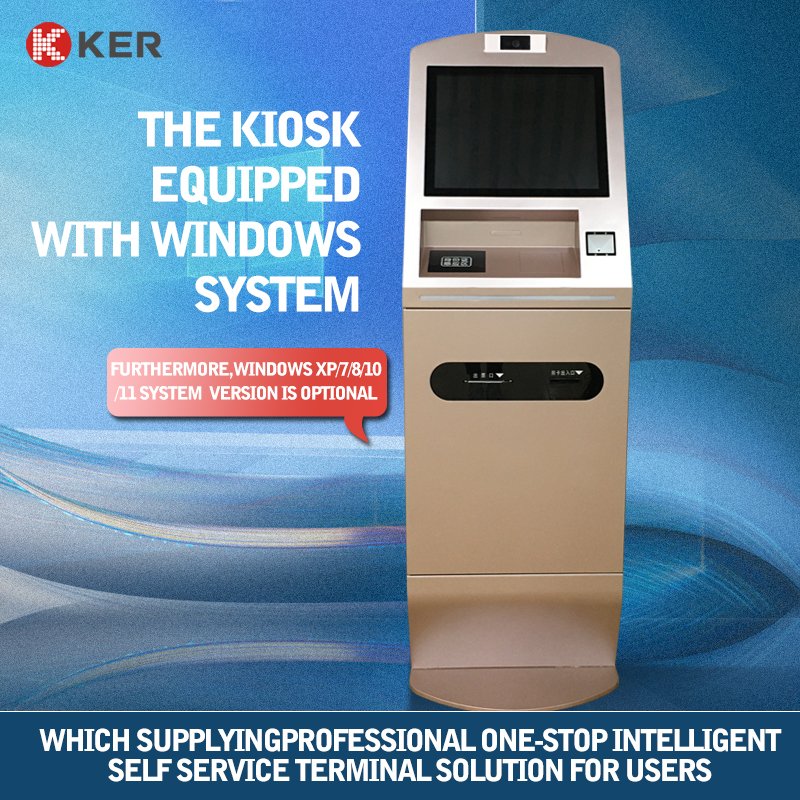
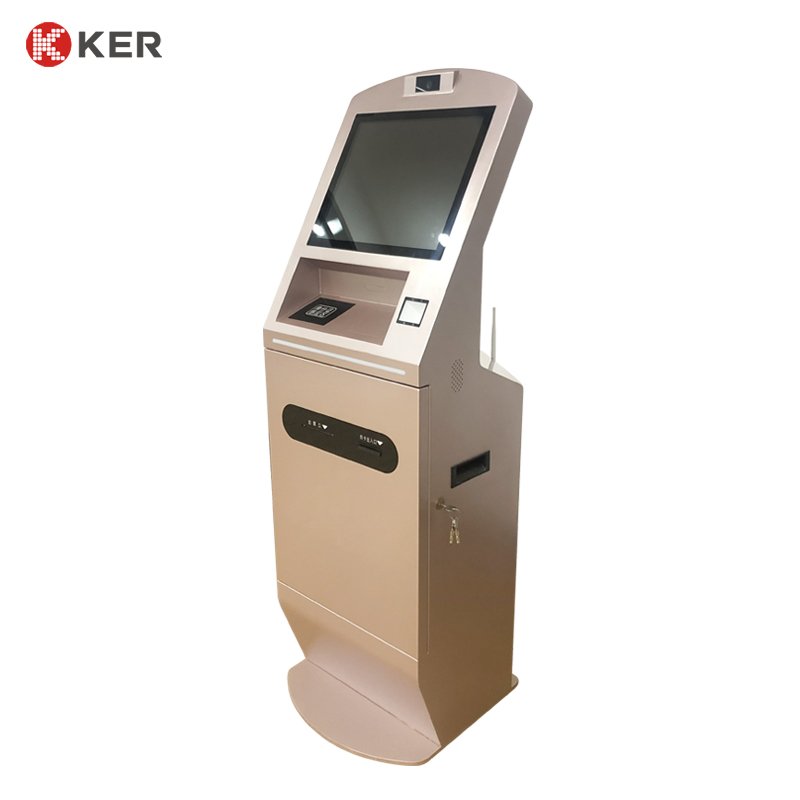
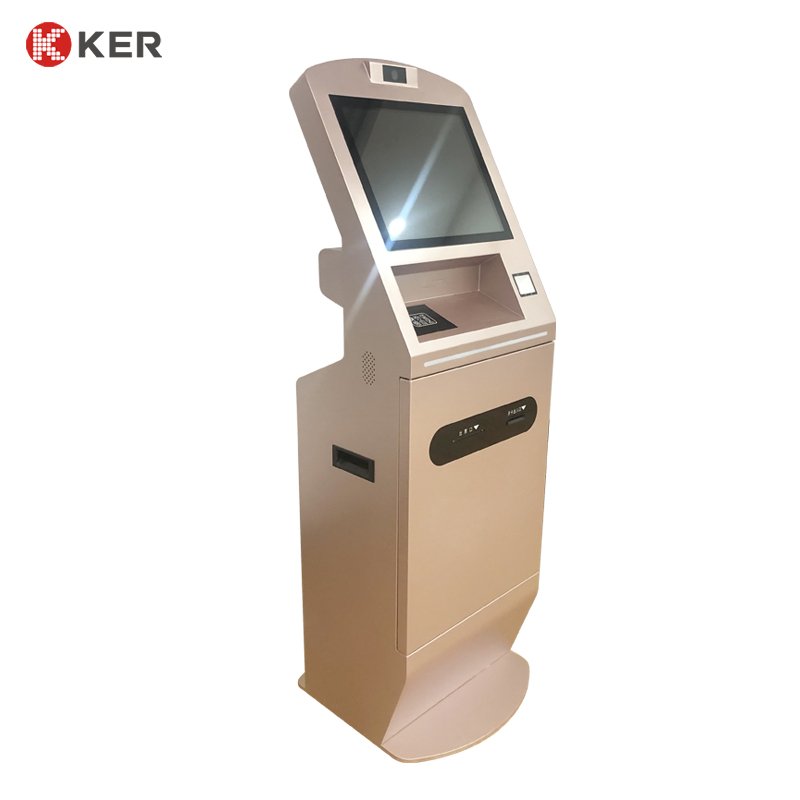
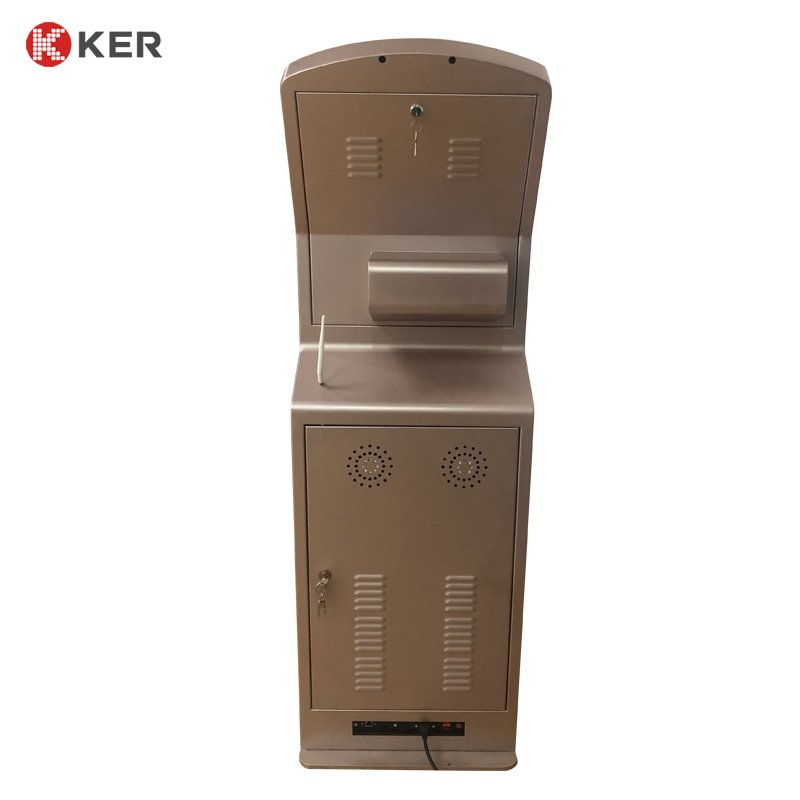
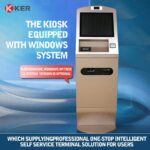
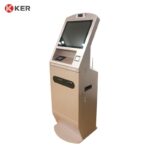
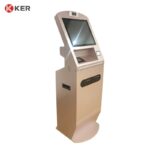
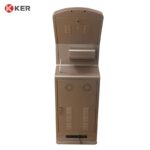
15.6/17-Inch Hotel Self Check-In & Check-Out Payment Kiosk
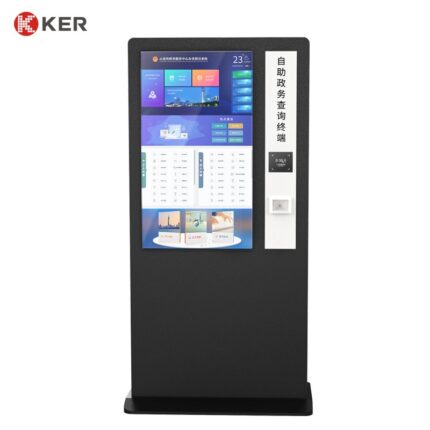
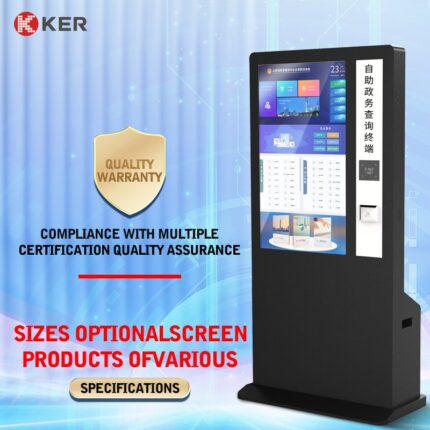
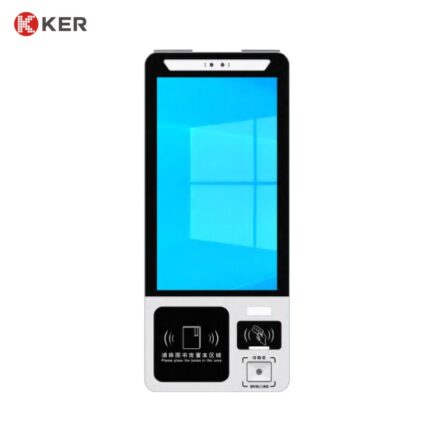
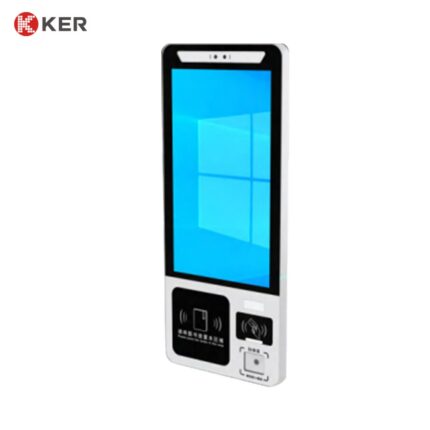
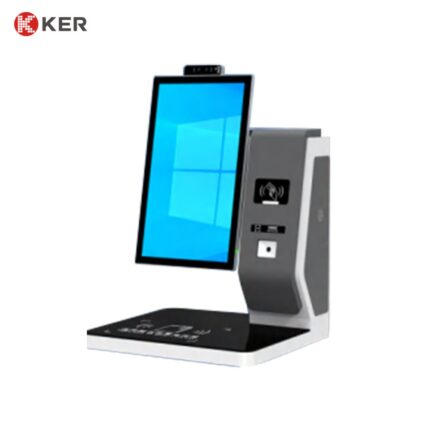
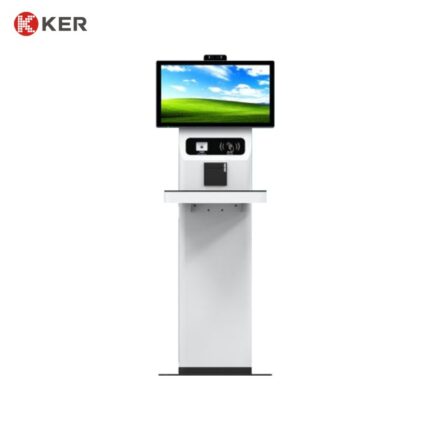
KER 15.6/17-Inch Hotel Self Check-In & Check-Out Payment Kiosk is a self-service hospitality terminal designed for hotels, resorts, serviced apartments, hostels and unattended reception areas.
The kiosk combines a touchscreen interface with barcode/QR scanning, payment capabilities and optional room key card issuing, allowing guests to complete common arrival and departure procedures independently.
Available in 15.6-inch and 17-inch screen configurations, the terminal is suitable for hotels that require a compact self-service solution while still providing enough screen space for reservation information, payment instructions and guest guidance.
Self Check-In and Check-Out
The kiosk supports both guest arrival and departure workflows.
A typical check-in process may include:
- Select a language
- Scan a booking QR code or barcode
- Retrieve the reservation
- Verify guest information
- Confirm room and stay details
- Complete payment or deposit authorization
- Issue the room key card if configured
- Print a receipt or check-in confirmation
A typical check-out process may include:
- Scan the room or reservation code
- Retrieve the current stay
- Review outstanding charges
- Complete payment
- Confirm departure
- Deactivate the room card if supported
- Print the invoice or receipt
The actual workflow can be customized according to the hotel’s PMS and operating procedures.
Cash and Card Payment
One of the key features of this model is its ability to support payment directly at the kiosk.
Depending on project requirements, payment options may include:
- Credit cards
- Debit cards
- Contactless NFC payment
- QR payment
- Mobile wallets
- Cash payment
- External POS terminals
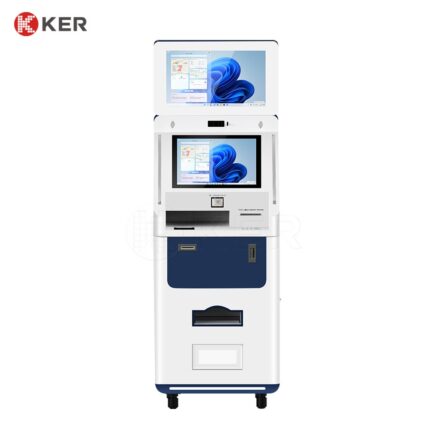
For cash payment, the cabinet can be configured with appropriate banknote and coin modules.
Where automatic change is required, additional cash dispensing or recycling modules can be integrated subject to available cabinet space.
Barcode and QR Code Scanning
The integrated or optional scanner can be used for:
- Booking confirmation
- Online check-in
- Reservation lookup
- Guest verification
- Mobile vouchers
- Payment QR codes
- Membership identification
- Hotel service requests
This allows guests to transfer information from their mobile booking to the kiosk quickly without manually entering long reservation numbers.
Reservation Lookup
Guests can retrieve reservations through:
- Booking QR code
- Barcode
- Reservation number
- Mobile phone number
- Verification code
- Membership number
The kiosk can retrieve information such as:
- Guest name
- Check-in date
- Check-out date
- Room type
- Booking status
- Payment status
- Special requests
The available functions depend on the connected PMS or booking platform.
Guest Identification
Optional identification devices may include:
- Passport scanner
- National ID card reader
- MRZ reader
- QR/barcode scanner
- NFC reader
- RFID reader
- Camera
- Signature pad
This allows the terminal to support different levels of guest verification.
Automatic Room Key Card Issuing
If required, a hotel room key card dispenser and encoder can be integrated.
Possible functions include:
- Blank card storage
- Automatic card dispensing
- Room number encoding
- Access-permission writing
- Check-in/check-out time writing
- Failed-card detection
- Low-card warning
- Empty-card warning
- Card inventory monitoring
- Replacement-card issuing
Compatibility with the hotel’s door-lock platform should be confirmed before production.
Hotel PMS Integration
The kiosk can connect to the hotel’s Property Management System through:
- API
- SDK
- Middleware
- HTTP/TCP-IP
- Other supported interfaces
Possible functions include:
- Reservation retrieval
- Guest information synchronization
- Room assignment
- Check-in update
- Check-out update
- Payment status
- Deposit processing
- Invoice information
- Transaction records
The final integration scope depends on the customer’s PMS and available technical documentation.
Hotel Door Lock Integration
When room card issuing is required, the kiosk can connect to compatible hotel lock systems.
Possible card information may include:
- Room number
- Guest access permissions
- Check-in time
- Check-out time
- Elevator-floor permissions
- Public-area access
- Extended-stay permissions
- Replacement-card information
- Card cancellation
The lock brand, card type, encoder and interface should be confirmed before final configuration.
Receipt and Invoice Printing
An optional thermal printer can print:
- Payment receipts
- Check-in confirmations
- Check-out receipts
- Deposit receipts
- Transaction references
- Room information
- Hotel service information
- Promotional coupons
58mm or 80mm printers can be selected according to the application.
Hotel Guest Service Functions
The kiosk can also provide additional guest-service functions.
Possible services include:
- Restaurant reservations
- Spa reservations
- Shuttle reservations
- Hotel information
- Local attractions
- Wi-Fi instructions
- Breakfast information
- Facility booking
- Service requests
This allows the terminal to serve as more than a payment station.
Multilingual Interface
The touchscreen can support multiple languages for international guests.
Possible interface content includes:
- Reservation instructions
- Payment instructions
- Identity verification
- Room card collection
- Check-out guidance
- Hotel policies
- Facility information
- Staff assistance
The final language package can be customized.
Remote Device Management
An optional management platform can monitor:
- Device online status
- Cash module status
- Printer status
- Barcode/QR scanner
- Payment terminal
- Card dispenser
- Transaction records
- Error logs
- Remote restart
- Software updates
- Content updates
This is useful for hotel chains or properties operating multiple self-service terminals.
Compact Hospitality Enclosure
The 15.6/17-inch design provides a balance between screen visibility and installation footprint.
It can be deployed in:
- Hotel lobbies
- Reception areas
- Guest service counters
- Unattended check-in zones
- Serviced apartment entrances
- Late-night arrival areas
The enclosure, module layout and external appearance can be customized.
| Item | Specification |
|---|---|
| Product Type | Hotel Self Check-In & Check-Out Payment Kiosk |
| Main Functions | Check-in, check-out, payment and reservation verification |
| Screen Size | 15.6″ / 17″ |
| Installation | Floor Standing / Customized |
| Touchscreen | Projected Capacitive Touchscreen |
| Resolution | Full HD or Customized |
| Processor | Intel / ARM Optional |
| Memory | 4GB / 8GB / Customized |
| Storage | 64GB / 128GB / 256GB Optional |
| Operating System | Windows / Android / Linux Optional |
| QR / Barcode Scanner | Optional |
| Passport Scanner | Optional |
| ID Card Reader | Optional |
| NFC / RFID Reader | Optional |
| Key Card Dispenser | Optional |
| Key Card Encoder | Optional |
| Banknote Acceptor | Optional |
| Coin Acceptor | Optional |
| Change Module | Optional |
| Card Payment | Optional |
| QR Payment | Optional |
| Receipt Printer | 58mm / 80mm Optional |
| Camera | Optional |
| Network | Ethernet / Wi-Fi / 4G Optional |
| PMS Integration | Supported |
| Hotel Lock Integration | Supported, subject to compatibility |
| Remote Management | Optional |
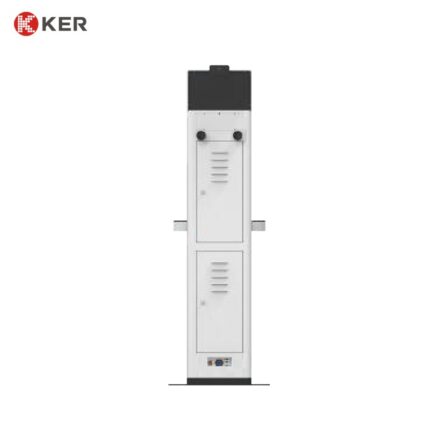
| Cabinet | Powder-Coated Metal Enclosure |
| Branding | Logo / Color / UI Customization |
| OEM / ODM | Supported |