(+035) 527-1710-70
 NEWSLETTER


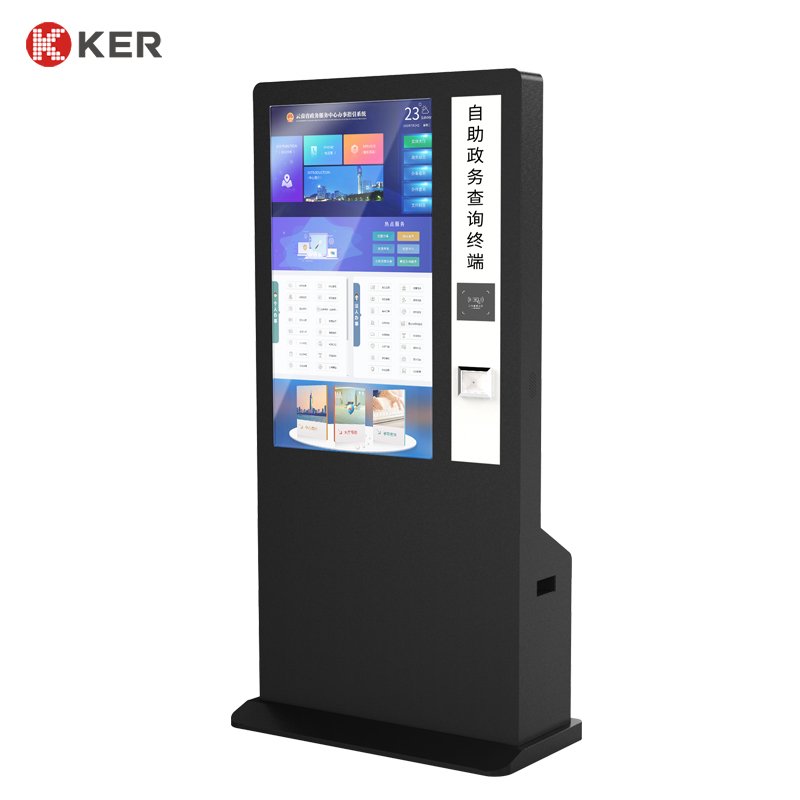
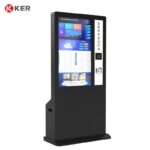
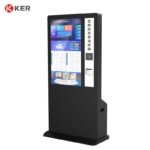
Government Self-Service Document Scanning Kiosk
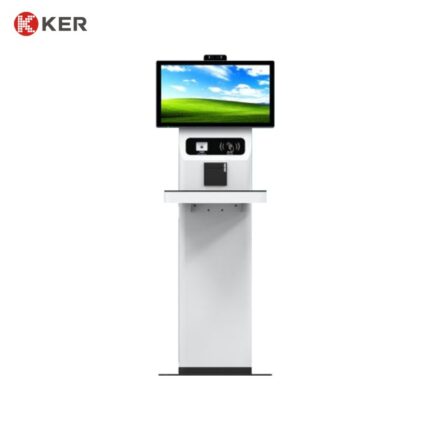
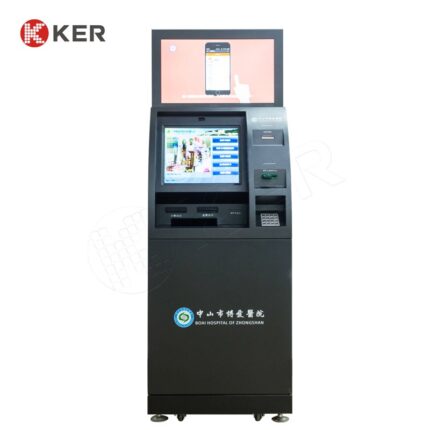
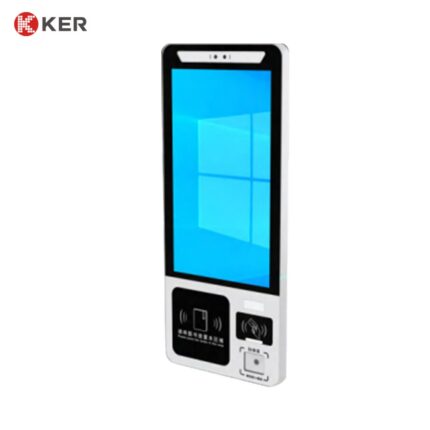
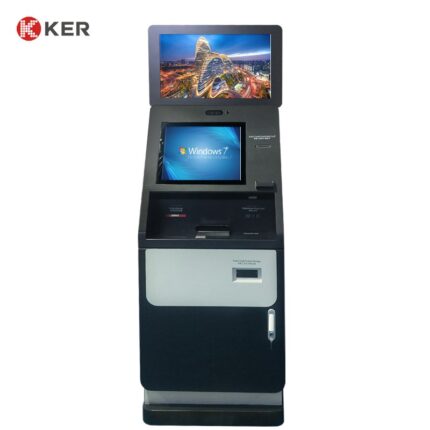
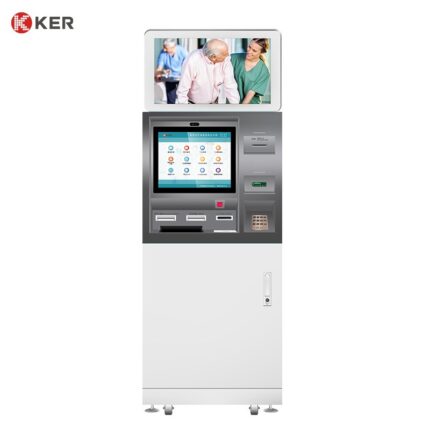
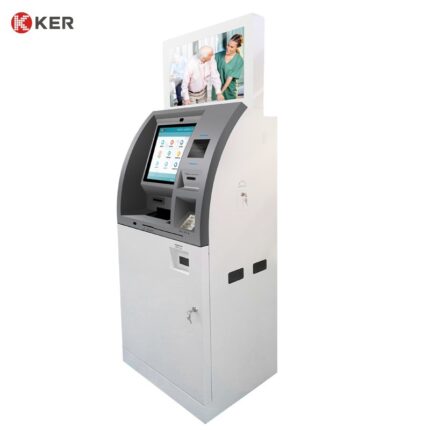
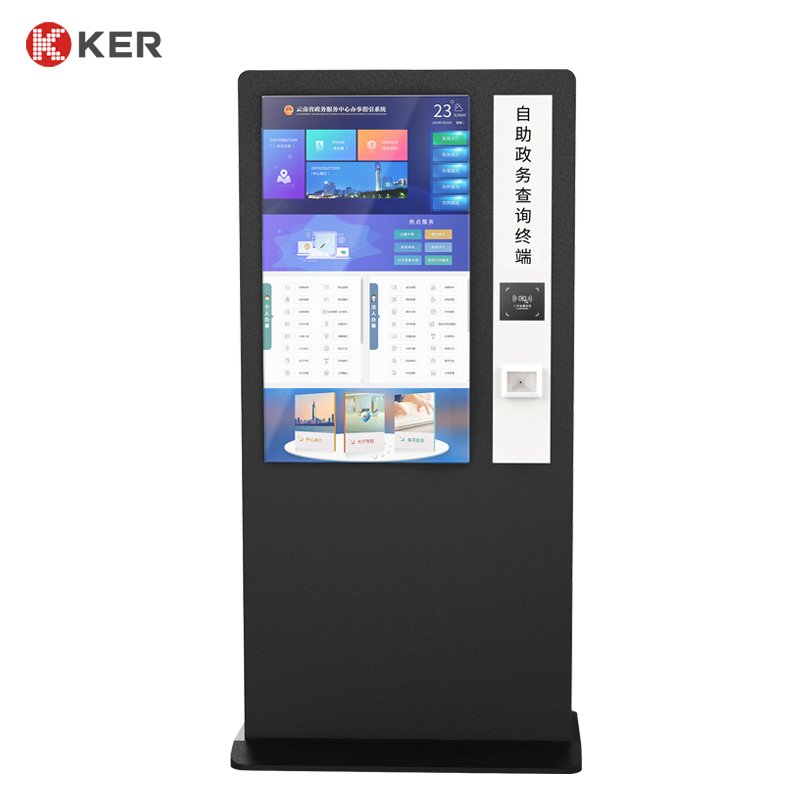
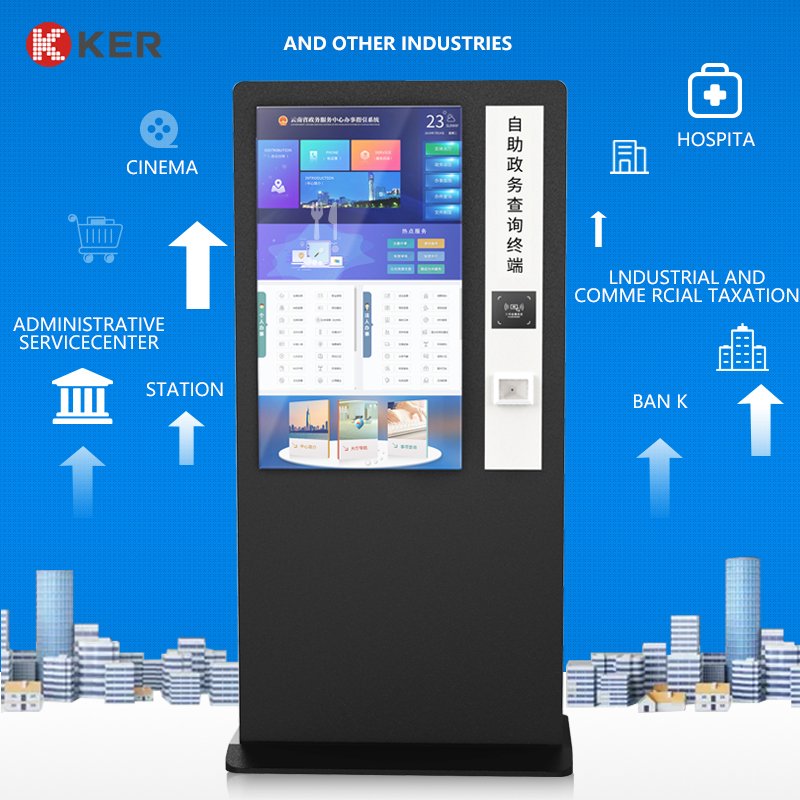
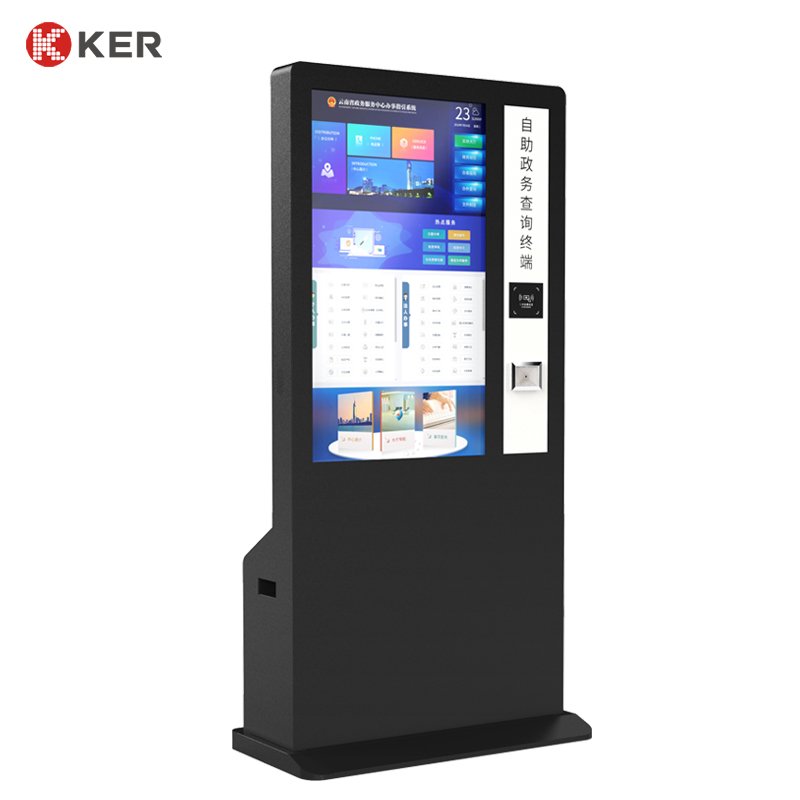
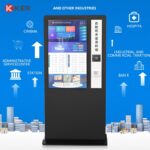
KER Large-Screen Self-Service Document Scanning Kiosk is a multifunctional interactive terminal designed for government service centers, banks, hospitals, insurance companies, public institutions and other organizations that require document scanning and self-service processing.
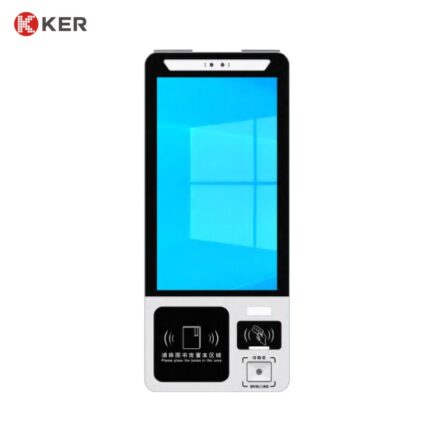
The kiosk combines a large touchscreen with optional document, ID and barcode/QR scanning devices, allowing users to submit documents, verify information and complete digital service workflows independently.
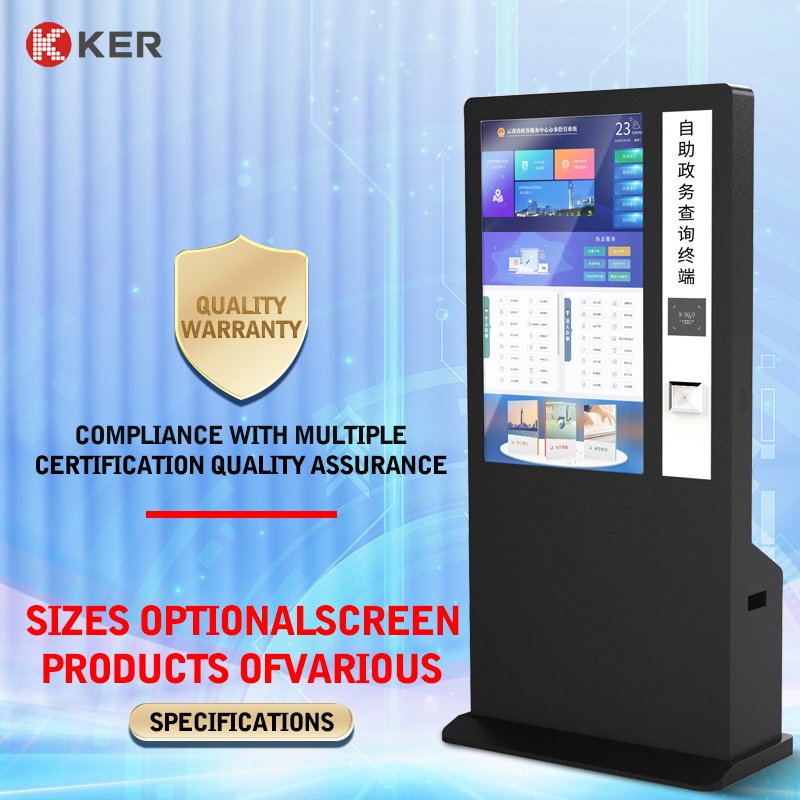
Available in 32-inch, 43-inch and 55-inch screen configurations, the terminal can be adapted to different environments, from transaction-focused service points to large public information and document-submission stations.
The hardware platform can be customized with printers, payment modules, card readers, cameras and other peripherals according to the customer’s application.
Large 32/43/55-Inch Touchscreen
The large display provides a clear operating area for document-processing workflows.
Possible functions include:
- Service selection
- Application instructions
- Document scanning guidance
- User information input
- Document preview
- Identity verification
- Payment confirmation
- Submission confirmation
- Printing instructions
- Public information display
The interface can support multilingual operation and customized institutional branding.
Document Scanning
The kiosk can integrate suitable document-scanning devices according to the project requirements.
Possible scanning applications include:
- Forms
- Application documents
- Certificates
- Supporting documents
- Identification documents
- Passports
- Business licenses
- Medical documents
- Insurance documents
- Bank documents
The final scanner should be selected according to document size, paper thickness, scanning speed and required image quality.
ID and Identity Document Scanning
Optional identity-reading devices may include:
- National ID card reader
- Passport scanner
- MRZ reader
- Driver’s license reader
- OCR scanner
- Barcode scanner
- QR code scanner
- NFC/RFID reader
This allows the terminal to combine document submission with user identity verification.
Self-Service Government Applications
This is one of the main application areas for the kiosk.
Possible services include:
- Government form submission
- Application document scanning
- Certificate submission
- Citizen information verification
- Appointment check-in
- Public-service registration
- Supporting-document upload
- Application status inquiry
- Receipt printing
The workflow can be customized according to the government service platform.
Banking and Financial Services
The same platform can be configured for banking service workflows such as:
- Customer document submission
- ID verification
- Account application
- Loan document collection
- Insurance document scanning
- Customer information update
- Statement-related services
Integration with banking or financial platforms depends on the customer’s software and security requirements.
Healthcare Applications
Possible medical applications include:
- Patient document scanning
- Identity verification
- Medical record submission
- Insurance document scanning
- Appointment check-in
- Registration
- Medical-form submission
For healthcare projects, patient-data security and privacy requirements should be defined by the system operator.
Insurance Applications
The kiosk can support:
- Claim document scanning
- Identity verification
- Insurance form submission
- Supporting-document upload
- Claim-status inquiry
- Receipt printing
Document Preview and Confirmation
The software can display scanned-document information before submission.
Possible functions include:
- Document preview
- Image quality checking
- Page count
- File confirmation
- Retake scanning
- Remove incorrect pages
- Submit scanned documents
- Print submission confirmation
This helps users verify documents before completing the transaction.
QR and Barcode Scanning
Optional QR/barcode readers can support:
- Application number lookup
- Appointment verification
- Service order retrieval
- Electronic document submission
- Mobile authorization
- Ticket or voucher verification
- User identification
This is particularly useful when users start the process on a smartphone and continue it at the kiosk.
Receipt and Confirmation Printing
Optional thermal printers can output:
- Submission receipts
- Application numbers
- Queue tickets
- Transaction confirmations
- Appointment slips
- Document submission records
- QR code vouchers
58mm or 80mm printers can be selected according to the workflow.
If official A4/B5 documents must be printed, a larger document printer can be integrated through a customized cabinet.
Payment Integration
For services requiring payment, the kiosk can support:
- Credit and debit cards
- Contactless NFC payment
- QR payment
- Mobile wallets
- External POS terminals
Cash acceptance can also be integrated if required, although larger cash modules require additional internal space.
Digital Signature and Confirmation
Where required, optional devices may support:
- Signature pad
- Touchscreen signature
- Agreement confirmation
- Consent forms
- Application confirmation
This can help digitize paper-based service workflows.
Camera Integration
An optional camera can support:
- User photo capture
- Document capture assistance
- Facial verification
- Video assistance
- Remote customer service
The use of facial or biometric functions depends on local legal and privacy requirements.
API and SDK Integration
The kiosk is designed as a customizable hardware platform for software integration.
Possible interfaces include:
- API
- SDK
- HTTP
- TCP/IP
- USB
- Serial communication
- Custom middleware
Possible systems include:
- Government service platforms
- Banking platforms
- Insurance systems
- Healthcare systems
- Document management platforms
- Appointment systems
- Queue management systems
- Payment systems
- CRM/ERP platforms
The actual integration scope depends on the customer’s software architecture and available technical documentation.
Remote Device Management
An optional remote management platform can support:
- Device online status
- Scanner status
- Printer status
- Payment-device status
- Camera status
- Peripheral fault alerts
- Remote restart
- Software updates
- Usage statistics
- Error logs
- Content updates
This is particularly useful for government or enterprise networks with many distributed kiosks.
Accessible Self-Service Design
The software and cabinet can be adapted to improve accessibility.
Possible features include:
- Large touch buttons
- High-contrast interface
- Multilingual instructions
- Audio guidance
- Adjustable interaction flow
- Simple step-by-step navigation
The final accessibility requirements should follow the regulations applicable in the target market.
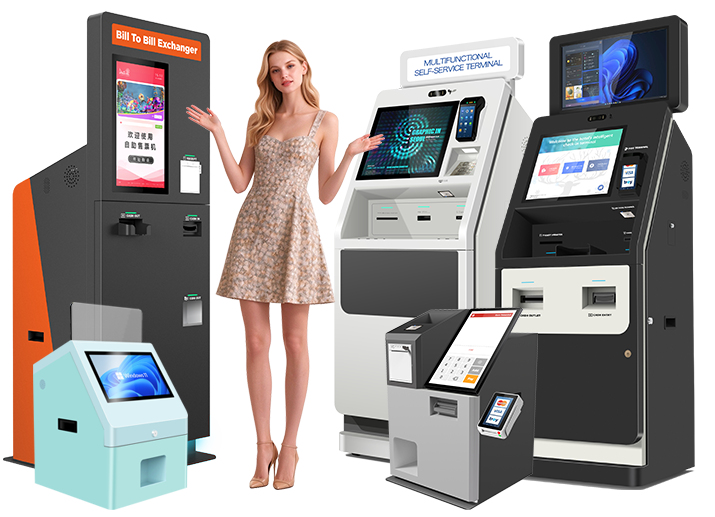
Custom Commercial Enclosure
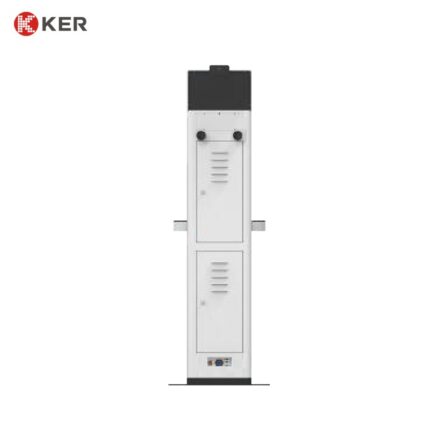
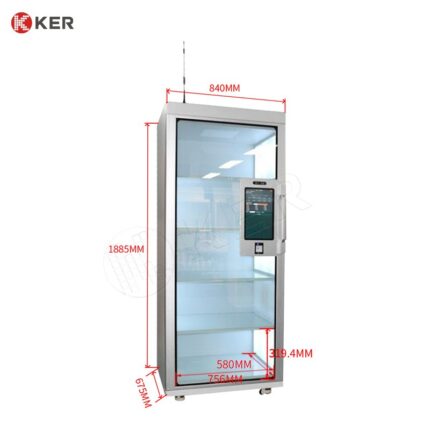
The large-screen cabinet can be customized according to the selected scanning and printing modules.
Customization options include:
- Screen size
- Scanner position
- Document input/output location
- Printer position
- Payment-terminal position
- Camera
- Card reader
- Cabinet color
- Logo
- Branding graphics
- Floor anchoring
| Item | Specification |
|---|---|
| Product Type | Large-Screen Self-Service Document Scanning Kiosk |
| Main Functions | Document scanning, identity verification and self-service application |
| Screen Size | 32″ / 43″ / 55″ |
| Installation | Floor Standing |
| Touchscreen | Projected Capacitive Touchscreen Optional |
| Resolution | Full HD / 4K Optional |
| Processor | Intel / ARM Optional |
| Memory | 4GB / 8GB / Customized |
| Storage | 64GB / 128GB / 256GB Optional |
| Operating System | Windows / Android / Linux Optional |
| Document Scanner | Optional |
| ID Card Reader | Optional |
| Passport Scanner | Optional |
| OCR | Optional |
| QR / Barcode Scanner | Optional |
| NFC / RFID Reader | Optional |
| Thermal Printer | 58mm / 80mm Optional |
| A4/B5 Printer | Optional |
| Payment Terminal | Card / NFC / QR Optional |
| Camera | Optional |
| Signature Pad | Optional |
| Network | Ethernet / Wi-Fi / 4G Optional |
| API / SDK | Supported |
| Remote Management | Optional |
| Cabinet | Commercial Metal Enclosure |
| Branding | Logo / Color / UI Customization |
| OEM / ODM | Supported |