(+035) 527-1710-70
 NEWSLETTER



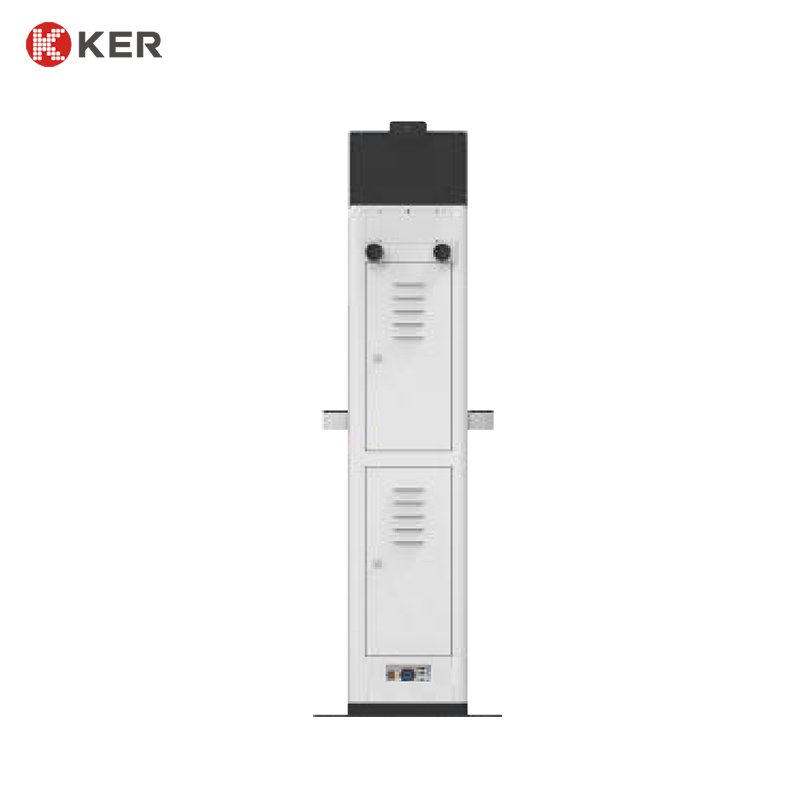
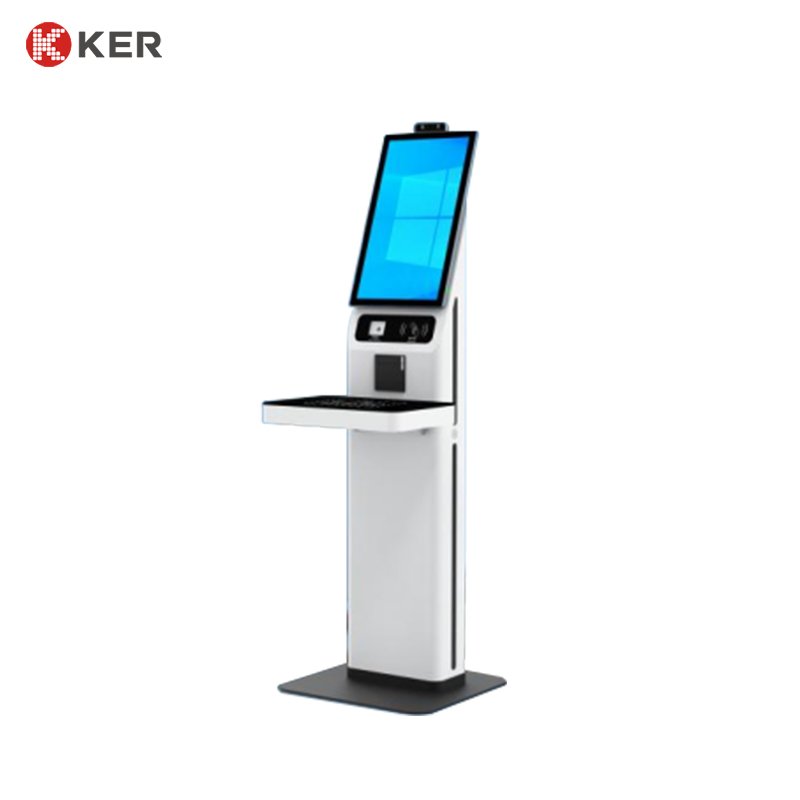

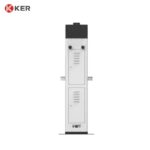
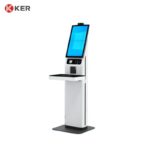
Floor-Standing RFID Library Self-Service Borrowing & Return Kiosk
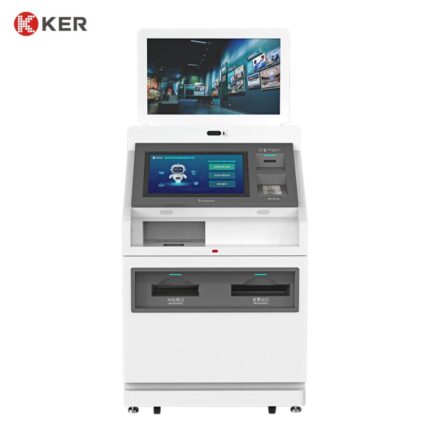
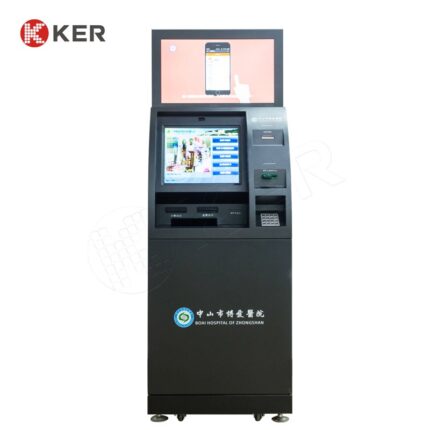
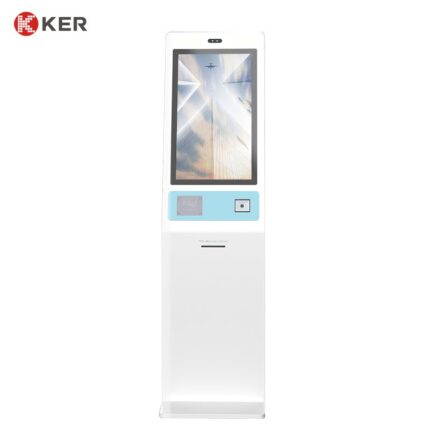
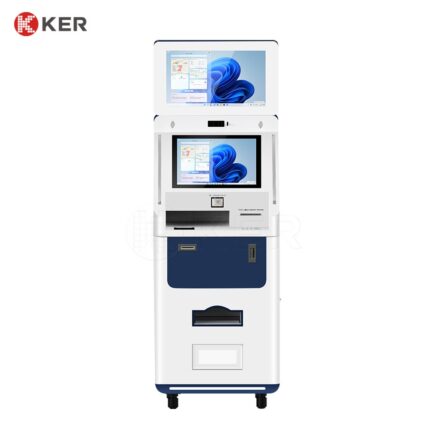
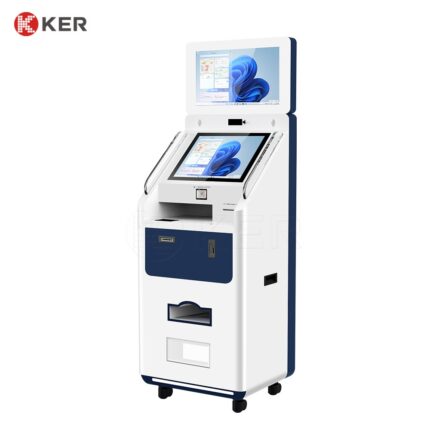
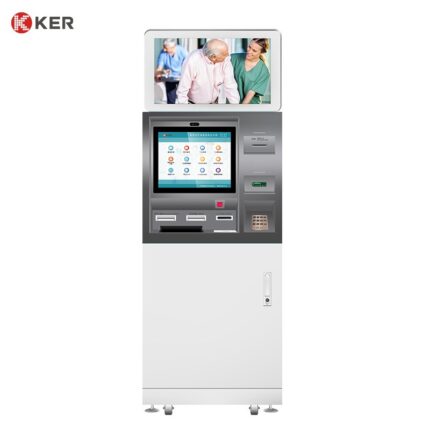
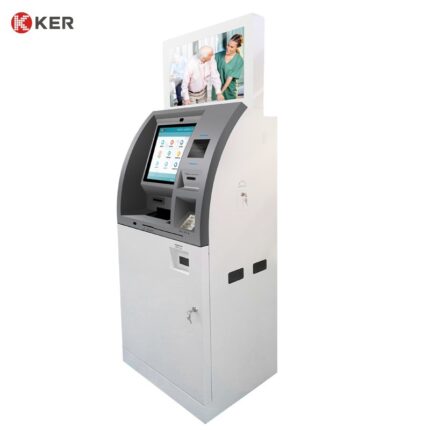
KER Floor-Standing RFID Library Self-Service Borrowing & Return Kiosk is an intelligent library automation terminal designed to provide convenient and unattended book circulation services.
The vertical kiosk allows readers to borrow, return, renew and check library information independently without requiring assistance from library staff.
The terminal combines a high-definition touchscreen with RFID and barcode identification technologies, while optional QR code, library-card and facial-recognition functions can be used for reader authentication. The current KER page explicitly supports borrowing, returning, querying and renewing, with RFID/barcode identification and real-time synchronization with the library management system.
Its floor-standing design makes it suitable for library entrances, lobbies, corridors, campus facilities and other high-traffic areas where a standalone self-service terminal is preferred.
Self-Service Book Borrowing
Readers can complete book borrowing independently.
Typical workflow:
Identify Reader → Place Book on Reading Area → Scan RFID/Barcode → Confirm Book → Complete Borrowing → Update Library Record
The system can display:
- Book title
- Author
- Book ID
- Availability
- Borrowing status
- Due date
- Transaction confirmation
This reduces dependence on staffed circulation counters.
Self-Service Book Return
The kiosk can also support independent book returns.
Typical workflow:
Select Return → Place Book on Reading Area → Identify RFID/Barcode → Confirm Return → Update Library System
The system can support efficient processing of one or multiple items, depending on the selected RFID configuration.
Book Renewal
Where supported by the library management system, readers can renew eligible books directly from the kiosk.
Possible functions include:
- View current loans
- Check due dates
- Select a book
- Request renewal
- Confirm new due date
Renewal rules remain controlled by the connected library system.
Reader Authentication
The kiosk can support multiple identification methods.
Available options may include:
- RFID library card
- NFC card
- QR code
- Barcode
- Membership ID
- Optional facial recognition
The current page specifically mentions card swiping, QR code scanning and optional facial recognition.
RFID Book Identification
RFID allows tagged books to be identified quickly and without requiring direct line-of-sight scanning.
Possible applications include:
- Book borrowing
- Book returns
- Inventory checking
- Collection verification
- Misplaced-book detection
For libraries using RFID tags, this can help reduce manual barcode scanning and improve circulation efficiency.
Barcode Compatibility
The kiosk can also support barcode-based identification where an existing library collection is not fully RFID-enabled.
This gives libraries flexibility when migrating from barcode systems to RFID-based circulation.
Library Account Inquiry
Readers can view information such as:
- Current borrowed books
- Due dates
- Overdue reminders
- Renewal status
- Reservation information
- Account status
The exact functions depend on the connected Library Management System.
Book Information Inquiry
After identifying a book, the system can display:
- Title
- Author
- ISBN
- Book ID
- Availability
- Current status
- Borrowing information
- Reservation status
This can turn the kiosk into both a circulation station and an information point.
Reservation and Pickup
With appropriate software integration, the kiosk can support:
- Reserved-book verification
- Reservation pickup
- Reader authentication
- Borrowing activation
- Pickup confirmation
This is useful for libraries offering online reservation services.
Library Management System Integration
The kiosk can synchronize circulation information with an existing library management platform.
Possible integrations include:
- Library Management System
- Integrated Library System
- RFID Library System
- Membership Database
- Campus Library Platform
Possible data exchange includes:
- Reader information
- Book information
- Borrowing records
- Return records
- Renewal records
- Reservation status
The current page explicitly describes immediate synchronization of borrowing and return records with the library management system.
24/7 Unattended Operation
The floor-standing kiosk is designed to support unattended library services.
This allows libraries to offer self-service access beyond traditional staffed-counter hours.
Benefits include:
- Reduced waiting time
- Improved circulation efficiency
- Reduced repetitive staff workload
- Better service availability
- More flexible library access
The current page specifically highlights 24/7 unattended operation.
Intelligent Circulation Management
The system can generate operational data such as:
- Borrowing statistics
- Return statistics
- Renewal statistics
- Peak usage periods
- Self-service usage
These records can help libraries analyze service demand and optimize resource allocation.
Campus and Community Applications
The floor-standing configuration is particularly suitable for:
- Public libraries
- University libraries
- School libraries
- Community libraries
- Research institutions
- Campus reading centers
The existing page explicitly identifies libraries, campuses and communities as application environments.
Space-Efficient Vertical Design
The vertical cabinet is designed to use floor space efficiently.
Suitable installation locations include:
- Library entrances
- Lobby areas
- Corridors
- Reception areas
- Campus buildings
- Community service areas
This is the key difference from the desktop model you just optimized.
Optional Receipt Printing
An optional thermal printer can provide:
- Borrowing receipts
- Return confirmations
- Renewal confirmations
- Due-date reminders
- Reservation pickup confirmations
QR Code and Mobile Integration
Optional QR scanning can connect mobile library services with the kiosk.
Possible uses include:
- Login
- Reservation pickup
- Membership verification
- Mobile service confirmation
- Account lookup
Multilingual Interface
The interface can be customized for:
- English
- Chinese
- Spanish
- French
- Arabic
- Other project-specific languages
The user interface can also be branded with the library or university’s identity.
Remote Management
For multiple-library deployments, optional management functions can include:
- Device online status
- RFID reader status
- Printer status
- Software updates
- Remote configuration
- Usage statistics
- Error alerts
OEM / ODM Customization
KER can customize the kiosk according to library requirements.
Possible customization includes:
- Screen size
- RFID reader
- Barcode scanner
- QR scanner
- Library-card reader
- Printer
- Camera
- Computer platform
- Operating system
- Cabinet dimensions
- Logo and colors
- Library management software integration
| Item | Specification |
|---|---|
| Product Type | Floor-Standing RFID Library Self-Service Kiosk |
| Main Functions | Book Borrowing / Return / Renewal / Inquiry |
| Installation | Floor Standing |
| Display | High-Definition Touchscreen |
| Screen Size | Customized |
| RFID Book Identification | Supported |
| Barcode Identification | Supported |
| Library Card Reader | Optional |
| QR Scanner | Optional |
| Facial Recognition | Optional |
| Thermal Printer | Optional |
| Computer Platform | Intel / ARM Optional |
| Operating System | Windows / Android / Linux Optional |
| Library System Integration | Supported |
| API / SDK | Custom Integration |
| Network | Ethernet / Wi-Fi / 4G Optional |
| Remote Management | Optional |
| Cabinet | Commercial Metal Enclosure |
| Branding | Logo / Color Customization |
| OEM / ODM | Supported |