(+035) 527-1710-70
 NEWSLETTER


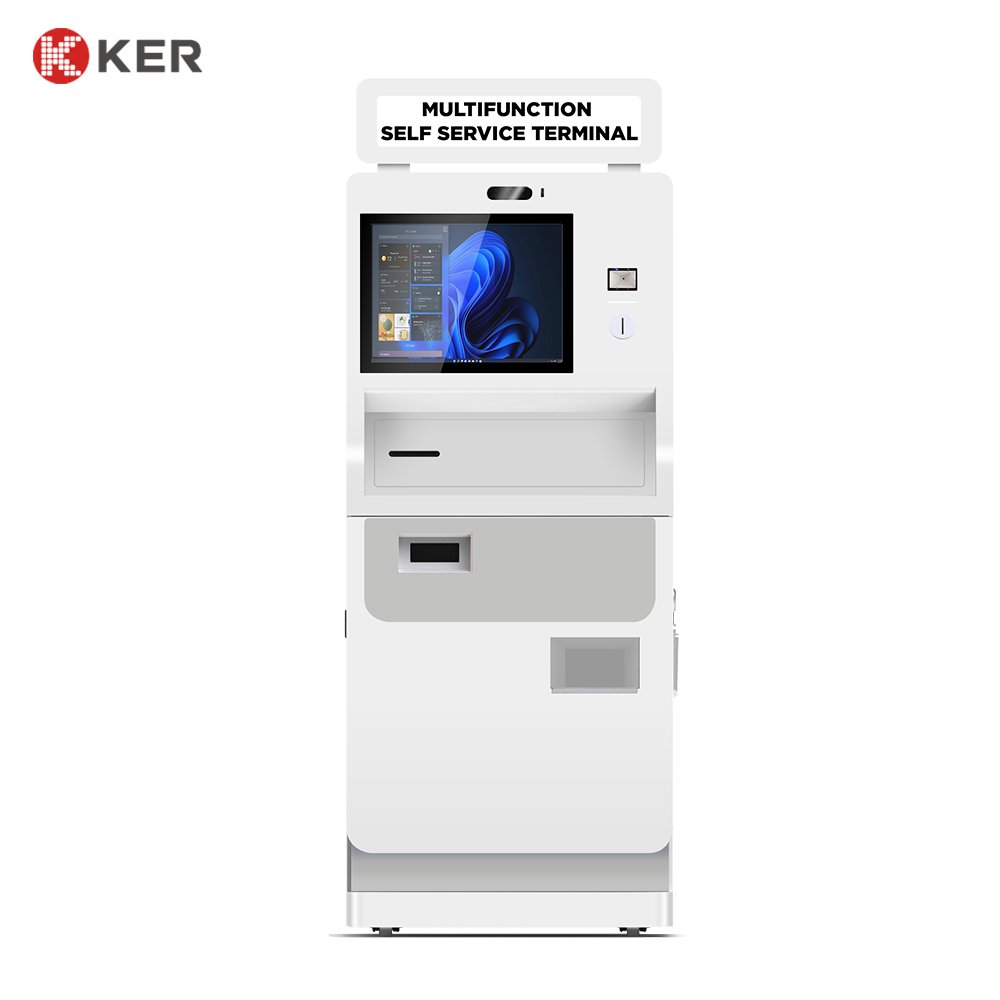
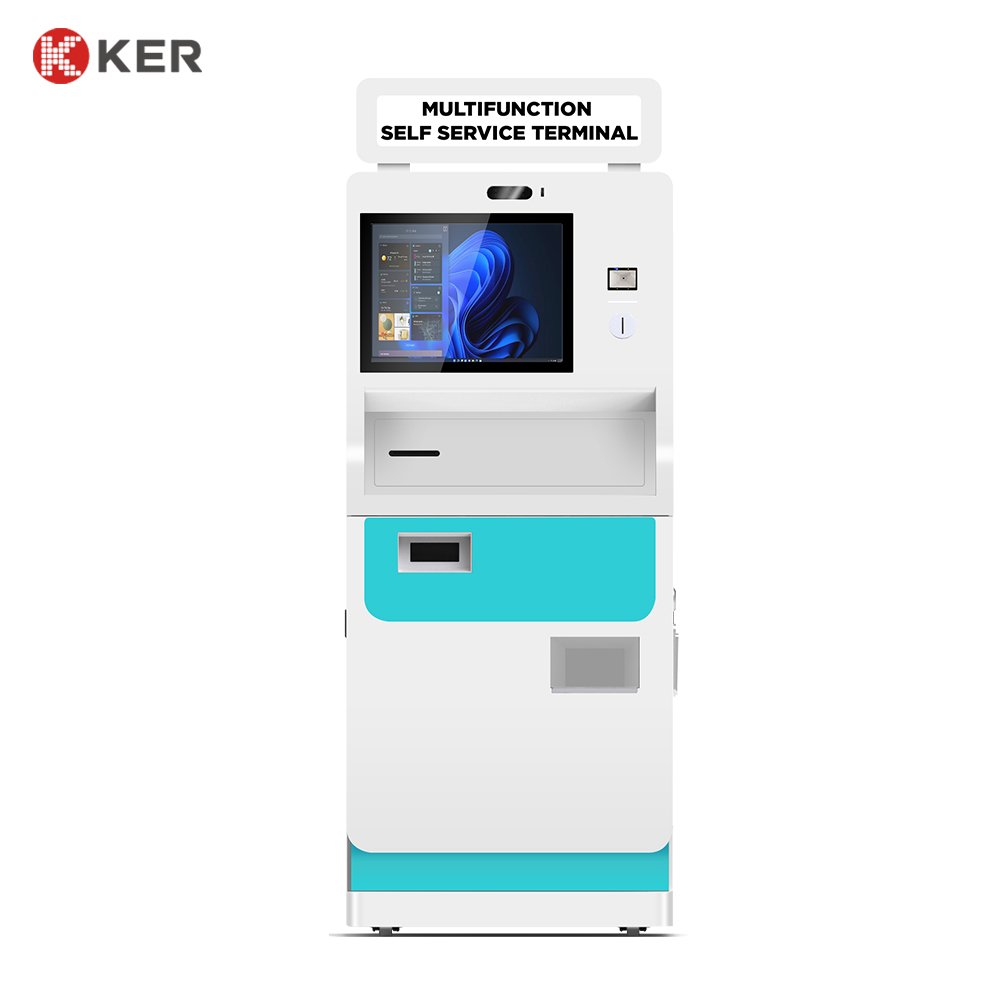
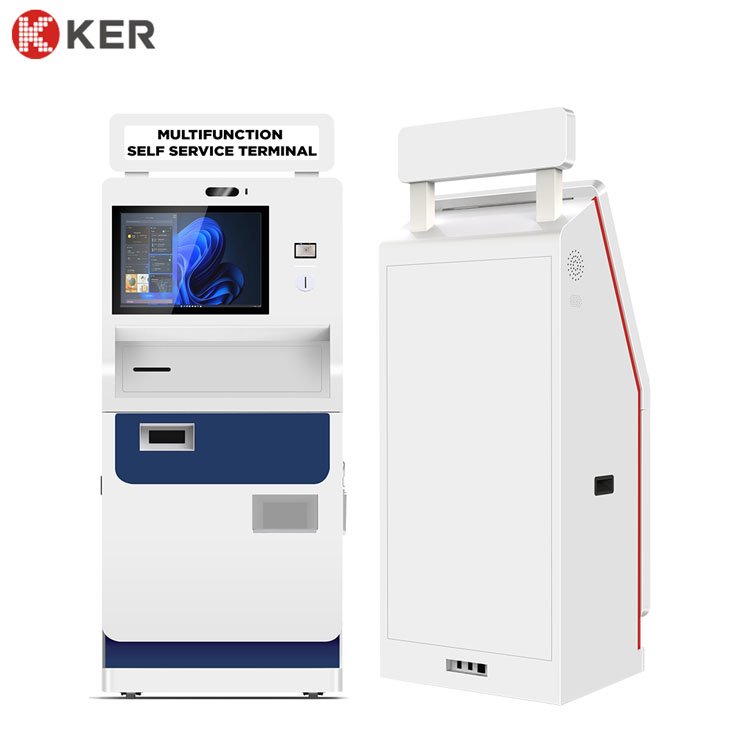
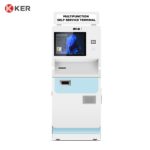
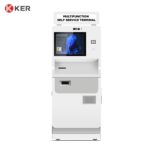
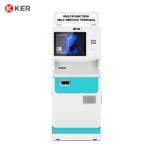
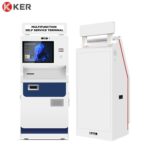
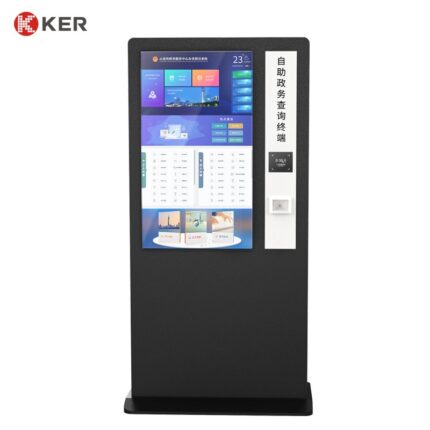
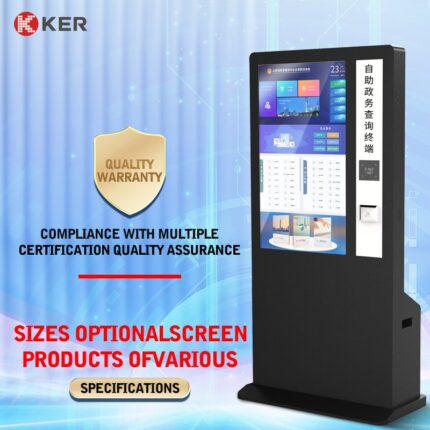
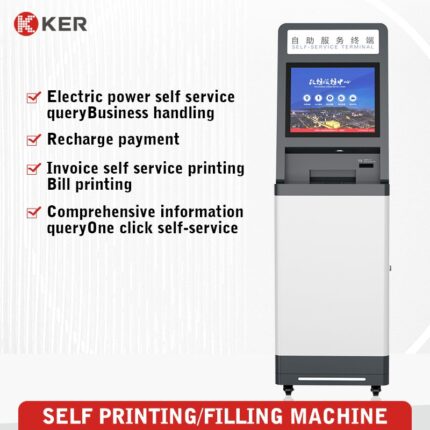
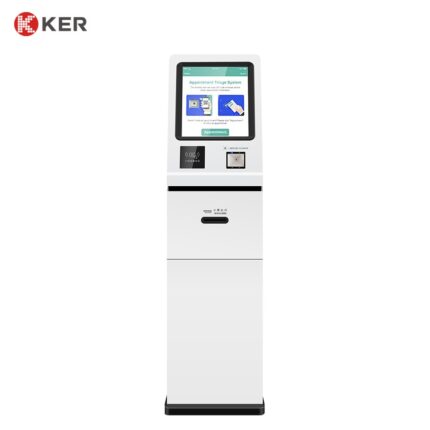
Medium-Size Multifunction Self-Service Kiosk
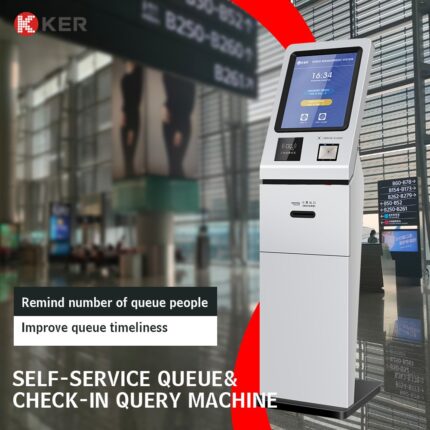
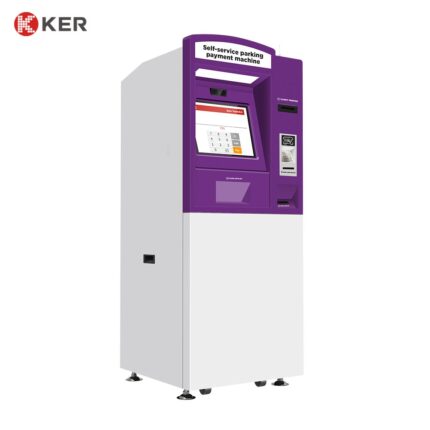
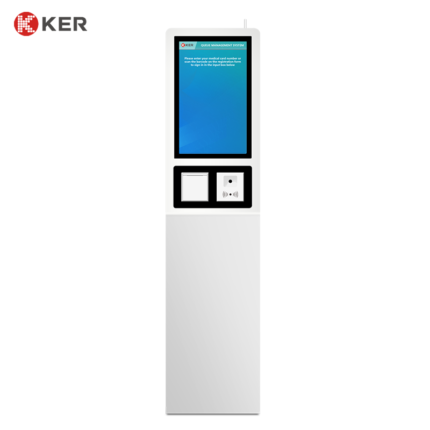
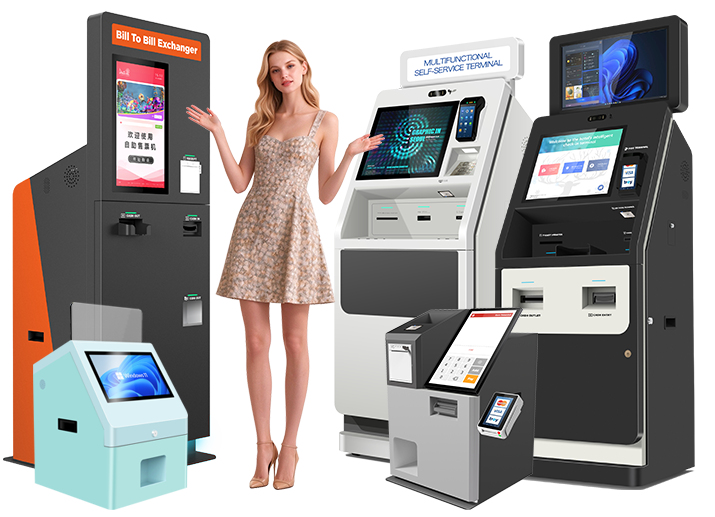
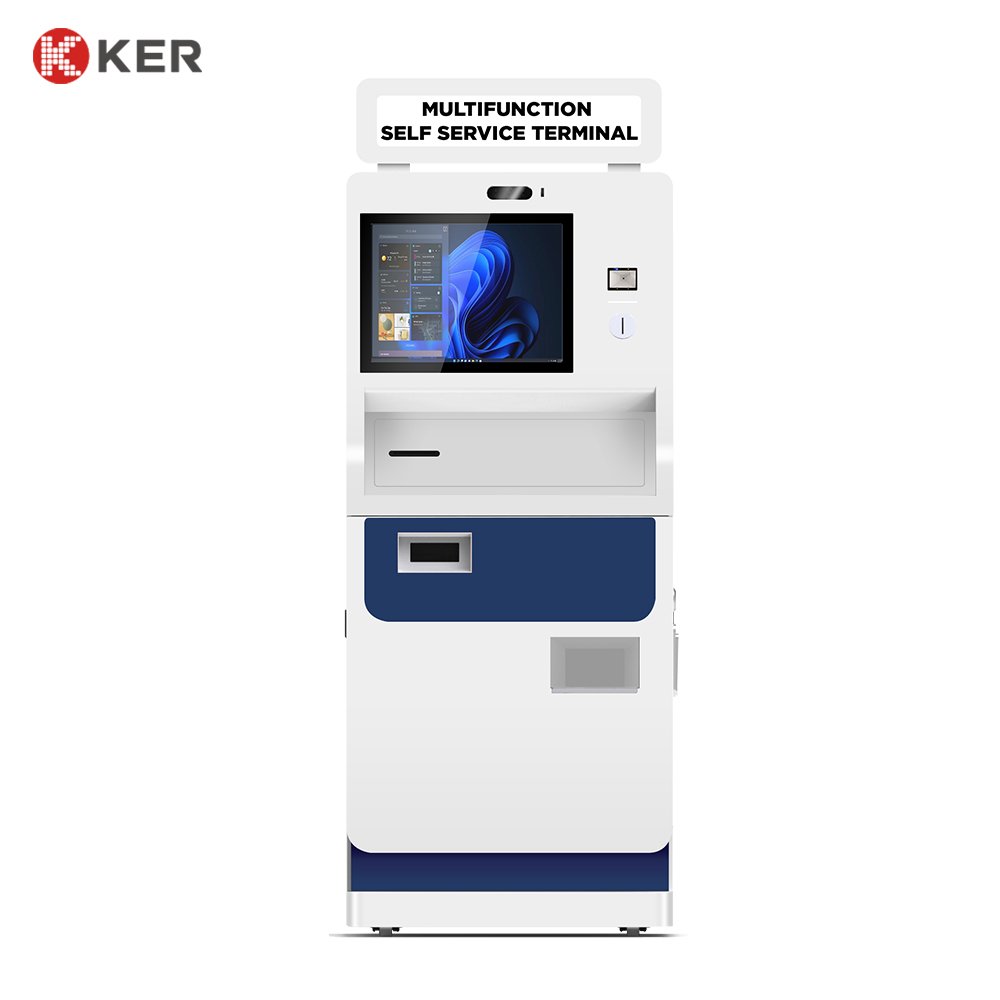
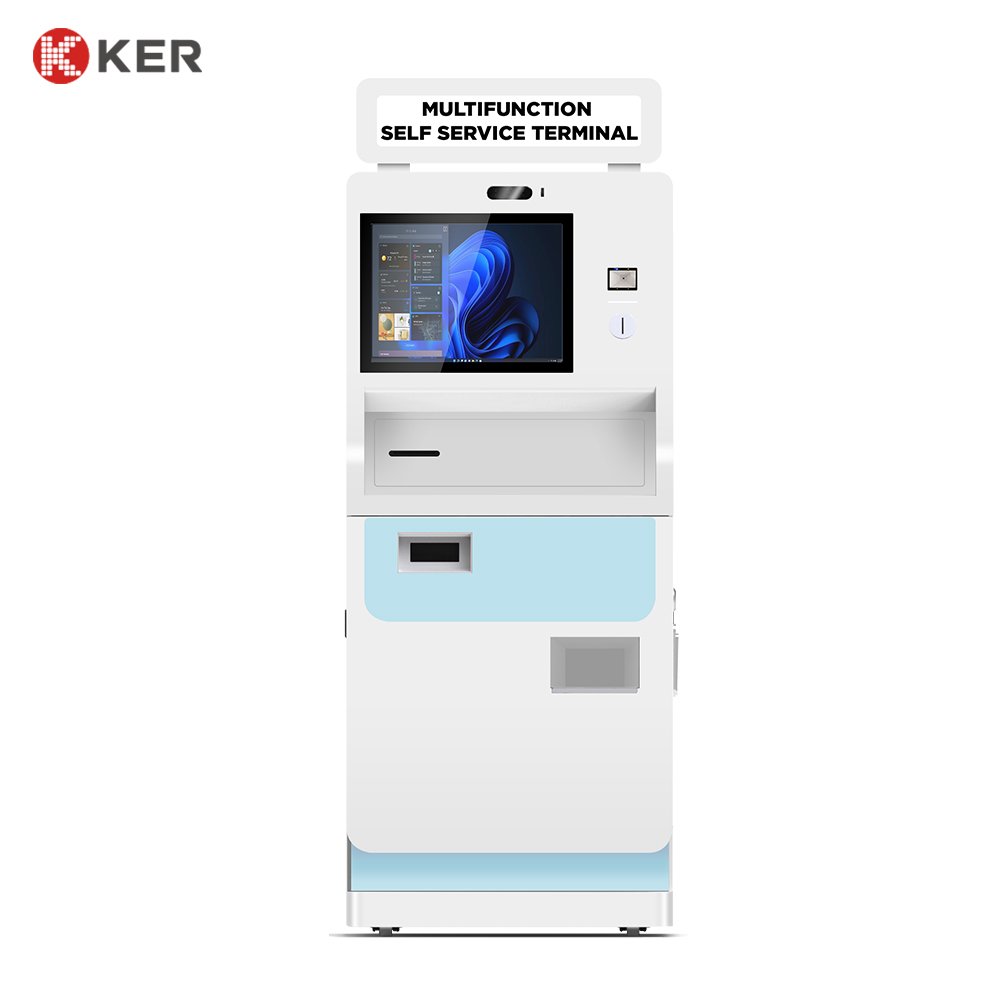
KER Medium-Size Multifunction Self-Service Kiosk is a flexible and modular self-service terminal designed for organizations that need multiple customer-facing services within a single device.
The kiosk combines an interactive touchscreen interface with optional printing, scanning, copying, payment, identification and communication modules.
Instead of being limited to one specific industry, the platform can be configured according to the customer’s workflow and software system.
Typical applications include:
- Government services
- Healthcare
- Banking and finance
- Education
- Retail
- Public service centers
- Enterprise services
Multifunction Self-Service Platform
The terminal can combine multiple service functions in one cabinet.
Depending on the project, it may include:
- Touchscreen display
- Document printer
- Thermal printer
- Document scanner
- Copier
- QR scanner
- Barcode scanner
- ID card reader
- RFID/NFC reader
- Payment terminal
- Camera
- Speaker
The final hardware configuration can be selected according to the application and required workflow.
Interactive Touchscreen
The touchscreen provides a clear interface for customers to operate the terminal independently.
Possible functions include:
- Service selection
- Information inquiry
- Form input
- Document selection
- Payment
- Identity verification
- Printing confirmation
- Transaction status
- Customer instructions
The interface can be customized according to the customer’s software, branding and language requirements.
Document Printing
The terminal can support different printing requirements.
Possible applications include:
- Medical reports
- Government documents
- Certificates
- Application forms
- Statements
- Receipts
- Tickets
- Service confirmations
Printer options may include:
- Thermal printer
- A4 printer
- B5 printer
- Other project-specific printing mechanisms
Document Scanning
Optional scanning modules can support:
- Document scanning
- ID card scanning
- Passport scanning
- QR code scanning
- Barcode recognition
Possible applications include:
- Document submission
- Identity verification
- Report retrieval
- Application processing
- Digital archive creation
Copying Function
The kiosk can also be configured for self-service copying.
Possible functions include:
- Single-page copying
- Multi-page copying
- ID card copying
- Form duplication
- Black-and-white copying
- Color copying
This is particularly suitable for:
- Government service centers
- Libraries
- Schools
- Business centers
- Hospitals
Payment Integration
Optional payment methods include:
- Credit cards
- Debit cards
- NFC/contactless payment
- QR payment
- Mobile wallets
- External POS terminals
Cash payment can also be integrated when required, subject to the available cabinet space and cash-handling hardware.
QR and Barcode Recognition
Optional scanners can support:
- Appointment verification
- Customer identification
- Document retrieval
- Mobile payment
- Ticket verification
- Membership identification
- Voucher redemption
- Order lookup
This enables customers to start a process on their mobile phone and complete it at the kiosk.
Card and NFC Integration
Optional readers may include:
- IC card reader
- RFID reader
- NFC reader
- Membership card reader
- Medical card reader
Possible applications include:
- User authentication
- Membership services
- Student identification
- Patient identification
- Account lookup
- Payment authorization
Information Inquiry
The kiosk can operate as an interactive information terminal.
Possible information services include:
- Public information
- Department information
- Service information
- Account inquiry
- Appointment information
- Product information
- Policy information
- Facility directions
Government Applications
The platform can be configured for:
- Citizen service
- Appointment verification
- Certificate printing
- Application submission
- Government fee payment
- Document scanning
- Public information inquiry
Healthcare Applications
Possible healthcare workflows include:
- Patient registration
- Appointment check-in
- Medical report printing
- Medical card identification
- Payment
- Queue registration
- Healthcare information inquiry
The terminal can be connected to hospital systems where appropriate.
Financial Applications
Possible financial-service uses include:
- Statement printing
- Account inquiry
- Customer-service transactions
- Document submission
- Payment
- Queue registration
More advanced banking functions require integration with approved banking systems and security infrastructure.
Education Applications
For schools and universities, the kiosk can support:
- Student information inquiry
- Transcript printing
- Certificate printing
- Tuition receipt printing
- Campus card services
- Library services
Retail Applications
Possible retail functions include:
- Product information
- Membership registration
- Coupon redemption
- Payment
- Receipt printing
- Customer service
Software Integration
The terminal can integrate with third-party software through:
- API
- SDK
- HTTP
- TCP/IP
- Serial communication
- USB
- Custom middleware
Potential systems include:
- Government service platforms
- HIS/LIS
- Banking systems
- School management systems
- POS
- ERP
- CRM
- Queue management systems
- Payment platforms
The final integration scope depends on the customer’s software architecture and available interface documentation.
Remote Management
Optional device-management functions can include:
- Device online/offline status
- Printer status
- Scanner status
- Payment-device status
- Paper-low alerts
- Error notifications
- Remote restart
- Software updates
- Usage statistics
- Content updates
This is useful for organizations managing multiple kiosks across different locations.
Security and Privacy
Depending on the application, the kiosk can support:
- Automatic session timeout
- Screen clearing
- User authentication
- Secure communication
- Lockable maintenance access
- Camera integration
- Transaction logging
Healthcare, financial and government deployments can add project-specific security requirements.
Modular Cabinet Design
The cabinet can be customized according to the hardware configuration.
Possible options include:
- Screen size
- Printer position
- Scanner position
- Payment terminal position
- Card-reader position
- Camera
- Internal hardware layout
- Custom cabinet dimensions
- Custom color
- Logo branding
- Floor anchoring
| Item | Specification |
|---|---|
| Product Type | Medium-Size Multifunction Self-Service Kiosk |
| Installation | Floor Standing |
| Display | Touchscreen Display |
| Screen Size | Customized |
| Touchscreen | Capacitive Touchscreen |
| Document Printer | Optional |
| Thermal Printer | Optional |
| Document Scanner | Optional |
| Copier | Optional |
| QR Scanner | Optional |
| Barcode Scanner | Optional |
| ID Card Reader | Optional |
| RFID / NFC Reader | Optional |
| Payment Terminal | Card / NFC / QR Optional |
| Cash Payment | Optional |
| Camera | Optional |
| Speaker | Optional |
| Computer Platform | Intel / ARM Optional |
| Operating System | Windows / Android / Linux Optional |
| Network | Ethernet / Wi-Fi / 4G Optional |
| Software Integration | API / SDK / Custom Interface |
| Remote Management | Optional |
| Cabinet | Commercial Metal Enclosure |
| Branding | Logo / Color / UI Customization |
| OEM / ODM | Supported |